

SaaS Marketing Video: Examples, Templates & Brief
09/16/2026
Marketing Services
12 annotated SaaS marketing video examples, a funnel-stage mapping guide, production brief templates, tool picks, and real cost and timeline data.
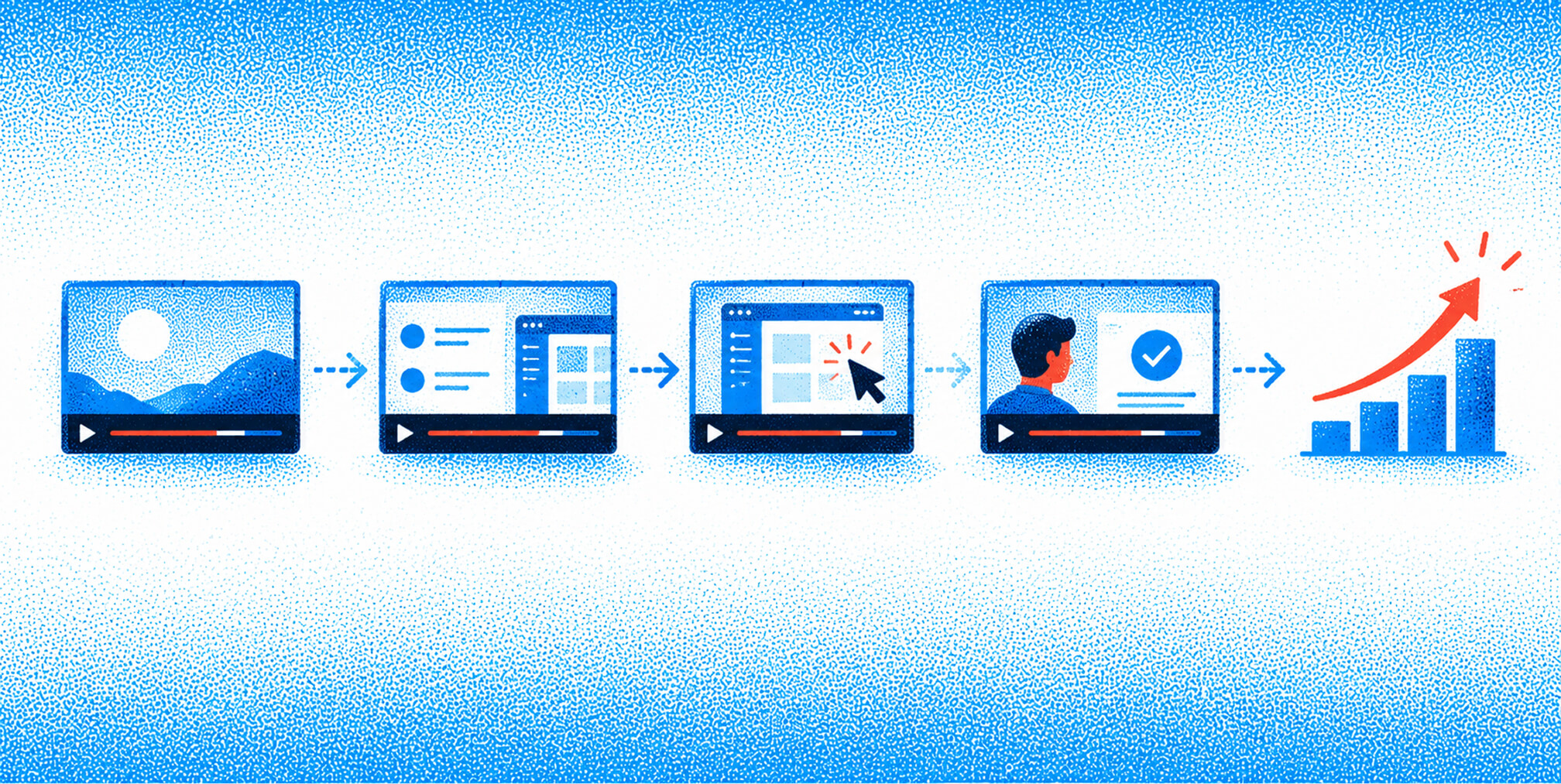
A high-impact SaaS marketing video program maps short, persona-specific assets to funnel stage and measures influence on pipeline, not just plays. B2B buyers consume an average of 13 content pieces before engaging with sales, and video is the single highest-performing format across that entire buying cycle. That means your video program is not a nice creative project. It is a pipeline input.
.png)


12 Annotated SaaS Video Examples and What to Copy Immediately
Start here:
- Formats to prioritize first: a 60-90 second explainer for awareness, a 2-3 minute persona-specific demo for mid-funnel, and a 60-90 second testimonial for the decision stage
- Tools to have open on day one: Descript for editing and transcription, Vidyard for hosting and sales enablement analytics, Canva for motion graphics and thumbnails
- Starting KPI: video-influenced opportunities, not view count
If you want to skip the setup and get a done-for-you program, The Branded Agency builds and runs video-led brand and performance programs for SaaS companies. For others, the playbook below gives you the brief template, annotated examples, and production checklist to build it yourself.
What do the best SaaS marketing video examples actually look like?
The fastest way to improve your own video output is to study what is already working, format by format, and extract the structural decisions you can copy. Below are twelve annotated entries covering the formats every SaaS program needs.
Twelve annotated examples across formats
- Dropbox "What is Dropbox?" explainer (animated, 2 min) — Opens with a relatable pain point: files scattered across email, USB drives, and desktops. The hook is a single question in the first five seconds. CTA: "Try Dropbox free." Mini playbook: targets the awareness-stage buyer who has not yet committed to cloud storage; answers "how do I stop losing files?" Distribute on YouTube and embed on the homepage. Measure: landing page visits from video referral.
- Slack "So yeah, we tried Slack" brand story (live-action, 3 min) — A team of real employees describes their before/after workflow. No voiceover, no animation. The authenticity is the hook. Mini playbook: mid-funnel, targets the team lead persona evaluating collaboration tools. Run as a LinkedIn paid video ad to retargeting audiences.
- Grammarly product demo (screen-recorded + motion overlay, 90 sec) — Shows the browser extension catching errors in real time. The hook is the embarrassing typo in the first sentence. CTA: "Add to Chrome, it's free." Mini playbook: mid-funnel, targets the individual contributor who writes daily. Embed on the pricing page and run as a YouTube pre-roll.
- Asana onboarding clip (screen-recorded, 2 min) — Walks a new user through creating their first project in under two minutes. No sales language. Pure utility. Mini playbook: post-sale, targets the new user who just signed up. Trigger via in-app welcome email on day one.
- Zendesk customer testimonial (live-action interview, 60 sec) — A customer support director describes the ticket resolution time before and after. Specific numbers, real name, real company. Mini playbook: decision stage, targets the VP of Customer Success. Use in sales sequences and on the case study page.
- Adobe Creative Cloud brand story (cinematic live-action, 90 sec) — Focuses on the creative, not the software. Shows a designer finishing a project at 2 AM. No feature list. Mini playbook: awareness stage, targets the creative professional. Run as a paid social awareness campaign on Instagram and YouTube.
- Slack product tour (animated + screen-recorded hybrid, 2 min) — Walks through channels, threads, and integrations using a fictional team scenario. Keeps the viewer in the product the whole time. Mini playbook: mid-funnel, targets the IT decision-maker. Embed on the features page.
- Grammarly AI feature explainer (AI-assisted animation, 60 sec) — Uses motion graphics to show the AI rewriting a paragraph. No human presenter. Fast-paced, text-on-screen captions throughout. Mini playbook: awareness stage, targets the content marketer. Distribute as a LinkedIn organic post and YouTube Short.
- Asana case study video (live-action interview + screen overlay, 3 min) — A marketing team lead walks through how Asana reduced their campaign planning time. Specific workflow shown on screen. Mini playbook: decision stage, targets the marketing director. Place on the case study hub and in late-stage sales sequences.
- Dropbox Paper product tour (screen-recorded, 90 sec) — Shows a collaborative document being built in real time. Minimal narration. The product does the talking. Mini playbook: mid-funnel, targets the content team lead. Embed on the product comparison page.
- Zendesk explainer (animated, 60 sec) — Opens with a customer service agent drowning in tickets across five channels. Resolves in ten seconds with Zendesk unifying everything. Clean, fast, no jargon. Mini playbook: awareness stage, targets the customer service manager. Run as a LinkedIn awareness ad.
- Slack short-form ad (AI-assisted, 15 sec) — A single before/after split screen. Left side: chaotic email thread. Right side: clean Slack channel. No voiceover. Text overlay only. Mini playbook: awareness stage, targets any knowledge worker. Run as a paid social ad on LinkedIn and Instagram.
Pro Tip: Before scripting, write the one question your persona is asking at that funnel stage. Every creative decision, hook, runtime, and CTA should answer that question and nothing else.
Three things to copy immediately
- Lead with the problem, not the product. Every high-performing example above opens with a pain point or a relatable scenario before the product appears on screen.
- Put the CTA where the viewer is most engaged, not at the end. Mid-video CTAs in demos consistently outperform end-card CTAs, especially when the viewer has already seen the value.
- Caption everything. In 2026, visual-first content with on-screen text performs significantly better across LinkedIn and YouTube, where a large share of views happen without sound.
Free Brand Health Audit
Make sure your brand is built to sell
Search has changed. Your customers aren't just Googling anymore. They're asking ChatGPT, Perplexity, Gemini and other AI platforms what to buy, who to trust and which brands they should consider.
If your brand isn't showing up clearly in those answers, you're already losing opportunities. Our free Brand Health Audit shows you where your brand stands across traditional search, AI search and brand positioning.

Sample brand audit
Live preview
Traditional search
72
AI search (GEO)
34
Brand positioning
58
Mapping Video Type to Funnel Stage, Plus the Right Tools and Templates
How do you map video type to funnel stage and persona?
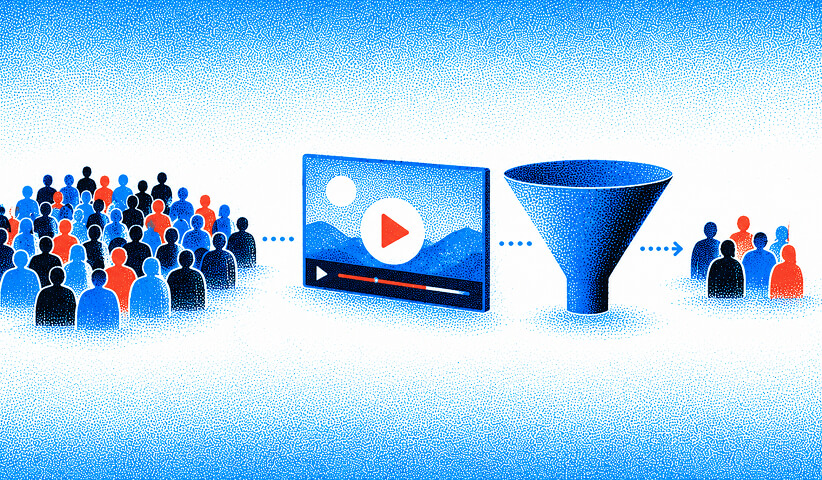
Format misalignment is the leading cause of low video ROI. A long product deep-dive at the top of the funnel loses the viewer before they know why they should care. Successful B2B programs document three to five personas and the question each asks at each stage, then select formats that resolve those questions. The table below is your reference.
| Video Type | Best For (Stage / Persona) | Recommended Runtime | Platform / Placement | Production Style | Primary KPI |
|---|---|---|---|---|---|
| Explainer | Awareness / any persona | 60-90 sec | YouTube, LinkedIn, homepage | Animated or AI-assisted | Landing page visits, view rate |
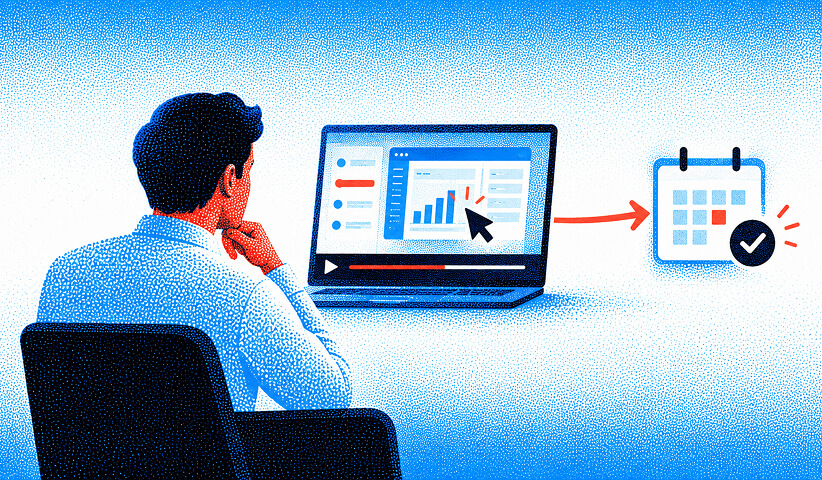
| Product demo | Mid-funnel / champion or evaluator | 2-3 min | Landing page, sales sequences, YouTube | Screen-recorded + motion overlay | Trial signups, booked demos |
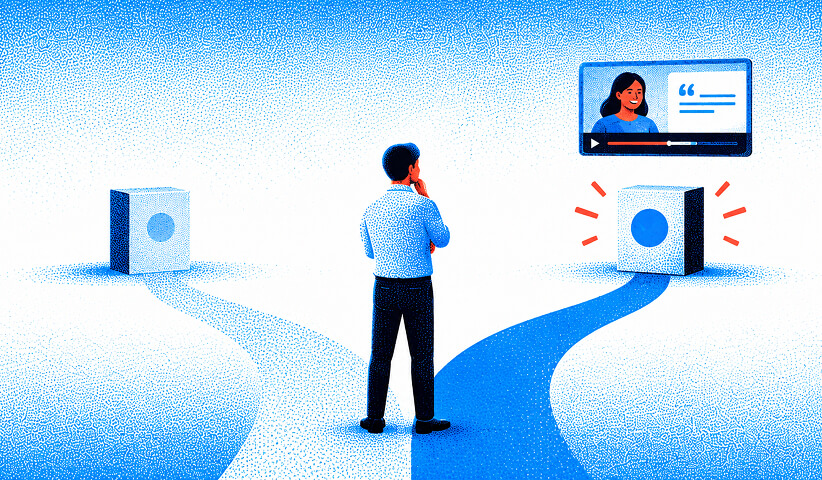
| Testimonial / case study | Decision / economic buyer | 60-90 sec | Case study page, sales sequences, LinkedIn | Live-action interview | Close-rate lift, opportunity influence |
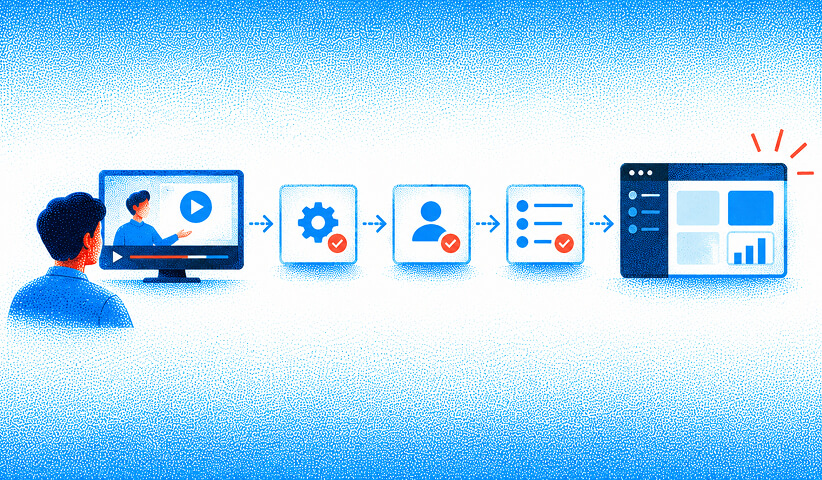
| Onboarding / tutorial | Post-sale / new user | 3-5 min | In-app, email nurture, help center | Screen-recorded | Feature adoption, churn reduction |
| Brand story | Awareness / executive or investor | 90 sec-2 min | LinkedIn, paid social, homepage | Cinematic live-action | Brand recall, engagement rate |
| Product tour | Mid-funnel / IT or ops persona | 90 sec-2 min | Features page, comparison page | Animated + screen hybrid | Time-on-page, demo requests |
| Short-form ad | Awareness / broad persona | 15-30 sec | LinkedIn ads, YouTube pre-roll, Instagram | AI-assisted, motion graphics | CPM, CTR, reach |
Length guidelines by stage: Awareness videos perform best at 60-90 seconds; mid-funnel demos at 2-3 minutes; decision-stage testimonials at 60-90 seconds; post-sale tutorials can run 3-5 minutes where depth is genuinely needed.
Persona triggers by product style: Think of Dropbox as the file-chaos persona, Asana as the project-overload persona, Grammarly as the writing-quality persona, Slack as the communication-fragmentation persona, and Zendesk as the support-volume persona. Each maps to a distinct question at each stage. Build your own persona map the same way: one question per persona per stage, one video format per answer.
Pro Tip: Film in modular segments: a 2-minute demo can yield a 30-second LinkedIn ad, a 15-second YouTube pre-roll, and a GIF for email, all from one shoot. Plan the edit points before you press record.
Which tools and templates get you to a finished video fastest?
The right toolchain depends on your team's size, budget, and how fast you need to ship. Here is the honest breakdown.
Editing and transcription
Descript is the fastest path from raw footage to a polished cut for most SaaS teams. You edit the transcript and the video follows. It handles screen recording, overdub, and captions natively. Best for: hybrid teams doing 2-4 videos per month.
Adobe Creative Cloud (Premiere Pro + After Effects) is the professional standard for motion graphics and brand-quality production. The learning curve is real, but the output ceiling is high. Best for: in-house teams with a dedicated video editor.
AI-assisted production
Synthesia generates presenter-led videos from a script using AI avatars. No camera, no studio. Ideal for onboarding clips, tutorial series, and localized product explainers where you need volume without a production crew.
Canva covers motion graphics, animated explainers, and social video with drag-and-drop simplicity. Its template library includes SaaS-specific layouts. Best for: marketers who need branded short-form content without a designer.
Templates and asset libraries
Envato Elements offers a deep library of After Effects and Premiere Pro templates built for SaaS and tech products. Subscription-based, so you get unlimited downloads. Best for: teams that want a professional animated look without building from scratch.
Canva's template library is the fastest starting point for social video, explainer storyboards, and thumbnail design. Filter by "SaaS" or "tech" to find layouts that already match the category aesthetic.
Hosting, analytics, and sales enablement
Vidyard is the go-to for B2B SaaS teams that need video analytics tied to CRM records. You can see which prospects watched your demo, how far they got, and trigger sales follow-up based on engagement. Best for: mid-funnel and sales enablement use cases.
Wistia is the choice for marketing teams that want clean, brand-controlled video pages with A/B testing, heatmaps, and email capture gates. Best for: landing page embeds and gated content.
Vimeo offers reliable hosting with privacy controls and a clean player. Best for: agencies and teams that need a professional embed without YouTube's suggested-video distractions.
YouTube remains the largest video search engine and the default for organic discovery. Every SaaS program should have a YouTube presence for awareness-stage content and SEO.
DIY vs. hybrid vs. agency: the honest checklist
- DIY (Descript + Canva + YouTube): right when you need speed, volume, and low cost. Works for onboarding clips, short-form social, and tutorial series. Expect 2-7 days per asset.
- Hybrid (in-house script + freelance editor + Vidyard): right when you have a clear brief but lack post-production bandwidth. Adds motion graphics and professional color without full agency overhead. Expect 1-4 weeks.
- Agency (The Branded Agency or equivalent): right when you need strategic alignment, brand-quality production, distribution planning, and measurement tied to pipeline. Expect 4-8+ weeks for a flagship asset.
Decision rule: if the video will appear on your homepage, in paid ads, or in executive sales sequences, invest in at least a hybrid production. If it is an internal tutorial or a quick social clip, DIY is the right call.
Fast 48-hour demo video checklist (DIY toolchain)
- Write a 300-word script using the persona question as the first line
- Record screen + voiceover in Descript in one take; clean the transcript
- Add captions and a branded lower-third in Canva
- Export at 1080p; upload to Vidyard with a CTA link to your trial or booking page
- Post natively to LinkedIn; embed on your demo landing page
- Set a Vidyard alert for any prospect who watches more than 75%
Producing content instead of pipeline? Keep reading!
If you need a done-for-you video program tied to your funnel, contact us for a free custom quote.
The Production Brief and Script Templates You Need Before You Film
What does a production brief and script template look like?
This is the section most SaaS teams skip, and it is why their videos underperform. A brief written before production begins is the single highest-leverage document in your video program.
Production brief template fields
- Persona(s): name the specific role and company type (e.g., "VP of Marketing at a 50-200 person B2B SaaS company")
- Funnel stage: awareness / mid-funnel / decision / post-sale
- Primary goal: one measurable outcome (e.g., "increase trial signups from the pricing page by 15%")
- Core metric: the downstream conversion event this video owns (demo booked, trial started, feature activated)
- Distribution plan: where it goes on day one, week one, and month one
- Must-have shots or assets: product UI, customer face, specific feature, brand color palette
- Required deliverables: 16:9 master, 9:16 social cut, 1:1 thumbnail, captions file
- Timeline: brief approval date, script lock, shoot date, first cut, final delivery
- Budget band: DIY / hybrid / agency flagship
Script template by format
15-30 second hook patterns:
- Problem statement: "If you're still [pain point], you're losing [specific cost or time]."
- Contrast: "Before [product]: [chaos]. After: [clarity]."
- Question: "What if [desired outcome] took less than [time]?"
60-90 second explainer frame:
- Hook (0-10 sec): the problem in one sentence
- Agitate (10-25 sec): what it costs to leave it unsolved
- Solution (25-55 sec): how the product resolves it, shown not told
- CTA (55-90 sec): one specific next action with a reason to act now
2-3 minute persona demo structure:
- Persona context (0-20 sec): "You're a [role] who needs to [goal]."
- Problem in the product (20-45 sec): show the before state
- Solution walkthrough (45 sec-2 min 15 sec): step-by-step, no feature dumping
- Outcome (2 min 15 sec-2 min 45 sec): the result the persona cares about
- CTA (2 min 45 sec-3 min): book a demo, start a trial, or download a resource
CTA options tied to measurable next actions:
- "Start your free trial" (tracks trial starts)
- "Book a 20-minute demo" (tracks booked demos)
- "Download the [resource]" (tracks content downloads / MQL conversion)
Production checklist: numbered steps
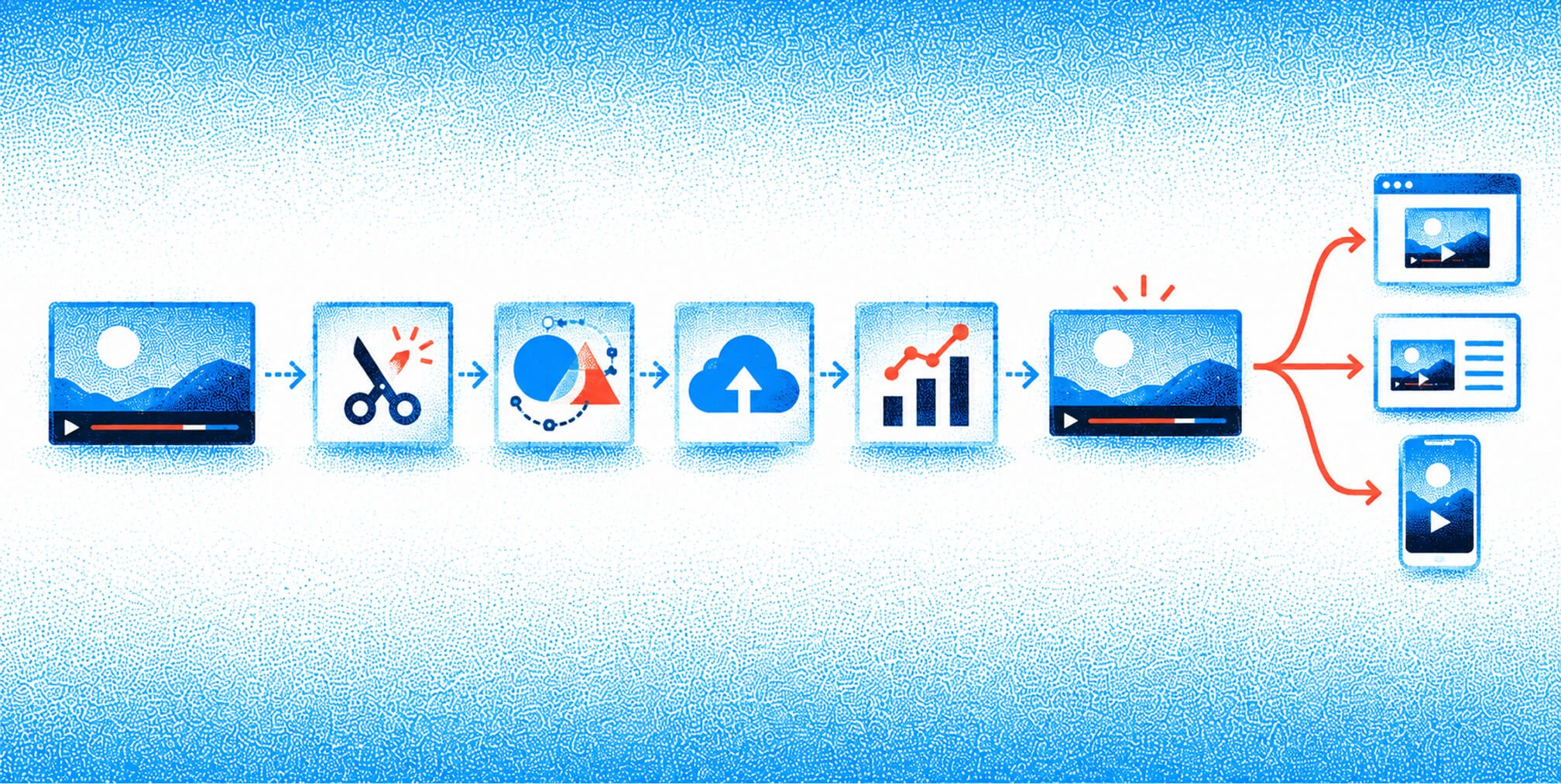
- Pre-production: brief approved, script locked, storyboard or shot list created, assets gathered (UI screenshots, brand kit, music license)
- Shoot / record: screen capture or live-action recorded, voiceover recorded in a quiet space, B-roll captured if live-action
- Post-production: rough cut assembled, captions added, motion graphics and lower-thirds applied, color and audio balanced, CTA card added
- Review: internal stakeholder review, one round of revisions, legal or compliance check if required
- Delivery: master file exported (H.264, 1080p minimum), social cuts exported (9:16, 1:1), captions file (.SRT) delivered, thumbnail designed and delivered
- Distribution setup: uploaded to Vidyard or Wistia with UTM parameters, embedded on target page, LinkedIn post scheduled, email sequence updated
Agency handoff checklist
- Signed brief with all template fields completed
- Approved script with CTA confirmed
- Brand kit delivered (logo files, color hex codes, font files, approved music or SFX)
- Access to product UI for screen recording (staging environment preferred)
- Named point of contact for review rounds
- Agreed revision rounds (typically two) and final delivery format confirmed
- Analytics access granted (Vidyard, HubSpot, or CRM) so the agency can report on downstream conversion
Placement, ROI Metrics, Cost/Timeline Data, and Key Takeaways
Where should you publish your videos and how do you measure ROI?
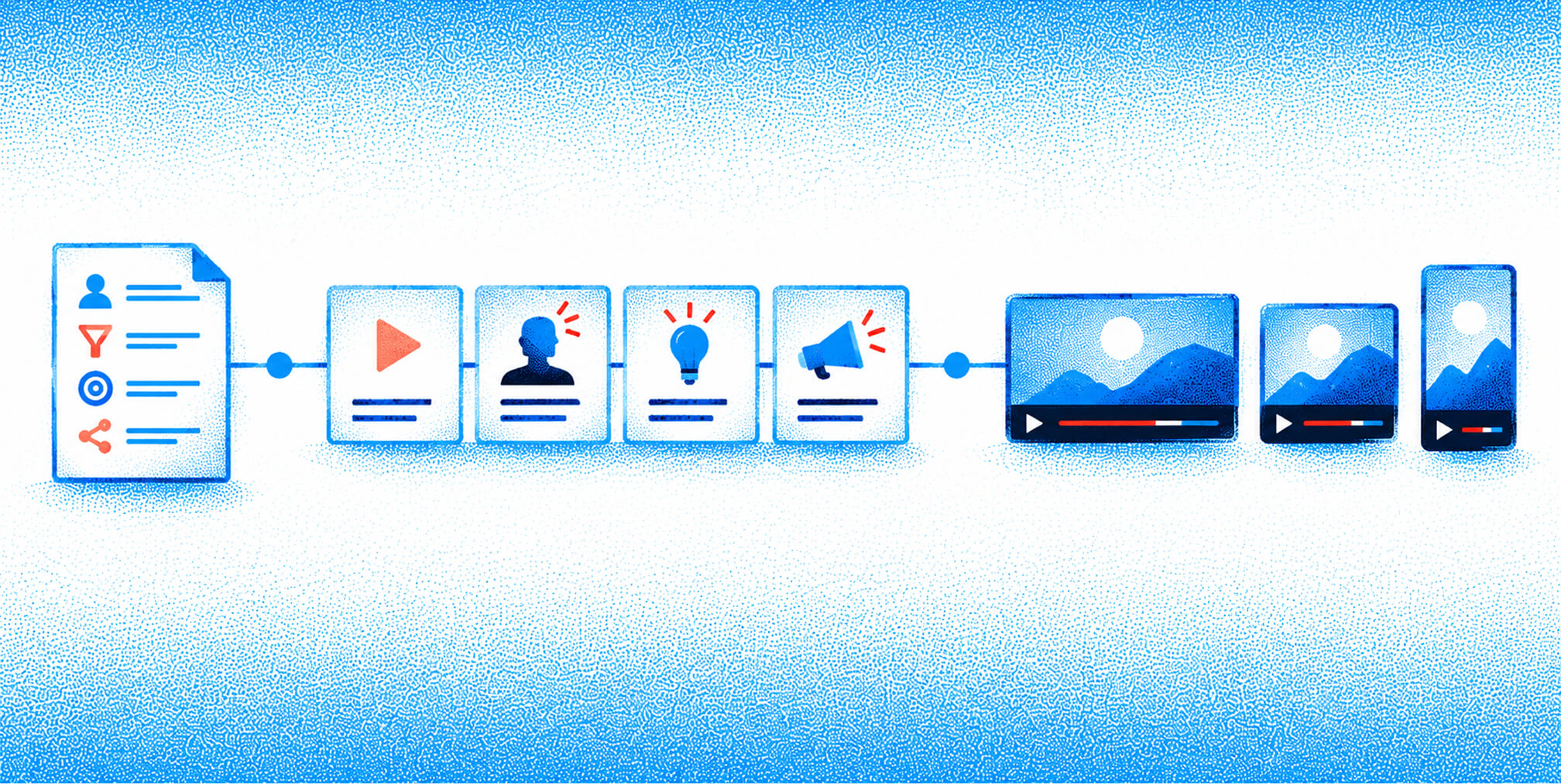
Distribution should be built into the brief, not bolted on after production. The channel determines the format, the runtime, and the CTA. Here is the placement checklist by funnel stage, followed by the metrics that matter to executives.
Placement by funnel stage
- Awareness: LinkedIn organic video posts, YouTube (SEO-optimized titles and descriptions), paid LinkedIn video ads targeting your ICP by job title and company size
- Mid-funnel: landing page embeds (above the fold on demo and pricing pages), email nurture sequences with video thumbnails linked to Vidyard, retargeting ads on LinkedIn and YouTube
- Decision: sales enablement sequences via Vidyard (tracked per prospect), case study page embeds, proposal follow-up emails
- Post-sale: in-app onboarding triggers, help center embeds, customer success email sequences
LinkedIn drives the majority of B2B video reach in 2026, and organic video reach can outperform text posts by 3-5x on company pages. That ratio makes LinkedIn the first channel to activate for any new SaaS video asset. Pair your LinkedIn organic posts with a SaaS email marketing sequence that uses video thumbnails to drive click-through to your hosted player.
Metrics that justify budget
Pipeline metrics (report these to executives):
- Video-influenced opportunities: deals where a prospect watched a video before entering the pipeline
- Multi-touch attributed revenue: revenue from closed deals where video was a touchpoint
- Stage-specific conversion: demo views to trial starts, testimonial views to close rate
Diagnostic metrics (use these to optimize):
- View rate: percentage of impressions that resulted in a play
- Completion rate: percentage of viewers who watched to the end (benchmark: 60%+ for sub-90-second assets)
- CTR from video to CTA destination
Budget rule of thumb: budget a minimum of $1 of paid amplification for every $2 of production cost on awareness or demand-generation video. A $3,000 explainer warrants at least $1,500 in LinkedIn or YouTube paid distribution to generate enough impressions for meaningful data.
Distribution activation: from launch to first attributed opportunity
- Upload master to Vidyard or Wistia with UTM parameters on the CTA link
- Embed on the target landing page; confirm the player loads above the fold
- Publish natively to LinkedIn (do not share a YouTube link; native video gets more reach)
- Add a video thumbnail to the relevant email nurture step; link to the hosted player
- Launch a LinkedIn paid video campaign targeting your ICP; set a view-through conversion window of 7 days
- Share the Vidyard tracking link with your sales team for 1:1 outreach
- At day 14, pull completion rate and CTR; A/B test a new thumbnail or opening line if completion rate is below 50%
- At day 30, pull video-influenced opportunities from your CRM and report to leadership
What does SaaS video production actually cost and how long does it take?
Budget and timeline expectations are where most SaaS teams get surprised. The table below gives you honest ranges by approach and asset type.
| Production Approach | Typical Timeline | Typical Deliverables | Estimated Cost Band | What Drives Cost |
|---|---|---|---|---|
| DIY (Descript + Canva) | 2-7 days | 1 master + 1 social cut | $0 | Software subscriptions, stock music |
| Hybrid (in-house script + freelance editor) | 1-4 weeks | 1 master + 2 social cuts + captions | $1,500 | Editor day rate, motion graphics, voiceover talent |
| Agency flagship (full production) | 4-8+ weeks | Master + short-form variants + distribution plan | Custom, confirm in proposal | Talent, animation, strategy, revisions, paid media setup |
What drives cost most: animation and motion graphics add the most to a budget, followed by on-camera talent and studio time. A screen-recorded demo with a professional voiceover and motion overlay typically costs 40-60% less than a fully animated explainer at the same runtime.
Retainer vs. project pricing: a project engagement makes sense for a single flagship asset or a defined campaign. A retainer makes sense when you need ongoing video velocity, typically four or more assets per month, because it locks in production capacity and keeps the brief-to-delivery cycle short. Content multiplier planning, filming one long-form interview and cutting it into a demo, a testimonial clip, a LinkedIn short, and an email GIF, is the fastest way to increase output without increasing budget proportionally.
Decision checklist:
- High volume, low complexity, fast turnaround: DIY
- Moderate complexity, brand quality required, limited in-house post-production: hybrid
- Strategic alignment, paid distribution, flagship brand asset, or full-funnel program: agency
For early-stage SaaS teams, the startup marketing strategies that work best prioritize the demo video first, then add the explainer and testimonial once the demo is proven.
Key Takeaways
The most effective SaaS video program starts with a persona-by-stage brief, prioritizes the mid-funnel demo as its first format, and measures video-influenced pipeline opportunities rather than raw view counts.
| Point | Details |
|---|---|
| Demo video first | The mid-funnel demo has the clearest ROI for B2B SaaS; master it before adding other formats. |
| Brief before production | A completed brief covering persona, funnel stage, core metric, and distribution plan prevents format misalignment and wasted spend. |
| LinkedIn is the primary B2B channel | Organic video on LinkedIn can outperform text posts by 3-5x; activate it on day one for every new asset. |
| Paid amplification is part of the budget | Plan at least $1 of paid distribution for every $2 of production cost on awareness video to generate meaningful data. |
| The Branded Agency | For teams that need a done-for-you video program, The Branded Agency builds brief-to-pipeline video strategies for SaaS companies. |
The case for brand clarity before you press record
Most SaaS video programs fail not because the production is bad, but because the brand underneath it is unclear. A beautifully edited demo that cannot articulate a distinct point of view will not move a buyer who has already watched three competitor demos that week.
The teams that get the most out of video are the ones that have done the positioning work first. They know exactly who they are talking to, what that person believes before watching, and what they need to believe after. That clarity shows up in the hook, the language, the CTA, and the thumbnail. Without it, you are producing content. With it, you are producing pipeline.
At The Branded Agency, we see this pattern consistently: the clients who invest in brand strategy before video production get more from every dollar they spend on distribution. The video becomes a vehicle for a clear message rather than a search for one. That is the difference between a video program that influences revenue and one that generates reports about view counts.
The practical implication: before you brief a video, brief your brand. Know your ICP's language, your product's distinct advantage, and the one outcome your buyer cares about most. Then write the script. The production quality can always be improved. A video built on a weak brief cannot be saved in post.
The Branded Agency builds video programs that move pipeline
If you have read this far and you are thinking "we need this, but we do not have the team to execute it," that is exactly the situation The Branded Agency is built for. We work with growth-stage SaaS companies that need a video-led brand and performance program without hiring a full in-house production team.
A typical engagement delivers a completed production brief and script template, one flagship video asset plus two to three short-form variants, a distribution plan mapped to your funnel stages, and CRM measurement setup so you can report video-influenced pipeline to your board. We align brand strategy with paid distribution so every video asset earns its place in your growth model, not just your content calendar. Our paid media management team handles amplification so your production investment generates the impressions it needs to produce data.
Ready to build a video program that actually influences revenue? Talk to our team and we will start with your brief.
Useful Resources for SaaS Video Production
Examples and inspiration
- 16+ Best B2B SaaS Video Examples From 2026 — best for studying format variety and production style across funded SaaS brands
- 21 SaaS Explainer Video Examples and Trends — best for animated explainer benchmarks and 2026 trend analysis
Templates and asset libraries
- Envato Elements SaaS Video Templates — best for After Effects and Premiere Pro templates built for tech and SaaS products
- Canva template library (search "SaaS" or "tech explainer") — best for quick editable social video and motion graphics without a designer
Hosting and analytics
- Vidyard — best for mid-funnel and sales enablement analytics tied to CRM records
- Wistia — best for landing page embeds with A/B testing and email capture gates
- Vimeo — best for brand-controlled hosting with privacy options and a clean player
- YouTube — best for organic discovery and video SEO at the awareness stage
Distribution and amplification
- Video SEO guide: boost visibility and organic reach — best for a step-by-step checklist to improve discoverability across YouTube and search
- SaaS growth without ads: proven organic strategies — best for pairing video with an organic content calendar and repurposing plan
Production tools
- Descript — best for fast editing, transcription, and captions in one workflow
- Synthesia — best for AI-generated presenter videos at scale without a camera crew
- Adobe Creative Cloud — best for brand-quality motion graphics and professional post-production
Measurement and persona planning
- How to create buyer personas for targeted marketing success — best for building the persona profiles that drive your video brief
- Embedding video on your SaaS website — best for placement strategy on landing pages, product pages, and resource hubs
Recommended

Quincy Samycia
As entrepreneurs, they’ve built and scaled their own ventures from zero to millions. They’ve been in the trenches, navigating the chaos of high-growth phases, making the hard calls, and learning firsthand what actually moves the needle. That’s what makes us different—we don’t just “consult,” we know what it takes because we’ve done it ourselves.
Want to learn more about brand platform?
If you need help with your companies brand strategy and identity, contact us for a free custom quote.
We do great work. And get great results.
+2.3xIncrease in revenue YoY
+126%Increase in repurchase rate YoY




+93%Revenue growth in first 90 days
+144% Increase in attributed revenue




+91%Increase in conversion rate
+46%Increase in AOV




+200%Increase in conversion rate
+688%Increase in attributed revenue







