

UTM Naming Conventions: The Audit-Ready GA4 Playbook
09/16/2026
Marketing Services
A GA4-ready UTM naming playbook — parameter rules, naming models, governance architecture, audit queries, and the mistakes that cost real revenue.
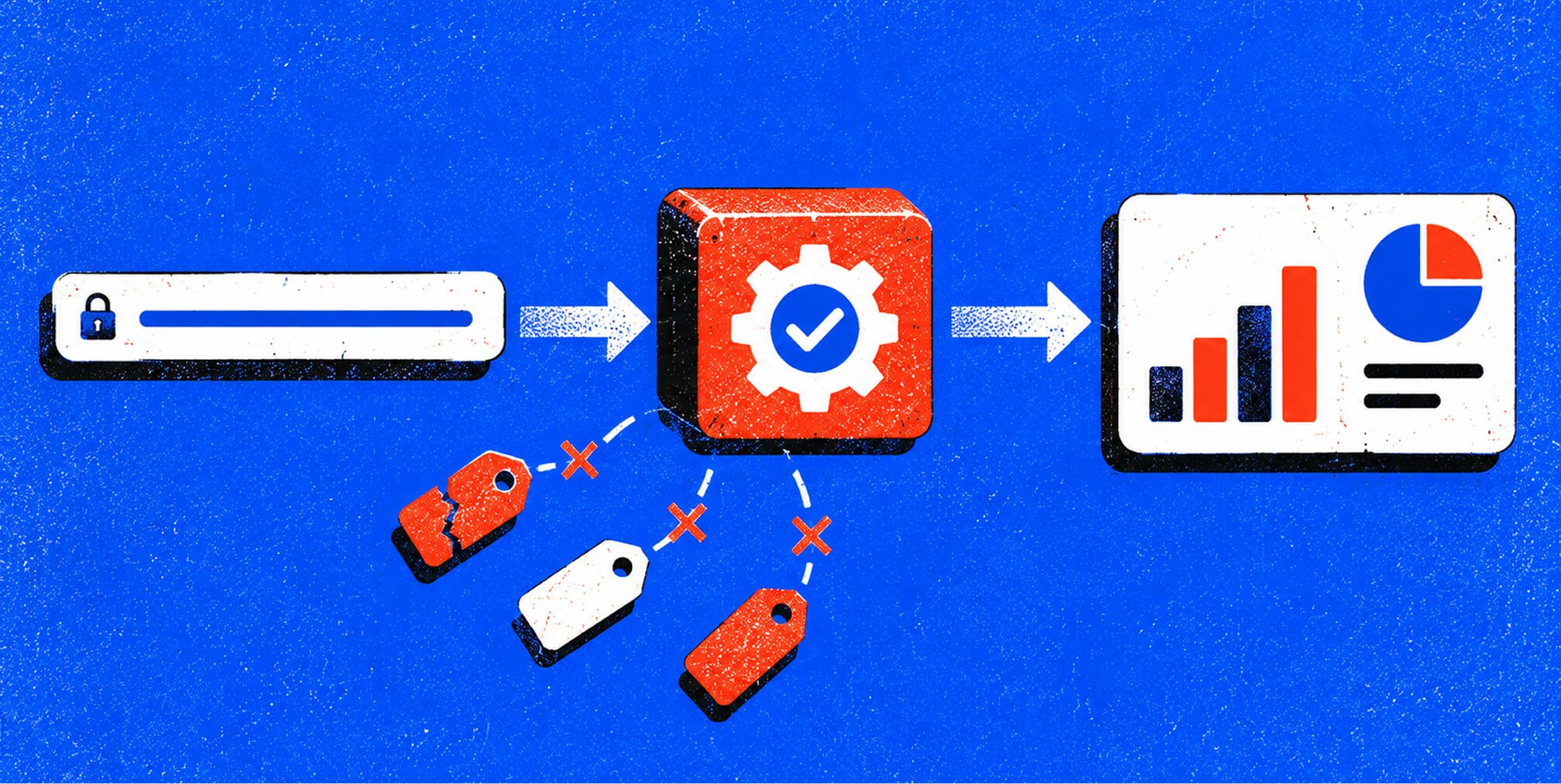
Adopt a GA4-aligned UTM taxonomy enforced by a centralized link builder that eliminates free-text entry. That single change prevents the data fragmentation that costs marketing teams significant revenue efficiency according to enterprise attribution studies.
.png)


The Five UTM Parameters, GA4 Mapping, and the Real Cost of Inconsistency
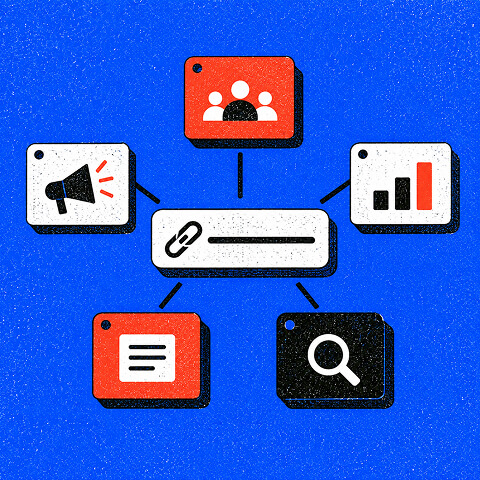
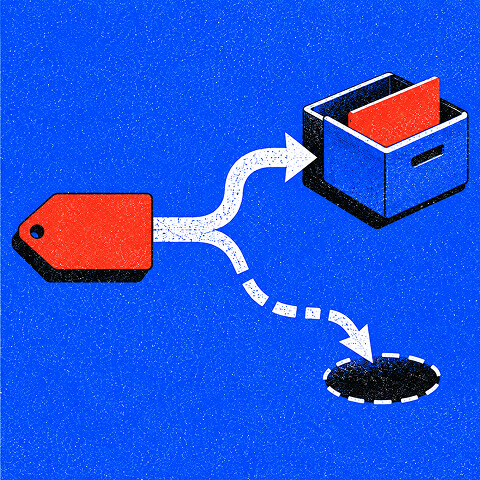

Here is the scan-and-act checklist to get there:
- Enforce lowercase on every UTM value, everywhere, without exception.
- Use one separator (hyphen or underscore) and stick to it across all channels.
- Require utm_source, utm_medium, and utm_campaign on every external link.
- Align utm_medium values to GA4's built-in channel grouping strings (email, cpc, paid_social, referral, organic).
- Add pre-publish validation via a shared builder or Google Tag Manager before any link goes live.
- Centralize the registry in a shared spreadsheet or UTM.io workspace so every team and agency partner pulls from the same approved list.
Pro Tip: The most expensive UTM mistake is not a wrong value. It is no governance at all. A team that ships 50 campaigns with free-text UTMs will spend more time cleaning data than analyzing it.
What are the five UTM parameters and how do they map to GA4?
UTM parameters are query-string tags appended to a destination URL. Google Analytics 4 reads them as case-sensitive strings and uses them to assign sessions to channels, campaigns, and sources. Three are required for reliable GA4 attribution; two are optional but worth using when you need creative-level visibility.
| Parameter | What It Captures | Required in GA4? | Example Value |
|---|---|---|---|
| utm_source | The origin platform or publisher | Yes | google, newsletter, linkedin |
| utm_medium | The channel type (primary grouping signal) | Yes | cpc, email, paid_social |
| utm_campaign | The specific initiative or promotion | Yes | q3-brand-launch |
| utm_content | Creative variant or CTA placement | No | hero-cta, text-link-sidebar |
| utm_term | Paid keyword (search campaigns) | No | marketing-software |
A fully tagged URL looks like this:
https://example.com/landing-page
  ?utm_source=linkedin
  &utm_medium=paid_social
  &utm_campaign=q3-brand-launch
  &utm_content=carousel-v2
GA4 stores each value exactly as written. paid_social and Paid_Social become two separate rows in your reports. The medium value is the most consequential: GA4 uses it as the primary signal for Default Channel Grouping. If you write utm_medium=facebook instead of utm_medium=paid_social, GA4 cannot match it to a built-in channel and routes that session to "Unassigned." For paid search campaigns, utm_medium=cpc is the correct value; paid-search or PPC will break grouping.
Why do inconsistent UTM conventions cost you real money?
The damage from ungoverned UTM naming is not abstract. It shows up in your channel reports as phantom traffic, inflated "Unassigned" sessions, and campaigns that appear to underperform because their data is split across a dozen spelling variants.
Case drift is the most common culprit. GA4 treats UTM values as case-sensitive strings, so Email, email, and EMAIL are three distinct sources. One email campaign tagged inconsistently across a send, a paid social amplification, and a partner blast splits into three rows that should have merged into one. The data is still there. It is just invisible as a coherent channel.
The downstream effect is budget misallocation. When a high-performing channel appears fragmented, its aggregate ROAS looks weak. Teams pull budget from it. They shift spend toward channels whose data happens to be cleaner, not channels that are actually performing better. That is the mechanism behind the 20%-30% revenue efficiency loss cited in enterprise attribution analysis. Fixing attribution after the fact by retroactively cleaning historical data costs far more in analyst time than preventing the inconsistency at the point of link creation.
Internal link tagging is another silent killer. Tag an internal navigation link with UTMs and GA4 overwrites the original session source with whatever value you put on that internal link. A visitor who arrived via a paid LinkedIn ad suddenly appears to have come from your own site. That corrupts the entire session attribution chain.
Free Brand Health Audit
Make sure your brand is built to sell
Search has changed. Your customers aren't just Googling anymore. They're asking ChatGPT, Perplexity, Gemini and other AI platforms what to buy, who to trust and which brands they should consider.
If your brand isn't showing up clearly in those answers, you're already losing opportunities. Our free Brand Health Audit shows you where your brand stands across traditional search, AI search and brand positioning.

Sample brand audit
Live preview
Traditional search
72
AI search (GEO)
34
Brand positioning
58
The Three UTM Naming Models and How to Choose the Right One

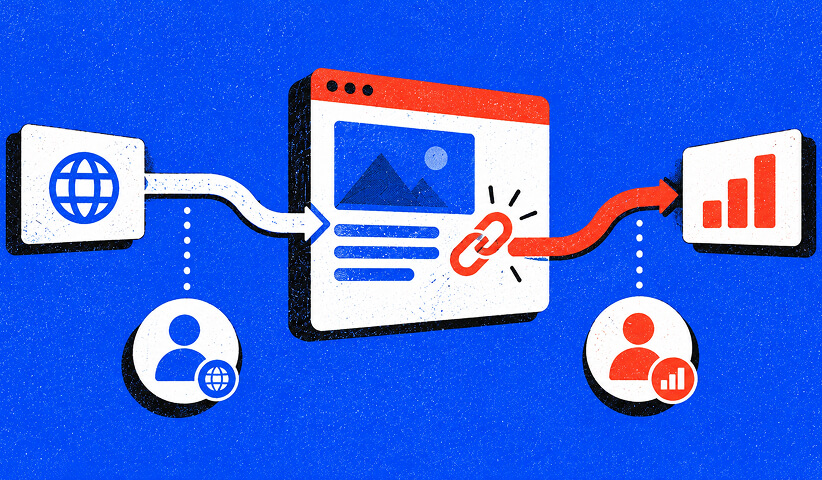
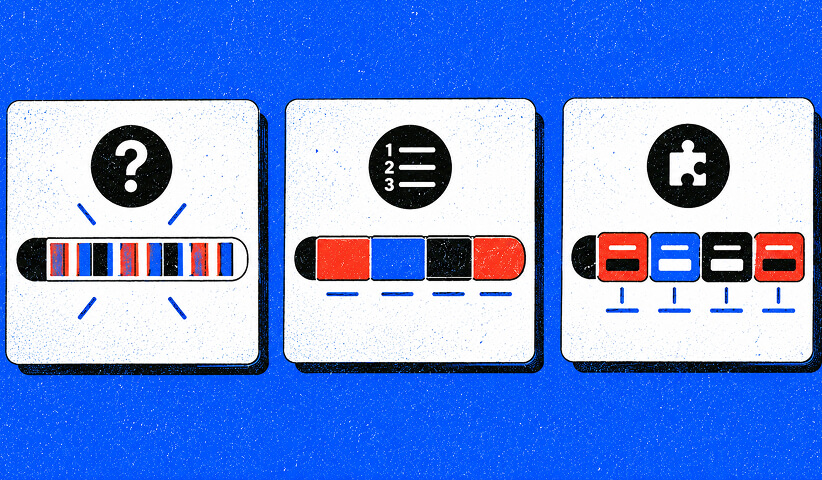

Which UTM naming model should your team use?
Three models exist for structuring UTM values. The right choice depends on team size, channel complexity, and how much self-documentation you need baked into the tag itself.
Cryptic model
Compact codes or IDs replace readable values. utm_campaign=cmp_9021 instead of utm_campaign=q3-brand-launch. The URL stays short and opaque, which matters when campaign names are commercially sensitive or when security policy prohibits readable strings in external links.
The cost is a mandatory lookup table. Anyone reading a report must cross-reference the code to understand what it means. That lookup table becomes a governance liability: if it drifts or gets lost, the data is uninterpretable.
Positional model
Attributes appear in a fixed, sequential order separated by a delimiter. facebook-cpc-summer-sale-cta-top encodes source, medium, campaign, and content in positions 1-4. No keys, just order.
Positional models are readable without a lookup table, but they are brittle. Every value must fit the fixed structure. Adding a new attribute requires restructuring every existing tag, which creates backwards-compatibility problems.
Key-value model
Each attribute is paired with a short key. src:google_med:cpc_cam:summer-sale_cta:button-top. The key makes the value self-documenting regardless of order, and attributes can be omitted when irrelevant without breaking the structure.
Experts recommend the key-value model as the default for growing organizations because it scales across channels, supports automation, and reduces misinterpretation. A hybrid that uses positional structure for the required parameters and key-value notation for optional ones is a practical middle ground for teams that want brevity without sacrificing readability.
| Dimension | Cryptic | Positional | Key-Value |
|---|---|---|---|
| Readability | Low (requires lookup) | Medium | High (self-documenting) |
| Scalability | Low | Medium | High |
| Maintenance cost | High (lookup table) | Medium (rigid structure) | Low |
| GA4 reporting friendliness | Medium | Medium | High |
| Best for | Security-sensitive enterprise | Small, stable channel sets | Multi-channel, growing teams |
How do you choose the right model for your team?
The model that looks best on paper is not always the one your team will actually use consistently. Operational fit matters more than theoretical elegance.
Work through this checklist before committing:
- Team size: Under five people managing UTMs? A positional model with a shared spreadsheet is enough. Larger teams with multiple channel owners need key-value plus a builder that enforces the structure.
- Channel count: Three channels or fewer can sustain a positional model. Six or more channels almost always require key-value to stay readable.
- Reporting tools: If you query GA4 via BigQuery, key-value tags parse cleanly with string functions. Cryptic codes require a join to a lookup table in every query.
- Agency partners: External partners tagging on your behalf need a model they can apply without ambiguity. Key-value with a shared builder is the only model that reliably survives handoffs.
- URL length tolerance: Email clients and some ad platforms truncate long URLs. If length is a hard constraint, a positional model or abbreviated key-value is safer.
- Auditability requirements: If your organization needs an audit trail for compliance or investor reporting, key-value with a central registry is the only model that supports it cleanly.
Three common team profiles and their recommended models:
Small in-house e-commerce team (1-3 people, 3-4 channels): A positional model with a shared Google Sheet builder and a strict allowlist for source and medium values. Keep it simple enough to survive a quarter without a dedicated governance owner.
Mid-market SaaS with multiple channels and an analytics function: Key-value model, UTM.io or a comparable builder, and a monthly audit cadence in GA4. The analytics owner maintains the registry and approves new values.
Agency managing multiple clients: Key-value with a client-prefixed campaign namespace. Each client gets a dedicated registry tab. The agency enforces the builder at the account level so no one can submit a free-text campaign name. For integrated digital marketing programs, this structure also makes cross-client benchmarking possible.
Switching models mid-stream is expensive. Historical data tagged under the old model does not retroactively reformat. Plan for a clean cutover date, preserve the old registry for reference, and document the transition in the change log so analysts know which date range uses which convention.
Is fragmented attribution data quietly wasting your ad budget? Keep reading!
If you need clean, GA4-ready UTM governance built into your paid media program, contact us for a free custom quote.
Naming Rules, Canonical Templates by Channel, and Governance Architecture
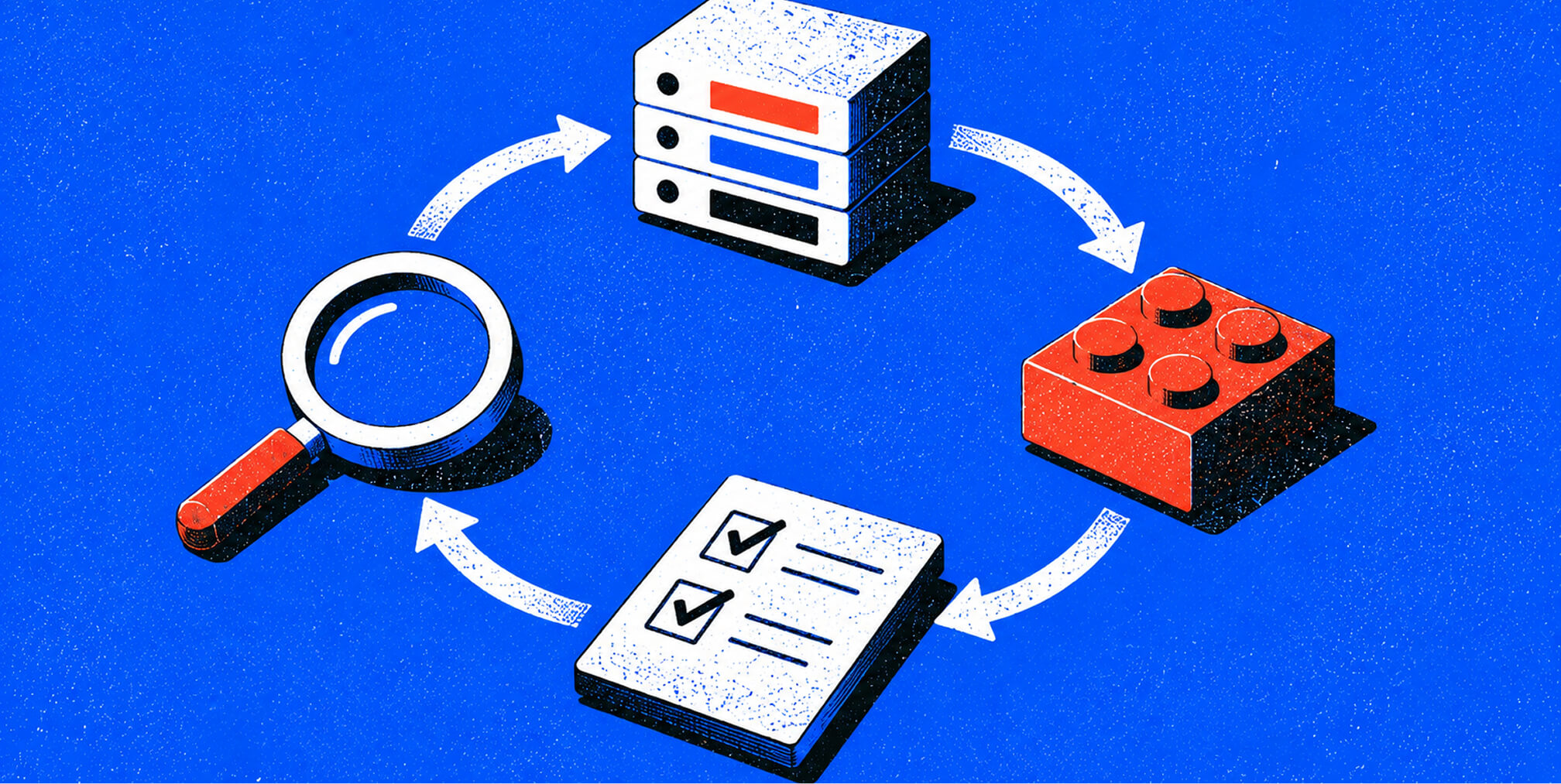
What are the exact naming rules and templates your team should enforce?
These rules are non-negotiable. Every one of them has a direct, measurable effect on GA4 data quality.
- Lowercase only. No exceptions. utm_source=Google and utm_source=google are two separate sources in GA4. Force lowercase at the builder level so it is never a human decision.
- One separator, decided once. Hyphens are the most common choice because they are URL-safe and readable. Underscores are acceptable. Pick one and ban the other. Never mix them.
- Latin characters only. No spaces, no special characters, no ampersands inside values. Spaces encode as %20 and break URL parsing in some platforms.
- Required parameters on every external link: utm_source, utm_medium, utm_campaign. Optional parameters (utm_content, utm_term) only when they add reporting value.
- No UTMs on internal links. Ever.
- Limit the allowed vocabulary. Keep utm_medium to 6-12 approved values and utm_source to under 20. Cognitive load is the enemy of consistency.
Canonical templates by channel
Email campaigns: utm_source=newsletter&utm_medium=email&utm_campaign=brand-q3-launch&utm_content=hero-cta
Paid search: utm_source=google&utm_medium=cpc&utm_campaign=brand-q3-search&utm_term=marketing-software
Paid social (Meta/LinkedIn): utm_source=linkedin&utm_medium=paid_social&utm_campaign=brand-q3-awareness&utm_content=carousel-v2
Affiliate or partner: utm_source=partner-name&utm_medium=affiliate&utm_campaign=brand-q3-collab
Campaign naming convention: [brand-or-client]-[initiative]-[period]. Example: acme-product-launch-q3. For paid social programs that run multiple creative variants, append a content descriptor: acme-product-launch-q3-video-v1.
A concise one-page style guide with these templates and an allowlist is more likely to be used than a 20-page manual. Keep the documentation short, practical, and version-controlled.
Pro Tip: The utm_campaign field is the best place to pack structured information because GA4 and most BI tools offer rich breakdowns by campaign. Use it. Keep it concise and structured rather than writing a sentence.
How do you govern UTM naming so it does not decay?
A naming convention without enforcement is just a suggestion. Governance is the system that keeps the taxonomy alive past the first quarter.
Four layers make up a durable governance architecture. The taxonomy layer is the approved dictionary: a canonical list of allowed values for each parameter, stored in a shared registry (a Google Sheet, UTM.io workspace, or a dedicated row in your analytics documentation). The builder layer is the tool that pulls from that registry and prevents free-text entry. The validation layer runs pre-publish checks: lowercase, no spaces, required parameters present, values on the allowlist. The audit layer runs on a monthly cadence, querying GA4 or BigQuery for values that do not match the registry.
Roles matter as much as tools. Assign one taxonomy owner (usually the analytics lead or marketing ops manager) who approves new values and owns the registry. A tool admin manages the builder and its dropdown lists. Agency partners must agree in writing to use the builder exclusively and never submit free-text tags. Document this in the agency brief or SOW.
Change control is where most governance programs fail. Every change to the taxonomy needs a log entry: what changed, why, when, and who approved it. This is not bureaucracy. It is the only way an analyst can explain why a channel's traffic pattern changed on a specific date. A simple changelog tab in the registry spreadsheet is enough.
Rollout follows a three-phase pattern. Pilot with one channel team for two weeks, identify gaps, and refine the builder. Phased adoption brings in remaining channel owners over the next four weeks with mandatory training. Full enforcement locks the builder as the only approved method for creating UTM links, with a monthly audit to catch drift from external partners or ad platform auto-tagging.
Tools, GA4 Mechanics, the Audit Process, Common Mistakes, and Key Takeaways
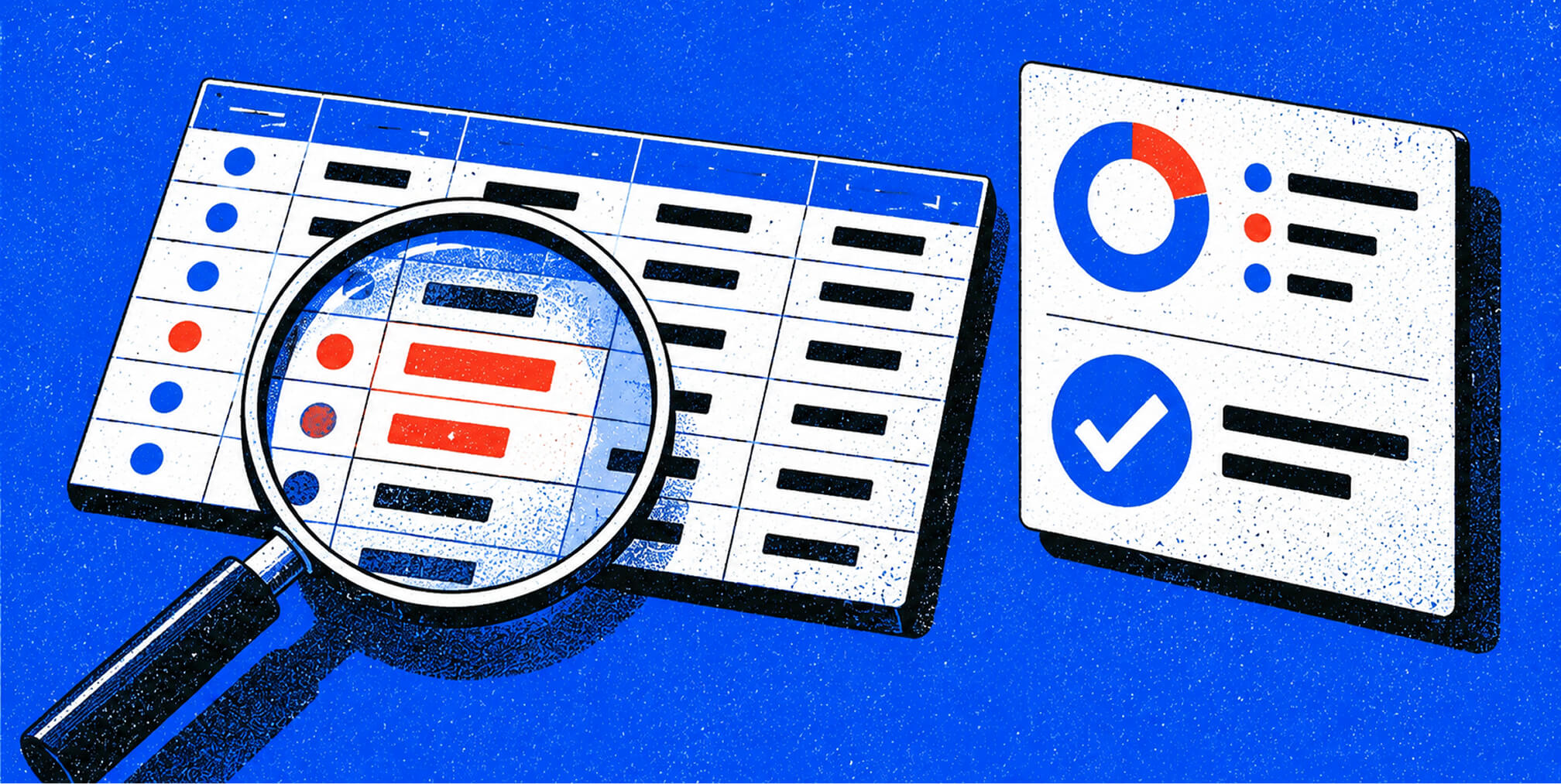
Which tools reduce human error in UTM tracking?
The highest-leverage change in any UTM program is replacing free-text entry with a shared builder that enforces an allowlist at the point of creation. Documentation alone does not prevent errors. A dropdown does.
- UTM.io: Purpose-built UTM builder with team workspaces, a shared registry, and approval workflows. The best choice for teams that need a dedicated tool without building one in-house.
- Google Tag Manager: Handles auto-tagging for web properties, can enforce lowercase transforms on UTM values via custom JavaScript variables, and manages tag firing rules that prevent duplicate or malformed parameters.
- GA4: The reporting destination. Configure channel grouping rules to match your approved medium values. Set up custom channel groups when your taxonomy uses values outside GA4's defaults.
- Improvado: An enterprise marketing data aggregation platform that pulls UTM data from across channels, normalizes it, and surfaces attribution reporting. Useful when you are aggregating data from a dozen ad platforms and need a single source of truth.
- Funnel: A data pipeline tool that connects ad platforms, CRMs, and analytics tools. Funnel can apply transformation rules to UTM values during ingestion, catching case drift before it reaches your data warehouse.
- Looker Studio: The reporting and dashboard layer. Build a UTM compliance dashboard that surfaces distinct utm_medium values, flags values outside the allowlist, and shows the share of sessions with complete UTM tagging. Connect it to GA4 or BigQuery for live monitoring.
Integration tips that prevent platform-generated drift:
- Email platforms (Mailchimp, Klaviyo, HubSpot): These platforms apply their own UTM defaults that often conflict with internal conventions. Audit platform-level UTM settings and override defaults to match your taxonomy. In Klaviyo, this is under account settings > UTM tracking. In HubSpot, it is under marketing > tracking settings.
- Ad platforms: Google Ads auto-tagging (gclid) and UTM parameters can coexist, but only if you configure GA4 to accept both. If auto-tagging is on and you also add manual UTMs, GA4 prefers the manual values. Decide which approach you use and document it.
- Link shorteners: Use only shorteners that preserve query parameters end-to-end. Test every shortened link before publishing.
-
How does GA4 specifically handle UTM values?
GA4's channel grouping logic is a string-matching system. It compares your utm_medium value against a fixed list of recognized strings. If your value matches, the session lands in the correct channel. If it does not, the session goes to "Unassigned" or "Other," and that traffic becomes invisible for attribution purposes.
The recognized medium values for GA4's Default Channel Grouping include: cpc, ppc, paid_social, paid_video, display, email, organic, referral, affiliate, audio, sms, and push. Values like facebook, social-media, or paid-search are not on this list. Mixed casing makes high-performing channels appear to underperform because their sessions scatter across multiple rows instead of aggregating cleanly.
Google Tag Manager interacts with UTM parameters in two ways. First, it can read UTM values from the URL and push them into the data layer for use in custom dimensions. Second, it can apply JavaScript transforms to enforce lowercase before values are sent to GA4. This is the most reliable way to catch case drift from sources you do not fully control, such as partner links or ad platform auto-generated URLs.
For email platforms, the fix is straightforward but easy to overlook. Mailchimp, Klaviyo, and HubSpot each have a setting that controls the default UTM values they append to links. If you do not override these settings, the platform will tag your links with its own values, which almost never match your internal taxonomy. Audit these settings during onboarding and after every platform update.
How do you run a UTM audit and QA process at scale?
Pre-publish validation is the first line of defense. Before any link goes live, check four things:
- All values are lowercase with no spaces or special characters.
- utm_source, utm_medium, and utm_campaign are all present.
- Every value appears in the approved allowlist.
- The destination URL resolves correctly and does not redirect in a way that strips query parameters.
Post-launch audits catch what pre-publish validation misses, including links created before the governance program existed, partner-generated links, and ad platform auto-tagging conflicts. Run this process monthly:
- Extract distinct UTM values from GA4 (Acquisition > Traffic Acquisition) or via BigQuery. Pull utm_source, utm_medium, and utm_campaign as distinct value sets.
- Compare against the registry. Flag any value not in the approved list.
- Trace non-compliant links to their origin: which campaign, which platform, which team member or partner created them.
- Remediate. Update the live link if possible. If the link is in a published email or ad, document the non-compliant value in the registry with a note so analysts can account for it in reporting.
- Update the builder. If a legitimate new value was created outside the builder, add it to the registry and the builder's dropdown before the next campaign cycle.
A sample BigQuery query for detecting taxonomy drift:
SELECT
  trafficSource.source AS utm_source,
  trafficSource.medium AS utm_medium,
  trafficSource.campaign AS utm_campaign,
  COUNT(*) AS sessions
FROM
  \`your_project.analytics_XXXXXXX.events_*\`
WHERE
  _TABLE_SUFFIX BETWEEN '20250101' AND '20251231'
GROUP BY
  utm_source, utm_medium, utm_campaign
ORDER BY
  sessions DESC
Run this query monthly and compare the output against your registry. Any row where the source, medium, or campaign value does not appear in the registry is a drift event. Build a Looker Studio dashboard that connects to this BigQuery output, adds a compliance flag column, and sends a weekly email alert when non-compliant sessions exceed a threshold you set (for example, more than 1% of total sessions).
What are the most common UTM mistakes and their measurable impact?
Most UTM problems trace back to a small set of recurring errors. Each one has a direct effect on reporting accuracy and, by extension, on budget decisions.
Inconsistent casing is the most frequent. utm_medium=Email and utm_medium=email are two rows in GA4. A single email campaign tagged inconsistently across its send, its paid amplification, and its partner distribution can appear as three separate, underperforming channels. The fix is lowercase enforcement at the builder level, not in a style guide.
Free-text campaign names create a long tail of unique values that makes campaign-level reporting nearly useless. When analysts have to manually group q3-launch, Q3Launch, q3_launch_v2, and Q3-Brand-Launch before they can read a report, they stop doing it. The fix is a dropdown with approved campaign values, or a structured template that the builder enforces.
Agency and platform mismatches happen when external partners use their own UTM conventions or when ad platforms auto-apply tags that conflict with your taxonomy. The mitigation is a written tagging brief for every agency partner, a platform audit at campaign launch, and a monthly drift check.
Tagging internal links overwrites session attribution and corrupts source data. This is a training problem as much as a tooling problem. Every team member who creates links needs to understand why internal links must never carry UTM parameters.
Missing required parameters leave sessions unattributed. A link with only utm_campaign and no source or medium lands in GA4 as direct or unassigned traffic. The pre-publish validation checklist catches this before it becomes a reporting problem.
For teams managing cross-channel digital marketing programs, these errors compound quickly. A single ungoverned channel can skew attribution for the entire funnel. Analytics governance is not a nice-to-have for growth-stage teams. It is the foundation that makes every other measurement investment pay off.
Key Takeaways
Consistent UTM naming conventions, enforced by a centralized builder and validated pre-publish, are the single highest-leverage investment a marketing team can make in attribution accuracy.
| Point | Details |
|---|---|
| Enforce lowercase everywhere | GA4 treats Email and email as distinct values; force lowercase in the builder so it is never a human decision. |
| Align utm_medium to GA4 channels | Use GA4's recognized strings (cpc, email, paid_social, referral) or sessions land in "Unassigned" and attribution breaks. |
| Centralize the builder and registry | Replace free-text entry with a shared builder that pulls from an approved allowlist; this is the single highest-leverage governance change. |
| Run monthly drift audits | Query GA4 or BigQuery monthly for values outside the registry; trace non-compliant links to origin and remediate before the next cycle. |
| The Branded Agency | The Branded Agency implements UTM governance as part of its performance marketing engagements, covering taxonomy design, builder setup, GA4/BigQuery integration, and monthly audit cadence. |
Why most UTM governance programs fail before they start
The conventional wisdom says the hard part of UTM governance is building the taxonomy. It is not. The hard part is getting every channel owner, agency partner, and email platform to use it consistently six months after launch, when the initial energy has faded and the team has turned over twice.
Most governance programs fail for one of two reasons. Either the taxonomy is too complex to use without consulting a manual, or enforcement relies entirely on documentation and goodwill. A 40-row spreadsheet of approved values with a three-page naming guide is not a governance program. It is a wish.
The teams that get this right share one characteristic: they make the correct behavior the path of least resistance. A shared builder with dropdowns is faster than constructing a URL by hand. A pre-publish validator that flags errors before a link goes live is less painful than a post-launch audit. When the tool does the work, compliance follows.
There is also a common misconception about what "clean UTM data" actually buys you. Teams often frame it as a reporting hygiene issue, something the analytics team cares about but that does not affect the business. The 20%-30% revenue efficiency figure tells a different story. When budget decisions are made on fragmented attribution data, the wrong channels get funded. The cost is not a messy report. It is misallocated spend, compounded over every campaign cycle.
One more thing worth saying plainly: the utm_medium field is more important than most teams treat it. It is the primary signal GA4 uses to assign sessions to channels. Getting it wrong does not just affect one campaign's report. It corrupts the entire Default Channel Grouping for every session that carries that value. Fix medium values first, before anything else.
UTM governance built into your performance marketing program
Clean attribution data is only as valuable as the decisions it drives. The Branded Agency builds UTM governance directly into every paid media management and performance marketing engagement, so your channel data is accurate from day one, not after a painful retroactive cleanup.
Our governance engagements cover taxonomy design, centralized builder implementation, GA4 and BigQuery integration, Looker Studio compliance dashboards, and monthly audit cadence. For growth-stage teams running integrated brand and performance programs, we align your UTM taxonomy with your brand naming architecture so campaign data is consistent across every channel, every quarter. The result is attribution you can trust, budget decisions grounded in real performance data, and a reporting foundation that scales with your program.
Ready to build a UTM system your team will actually use? Contact The Branded Agency to request a governance audit and see exactly where your current tagging is costing you.
Authoritative Sources and Reference Templates
The resources below back the guidance in this article and give your team practical starting points for building a UTM registry and audit workflow.
| Resource | What It Helps You Do |
|---|---|
| UTM Governance Guide (Prooflytics) | Validation rules, builder architecture, and pre-publish checklist templates |
| Advanced UTM Naming Conventions Guide (UTM.io) | Model definitions, key-value examples, and campaign field best practices |
| The 2026 UTM Tagging Guide (Terminus) | Minimalism principles, allowed vocabulary sizing, and survivability guidance |
| Hidden Costs of Ungoverned UTMs | Business impact data and the revenue efficiency loss framework |
| GA4 UTM Inconsistency (Native Orean Analytics) | Platform default settings, casing impact on channel grouping, and email platform fixes |
| UTM Rules in GA4 (Search Atlas) | The four constraints that prevent reporting chaos in GA4 |
| Why Your UTM Data Is Messy (Trakl) | Common fragmentation patterns and channel grouping string reference |
| Improvado UTM Naming Conventions Guide | Enterprise-level model comparison and automation tips |
Downloadable UTM registry template: Build your canonical registry as a Google Sheet with five tabs: (1) Approved Sources, (2) Approved Mediums, (3) Campaign Log, (4) Change Log, and (5) the BigQuery drift-detection query above. Store it in a shared drive folder that every channel owner and agency partner can access. Sync the approved values in tabs 1 and 2 directly to your UTM builder's dropdown lists. Treat the change log tab as the authoritative record of every taxonomy update, with date, description, and approver. That single document, kept current, is the foundation of a governance program that actually holds.
Recommended

Quincy Samycia
As entrepreneurs, they’ve built and scaled their own ventures from zero to millions. They’ve been in the trenches, navigating the chaos of high-growth phases, making the hard calls, and learning firsthand what actually moves the needle. That’s what makes us different—we don’t just “consult,” we know what it takes because we’ve done it ourselves.
Want to learn more about brand platform?
If you need help with your companies brand strategy and identity, contact us for a free custom quote.
We do great work. And get great results.
+2.3xIncrease in revenue YoY
+126%Increase in repurchase rate YoY




+93%Revenue growth in first 90 days
+144% Increase in attributed revenue




+91%Increase in conversion rate
+46%Increase in AOV




+200%Increase in conversion rate
+688%Increase in attributed revenue







