Web Accessibility Testing: A Practical Guide for Growth Teams
11/10/2026
Web design
Catch the accessibility issues that block sign-ups and sales with a repeatable testing process your growth, design and development teams can use.
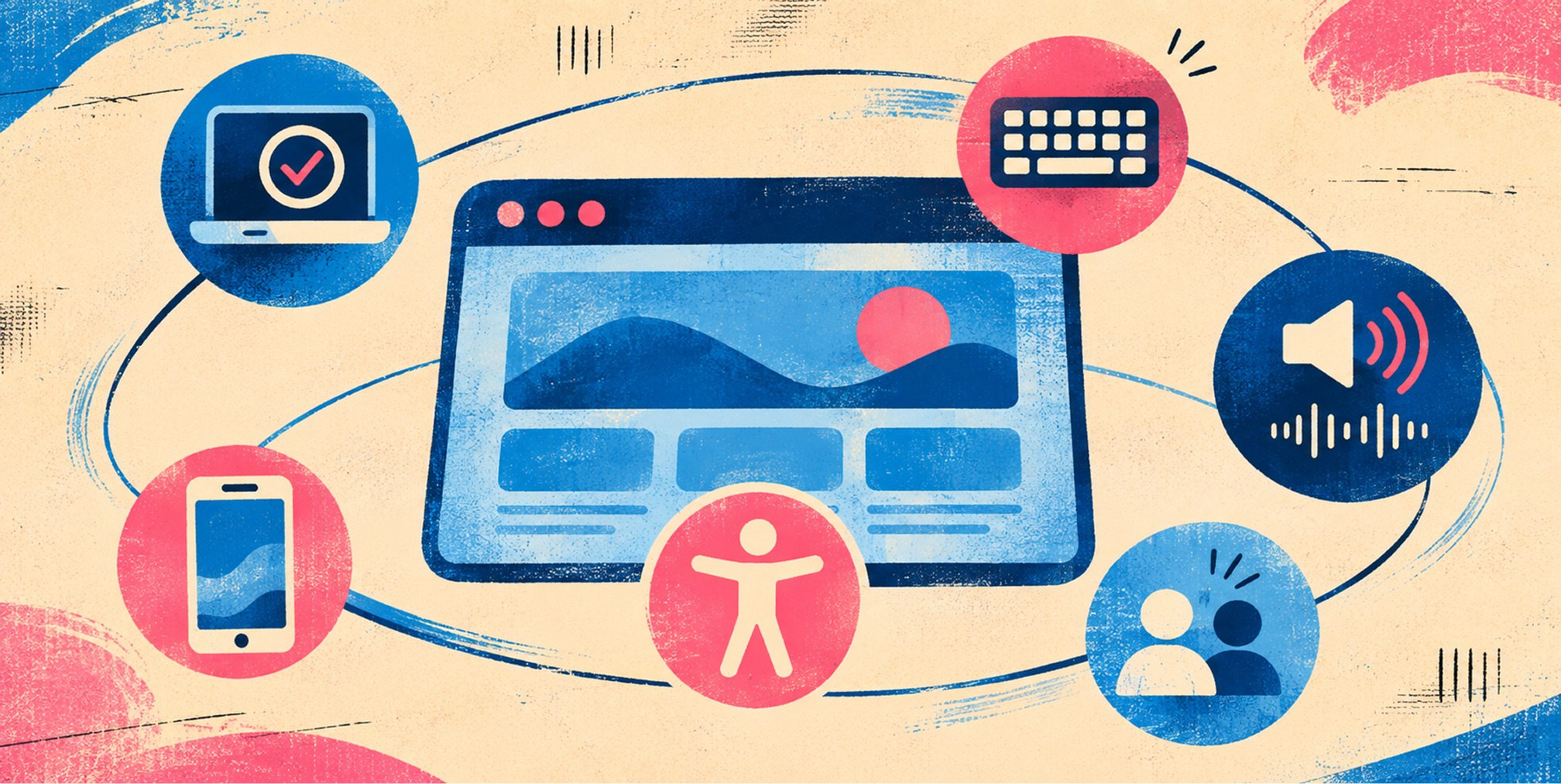
Web accessibility testing means checking whether people with disabilities can perceive, operate and understand your site, then fixing what blocks them. The reliable method is a hybrid: run automated scans to catch issues at scale, then add manual checks with a keyboard and a screen reader, and confirm with real users. This guide shows you the order to do it in, what each method misses, and how to turn findings into fixes.


What web accessibility testing checks
Web accessibility evaluation goes by several names: assessment, audit and testing. Conformance evaluation determines how well pages or applications meet accessibility standards, most often the Web Content Accessibility Guidelines (WCAG). In practice, a test answers questions like these:
• Can someone operate navigation, dialogs, menus and forms without a mouse?
• Can screen reader users identify headings, controls, errors and meaningful images?
• Can visitors zoom or use a small screen without losing essential functionality?
• Can users perceive text, focus indicators and instructions with sufficient clarity?
If you want the concept in a sentence, our accessibility glossary entry defines it. The rest of this guide is the how.
Know your standard before you test
A test needs a yardstick. In the United States, which one applies depends on who you are.
Federal agencies and contractors. Section 508 governs federal information and communication technology. The U.S. Access Board says its ICT Testing Baseline for Web sets minimum testing criteria for Section 508 conformance and incorporates WCAG 2.0 Level AA requirements. The Baseline is not itself a test process or a tool. It identifies what to test so organizations can build their own documented, tool-agnostic process.
State and local governments. The Department of Justice’s Title II rule, published April 24, 2024, requires covered web content and mobile apps to conform to WCAG 2.1 Level AA, subject to stated exceptions and defenses such as fundamental alteration or undue burden.
Private businesses. The standard that courts and demand letters reference is usually WCAG, most often Level AA. Our guide to ADA website compliance covers what covered entities must do. For testing purposes, the practical move is simple: pick a WCAG version and level, write it down, and test against it consistently.
If you are unsure which version to target, aim at the most recent one your counsel and your customers’ procurement teams accept. It is far easier to test once against a higher bar than to retest later.
Step 1: Run the quick checks first
Before any tooling, spend 30 minutes on a page. W3C’s Easy Checks give you quick steps to assess a few aspects of a page’s accessibility. They are not definitive, and a comprehensive evaluation needs more, but they surface obvious problems fast and teach your team what to look for.
A useful first pass on your homepage and one deep page:
• Confirm every page has a meaningful title and a logical heading hierarchy.
• Check text contrast, zoom to 200% and inspect responsive reflow.
• Review image alternatives and ensure decorative imagery is not announced as important content.
• Tab through navigation, forms, menus and dialogs without a mouse.
• Confirm labels, error messages and required fields are clear.
• Write down what fails. These are your first tickets.
Step 2: Scan with automated tools
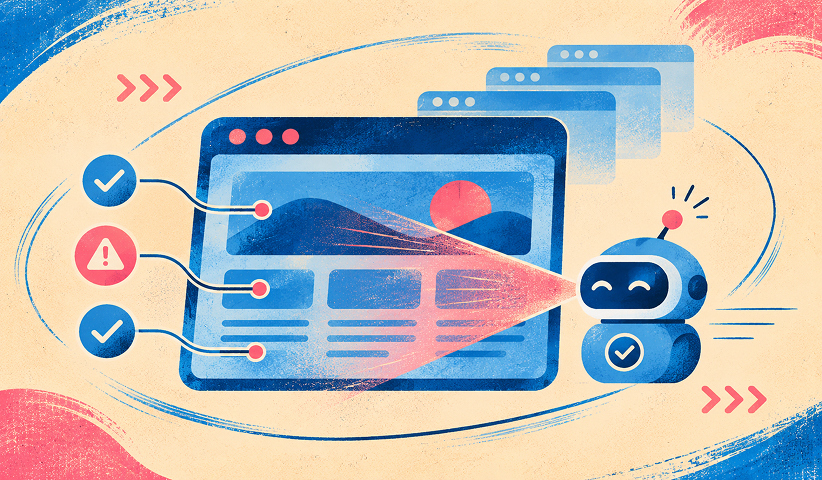
Automated testing scans a digital product against predefined rules. Its big advantage is repeatability: it can be run quickly and often throughout the product lifecycle. That makes it ideal for catching regressions every time code ships.
There are a few kinds of automated tools, and most teams end up using more than one:
• Browser scanners: WAVE or axe DevTools can identify common markup and ARIA defects.
• Continuous integration rules: Run automated checks on representative templates and changed components during development.
• Contrast tools: Check text, control and indicator contrast against the target success criteria.
• Manual developer inspection: Review accessibility tree, focus management and programmatic labels.
WebAIM suggests using browser tools such as WAVE and developer tools to inspect code, accessible names and accessibility properties, and disabling extensions that alter presentation so results are accurate. The W3C also maintains a list of web accessibility evaluation tools you can filter by need. For contrast alone, a dedicated contrast checker is faster than eyeballing.
What automated tools miss
Tools are fast, but they are partial. Web.dev notes that tools do not catch all accessibility errors, can report false positives, and that multiple tools may be needed for different products and roles. Section508.gov says automated tools identify issues at scale but provide only partial coverage of the Section 508 Standards, and that context-dependent requirements need human judgment.
A scanner can tell you an image has alt text. It cannot tell you whether the text is meaningful. It can see that a button has a name. It cannot tell you whether the focus order makes sense. Treat a clean scan as a starting line, never a finish line.
Step 3: Test with a keyboard
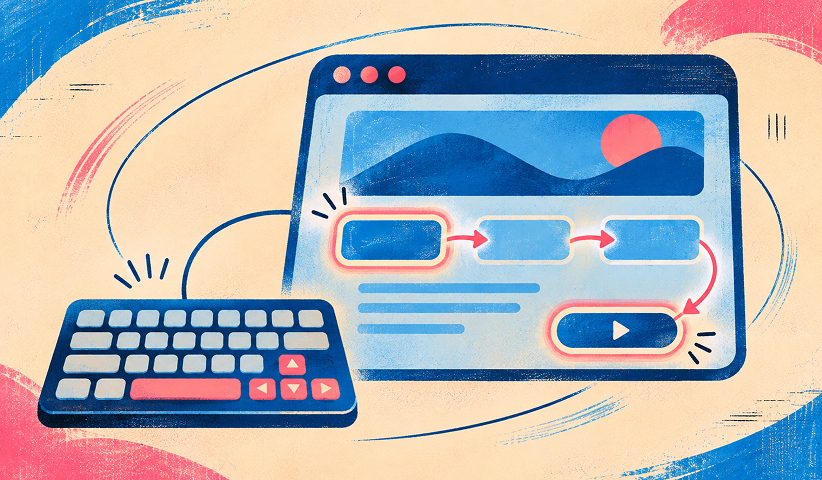
Keyboard testing costs nothing and finds some of the most damaging barriers. Many people who use screen readers, switch devices or voice control, along with people who simply cannot use a mouse, depend on keyboard operability.
Set the mouse aside and work through the page:
• Use Tab and Shift+Tab to reach controls in logical sequence.
• Confirm a visible focus indicator appears on every interactive element.
• Operate menus, dialogs, tabs and buttons using standard keys, including Enter, Space and Escape where applicable.
• Check that no component traps keyboard focus and that focus returns appropriately after a dialog closes.
• Submit forms with errors and confirm focus and instructions make the problem understandable.
Web.dev’s manual testing checklist covers keyboard traps, logical focus order and visible focus, and extends to contrast on gradients or images, heading and landmark structure, animation, zoom, labels, link text, image alternatives, language changes and plain language. It is a good template for your own test script.
Step 4: Test with screen readers and on mobile
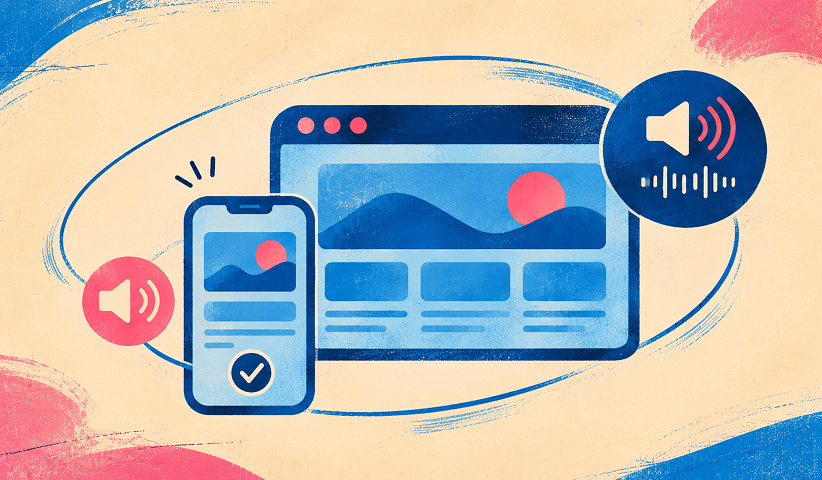
Once the keyboard path works, repeat your most important journeys with a screen reader. Use the combinations your audience actually uses, on desktop and mobile, and check:
• Check heading and landmark navigation for logical order.
• Confirm links and buttons have clear names, roles and states.
• Verify images, tables and form controls are announced meaningfully.
• Test validation errors, live updates and successful submission announcements.
• Repeat core journeys on mobile with touch targets, screen reader gestures and magnification.
For mobile, test touch and responsive behavior on representative devices rather than only a resized desktop window. Our note on responsive design explains why layout behavior across screen sizes matters for both usability and accessibility.
WebAIM cautions that WAVE and other automated tools identify only some issues, so pages should also be tested with a keyboard, a screen reader and developer tools. Plan on learning the basics of one screen reader well rather than skimming several.
Step 5: Involve people with disabilities
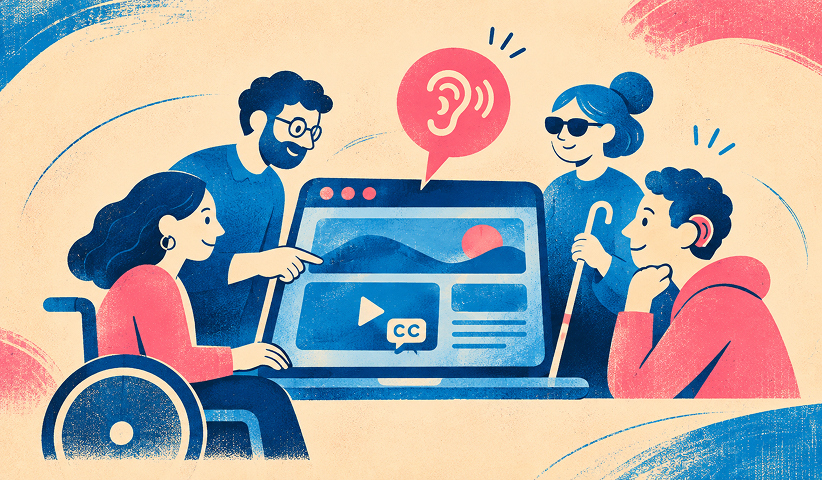
Disabled users reveal barriers no checklist predicts. The W3C says involving them has significant benefits but cannot alone determine WCAG conformance, so it should be combined with other evaluation methods.
Think of it as two kinds of evidence. Standards-based testing tells you whether you meet the criteria. User testing tells you whether real people can complete real tasks. You need both.
The CMS Section 508 developer toolkit points the same way: it asks teams to involve assistive-technology users and people with disabilities as subject-matter experts during design, research and testing. For a commercial site, that can mean recruiting participants for your next round of usability sessions and giving them the checkout or sign-up task.
Free Brand Health Audit
Make sure your brand is built to sell
Search has changed. Your customers aren't just Googling anymore. They're asking ChatGPT, Perplexity, Gemini and other AI platforms what to buy, who to trust and which brands they should consider.
If your brand isn't showing up clearly in those answers, you're already losing opportunities. Our free Brand Health Audit shows you where your brand stands across traditional search, AI search and brand positioning.

Sample brand audit
Live preview
Traditional search
72
AI search (GEO)
34
Brand positioning
58
What to test first on a growth-stage site
You cannot test everything at once. Rank by where accessibility failures cost you the most: revenue, sign-ups and trust.
• Prioritize checkout, lead forms and account registration, where blocked actions directly affect revenue.
• Then test the homepage, navigation, search, product pages and high-traffic campaign templates.
• Include shared components and third-party widgets because one defect can recur throughout the site.
• Sample mobile and desktop states, error conditions and authenticated journeys.
Accessibility work also overlaps with other quality work. Clean heading structure, descriptive link text and fast pages help search visibility and usability too, which is why we pair this with a technical SEO checklist and website speed optimization when we review a site.
Document, prioritize, fix and retest
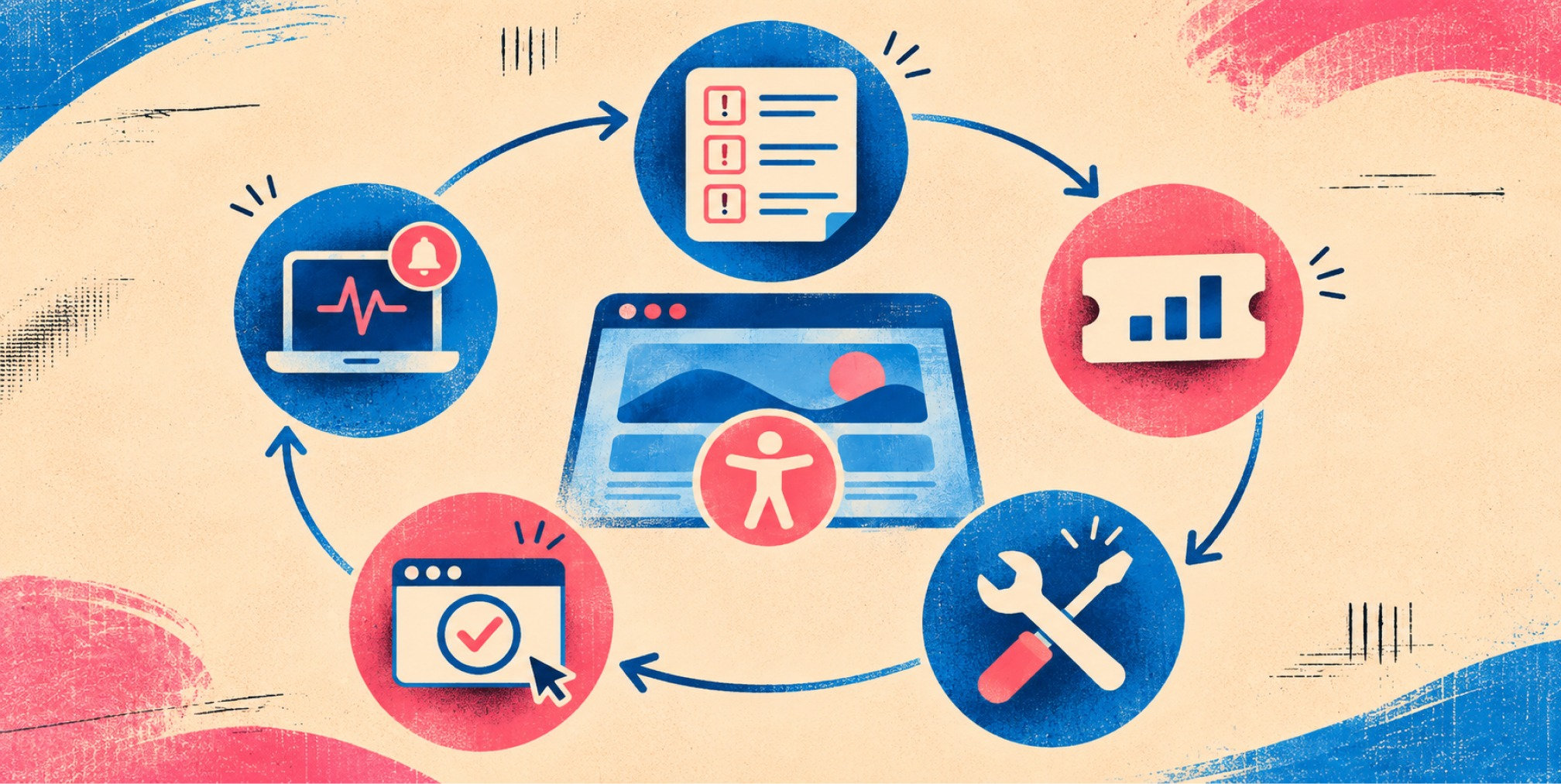
Findings only help if they become fixes. Section508.gov’s testing lifecycle calls for planning and scoping, testing with a defined methodology, recording defects in an accessibility test report, remediation, retesting and ongoing monitoring.
A workable version for a product team:
• Record the URL, template, device, browser, assistive technology and target WCAG criterion.
• Write clear reproduction steps, expected behavior and observed failure.
• Assign severity according to user impact, task criticality and frequency, not aesthetics.
• Assign one owner and a due date; resolve common component defects before isolated edge cases.
• Retest with the same assistive technology and keep evidence of resolution.
Timing matters. The W3C recommends evaluating accessibility early and throughout development because problems are easier to address when identified earlier. The CMS toolkit similarly asks teams to run automated and basic manual checks on code check-in and to evaluate final deliverables before acceptance and deployment. Section508.gov adds that components should be monitored when they change or are updated.
A simple testing rhythm
Here is a cadence that fits most marketing and product teams:
• Every code change: Automated checks on modified components and templates.
• Every release: Keyboard and form spot checks on critical user journeys.
• Monthly: Review unresolved issues, third-party components and content publishing errors.
• Quarterly: Sample representative pages for manual screen reader and keyboard checks.
• After redesigns or major feature launches: Perform a broader WCAG conformance review.
The point is to make accessibility part of how you ship, not a one-time cleanup.
Want to learn more about Website Design, Development and E-commerce? Keep reading!
If you need help with your company’s website and development, contact us for a free custom quote.
Our perspective
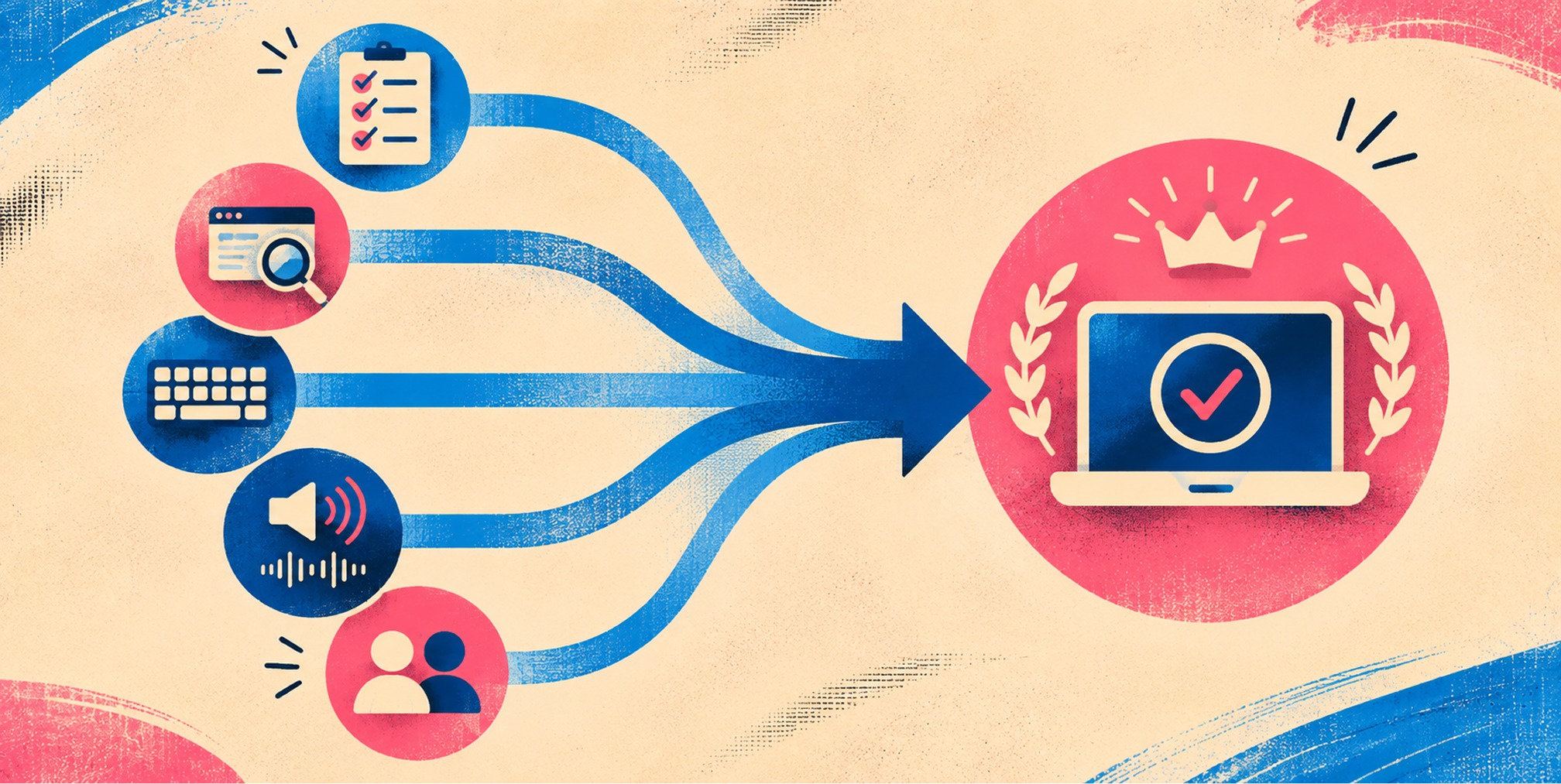
We see accessibility testing as a quality discipline that belongs inside brand and website work, not as an audit bolted on after launch. When design, copy, development and optimization share one system, the contrast choices, heading structure, form patterns and interaction states get decided with accessibility in mind, and testing confirms the work instead of rediscovering it.
That is how we think about brand-backed performance™: a site that looks like the brand, converts like a growth channel and works for every visitor who arrives. An inaccessible checkout or form quietly loses customers you paid to acquire. A site built and tested to be usable by more people gives your paid media, SEO and retention programs more to work with.
Our advice to executives is to treat testing as a repeatable process with owners, severity levels and retest dates, and to build it into every website project from the first wireframe. Do that, and accessibility stops being a fire drill and becomes part of how your team ships.
- Quincy Samycia
Build accessible, high-performing websites with us
If your team is planning a rebuild, a platform move or a conversion overhaul, the best time to bring accessibility in is at the start. We design, develop and optimize websites for growth-stage and established companies, connecting brand, creative, platform and performance in one plan. See our strategic website development approach, or review our services and pricing.
If you already have a site and want it evaluated as part of a wider improvement plan, talk to The Branded Agency about where to start.
Frequently Asked Questions
How do you test website accessibility?
Start with quick checks on a few key pages, run an automated scanner, then test the same pages with a keyboard and a screen reader. Finish with feedback from people with disabilities if you can. Combining automated and manual methods is what the W3C and U.S. government guidance recommend.
What is the best tool for web accessibility testing?
No single tool is best, because every automated tool finds only some issues. Most teams combine a browser extension, the built-in developer tools and a contrast checker, then add manual keyboard and screen reader testing. Choose tools your developers will actually run on every release.
Can an automated scan tell me if my site is compliant?
No. Automated tools cover only part of the requirements and can produce false positives. The W3C says no evaluation tool alone can determine whether a site is accessible, so a scan should feed a broader evaluation that includes human review.
How often should you retest?
Test continuously during development, and retest whenever the site is updated or redesigned. Section508.gov’s lifecycle includes ongoing monitoring and periodic retesting, which works well as a quarterly sample review on top of release-level checks.

Quincy Samycia
As entrepreneurs, they’ve built and scaled their own ventures from zero to millions. They’ve been in the trenches, navigating the chaos of high-growth phases, making the hard calls, and learning firsthand what actually moves the needle. That’s what makes us different—we don’t just “consult,” we know what it takes because we’ve done it ourselves.
Want to learn more about brand platform?
If you need help with your companies brand strategy and identity, contact us for a free custom quote.
We do great work. And get great results.
+2.3xIncrease in revenue YoY
+126%Increase in repurchase rate YoY



+93%Revenue growth in first 90 days
+144% Increase in attributed revenue




+91%Increase in conversion rate
+46%Increase in AOV



+200%Increase in conversion rate
+688%Increase in attributed revenue