Website Maintenance Plan: What to Include and How to Build One
11/25/2026
Web Dev
Protect your website, leads and revenue with a practical maintenance schedule covering updates, security, backups, performance and conversion checks.

A website maintenance plan is a written schedule of the security, update, backup, performance and content tasks that keep your site fast, safe and converting, with a named owner for each task and a defined response when something breaks. For a growth-stage company, the site is where paid media lands, where demos get booked and where investors and buyers check you out. Treat maintenance as part of the growth system, not as an IT chore. That is how we build and optimize sites at The Branded Agency, and it is the standard this guide uses.


Why a maintenance plan is a revenue decision



Most executives first think about maintenance when something fails: a checkout stops working, a form silently drops leads, a plugin update takes the homepage down during a campaign launch. By then you are paying twice, once for the fix and once for the traffic you bought and could not convert.
The security side alone justifies the discipline. HostingAdvice’s May 2026 report, citing IBM’s annual breach research, gives a global average of $4.44 million per incident and a US average of $10.22 million. The same report says 32% of small businesses would be forced to close if an attack caused under $10,000 in damage or less than 24 hours of downtime. Your company is likely larger than that, but the point holds: the exposure is out of proportion to the cost of routine care.
The same report cites data that shortening a patch cycle from 30 days to 7 can cut the likelihood of a successful breach by up to 34%. Patching speed is a decision you make in the plan, not something that happens by default.
Maintenance also protects marketing performance. Slow pages, broken links and malware warnings hurt both search visibility and conversion. If you spend on paid media, a degraded landing page lowers return on every dollar. A plan keeps the page you designed identical to the page your visitors receive.
What a website maintenance plan should include
A useful plan covers seven areas. Together they cover the site as infrastructure, as a product and as a sales asset.
• Security and access: patch vulnerable software, require MFA, manage permissions and monitor alerts.
• Updates and dependencies: review CMS, themes, plugins, integrations and browser compatibility before deploying changes.
• Backups and disaster recovery: automate backups, protect off-site copies and perform test restores.
• Hosting and availability: monitor uptime, SSL/TLS certificates, domains, DNS and hosting capacity.
• Performance and user experience: monitor Core Web Vitals, mobile usability and critical landing pages.
• Content and SEO: check links, redirects, metadata, indexing, accuracy and outdated information.
• Conversion and accessibility: test forms, checkout or booking journeys, tracking events, keyboard access and key user tasks.
The last two are where many plans fall short. A technically perfect site can still lose leads because a form fails on mobile or a pricing page ranks poorly after a template change. Our guides on form conversion optimization and web accessibility testing show what to check in those areas.
The maintenance checklist, by frequency
Frequency is what turns a list into a plan. Here is a schedule that works for a marketing-driven business site. Adjust it upward if the site takes payments, stores customer accounts or sits in a regulated industry.
Continuous and daily
• Check uptime, error and security alerts; escalate outages affecting purchases or leads immediately.
• Confirm that scheduled backup jobs completed and that critical integrations are responding.
• Watch SSL/domain expiry notifications and unusually low form or checkout activity.
Weekly
• Review pending security patches and evaluate urgency; apply critical fixes promptly using the approved change process.
• Confirm backup retention and review failed login attempts, malware warnings and unusual account access.
• Test one priority conversion journey and review uptime incidents, broken links and key landing pages.
Monthly
• Apply routine CMS, theme, plugin or integration updates in staging, then test and deploy with rollback instructions.
• Run a documented restoration drill on a nonproduction environment and record its outcome.
• Review page speed/Core Web Vitals, Search Console indexing and security notices, and mobile form performance.
• Check published content, campaign offers, analytics events, lead routing and critical redirects.
• Send the owner a one-page report of work completed, unresolved risks, performance trends and next actions.
Quarterly
• Audit users, privileged roles, MFA enrollment and vendor access; remove stale accounts.
• Test end-to-end signup, checkout or demo workflows across representative devices and browsers.
• Inspect accessibility regressions, major page templates, internal links and structured data.
• Review hosting capacity, dependency lifecycle, disaster-recovery targets and recurring issues.
Annually
• Renew domain, hosting, licenses and certificates well before expiration, and confirm account ownership.
• Perform a broader security and accessibility assessment appropriate to site risk.
• Review site architecture, content performance, user journeys and the cost of platform maintenance.
• Revisit the plan, support SLA, recovery objectives, staffing and budget against the coming year’s roadmap.
A worked example: the monthly routine
Take a 60-page SaaS marketing site on a managed CMS, with three lead forms, a pricing page and a blog. Paid campaigns send traffic to two landing pages.
The first week of the month, the site owner reviews update alerts and confirms that the weekly backups ran. In week two, a developer applies updates on staging and tests the demo form, the pricing calculator and both landing pages on desktop and mobile. In week three, someone checks page speed on the landing pages, scans for broken links after the latest blog publishing, and confirms redirects from retired pages. In week four, the team sends a one-page report: updates applied, issues found, speed trend, form submissions versus expected volume.
That is a few hours of focused work, but it needs a person who knows what normal looks like. The value is not in any single check. It is in the form that quietly broke in week two being caught before it costs a quarter of leads.
Free Brand Health Audit
Make sure your brand is built to sell
Search has changed. Your customers aren't just Googling anymore. They're asking ChatGPT, Perplexity, Gemini and other AI platforms what to buy, who to trust and which brands they should consider.
If your brand isn't showing up clearly in those answers, you're already losing opportunities. Our free Brand Health Audit shows you where your brand stands across traditional search, AI search and brand positioning.

Sample brand audit
Live preview
Traditional search
72
AI search (GEO)
34
Brand positioning
58
How to write the scope so it can be verified




Whether the plan is run in-house or by a partner, the writing makes or breaks it. Vague promises such as “regular updates” and “ongoing monitoring” cannot be audited. Use four sections.
Technical management
Name the hosting provider, domain registrar, DNS host and certificate source. State who holds the logins. Write monitoring as a measurable commitment: “uptime checked every five minutes, alerts to two named contacts.”
Agreed updates, with quantities
Say what is updated and how often. If content edits are included, state the volume, for example a number of hours or page changes per month, and what happens beyond it.
Security and incident response
List patching, monitoring, access reviews and the steps taken after an incident, including restoring from backup. Be realistic: nobody can promise a site will never be compromised. What you can write down is how fast you patch, how you monitor and how quickly you recover.
This matters because most successful attacks are unglamorous. Stolen passwords and unpatched software do much of the damage, which is why credential hygiene and routine patching belong at the center of the plan.
Support
Define one request channel, response times by severity, and what counts as urgent. A checkout failure during a campaign is urgent. A typo in a footer is not.
Add a written list of what is not included, plus renewal, cancellation and ownership terms. You should always own your domain, code, content and accounts.
Who does the work: in-house team or a partner
The right owner depends on how much of the site is custom and how much revenue flows through it. A brochure site with a single contact form can be handled by a marketing coordinator and a hosting provider’s tools. A site that runs paid campaigns, product-led trials, ecommerce or regulated content needs more: developers who can test on staging, a person accountable for conversion and someone watching security.
For a CMO or marketing director, the practical test is simple. Can your team answer these today?
• Who can respond to a site outage outside office hours, and where are the escalation contacts?
• Who owns the domain, DNS, hosting, CMS, analytics and backups, and who has emergency access?
• When was the last successful restore test, and how long did recovery actually take?
• Who verifies that paid-campaign landing pages, forms and lead routing work after every release?
• Who approves changes, logs defects and confirms that the site meets accessibility and SEO requirements?
If any answer is “I’m not sure,” the plan is the missing piece. If you manage it with a mix of freelancers, a hosting provider and an internal marketer, the gaps tend to appear between those parties. One accountable owner for the whole site closes them.
What maintenance costs
The price depends on platform, traffic, how much custom functionality you run and how fast you need responses. A WordPress site with many plugins has a different profile from a Webflow or Shopify build, and ecommerce or regulated sites need more frequent backups, monitoring and testing. Our WordPress maintenance cost guide walks through how to budget, and our piece on Webflow security and maintenance covers the same ground for that platform.
Budget against the risk, not only the monthly fee. A plan that includes staging, restore tests and conversion checks costs more than one that only runs updates, and it is the one that protects pipeline.
• Platform and complexity: plugin-heavy or custom sites generally need more regression testing than simple managed sites.
• Business criticality: ecommerce, account logins, paid-traffic volume and regulated content increase the required response level.
• Coverage: compare included updates, backup retention, monitoring, accessibility checks, content edits and reporting.
• Response and recovery: price after-hours support, severity targets, restore testing and emergency change allowances separately.
Incident-response checklist
• Identify the incident, record its start time and classify severity by customer impact.
• Notify the named site owner, hosting/security contacts and relevant marketing stakeholders.
• Preserve relevant logs and evidence; isolate compromised components where appropriate.
• Restore service using a tested rollback or backup plan and verify critical user journeys.
• Confirm security, privacy and notification obligations with qualified specialists when needed.
• Document the root cause, timeline, preventive actions and a retest date.
Promo: maintenance built into a site that performs
The best maintenance plan starts with a site built to be maintained: clean architecture, documented components, a platform matched to your roadmap, and conversion and SEO measurement from day one. We design, develop and optimize websites for growth-stage companies, including Shopify and Webflow builds, and connect them to performance marketing so the site and the campaigns improve together. Our website design, development and optimization work is the place to start, and the services overview lists everything we offer, with published monthly starting prices for services such as Paid Media Management from $5,500 per month and Retention Marketing from $6,500 per month.
If you are planning a rebuild or a platform move, the same scope questions apply before launch. Our design QA checklist shows the 60 checks we run so the site starts clean.
Want to learn more about Website Design, Development and E-commerce? Keep reading!
If you need help with your company’s website and development, contact us for a free custom quote.
Our perspective
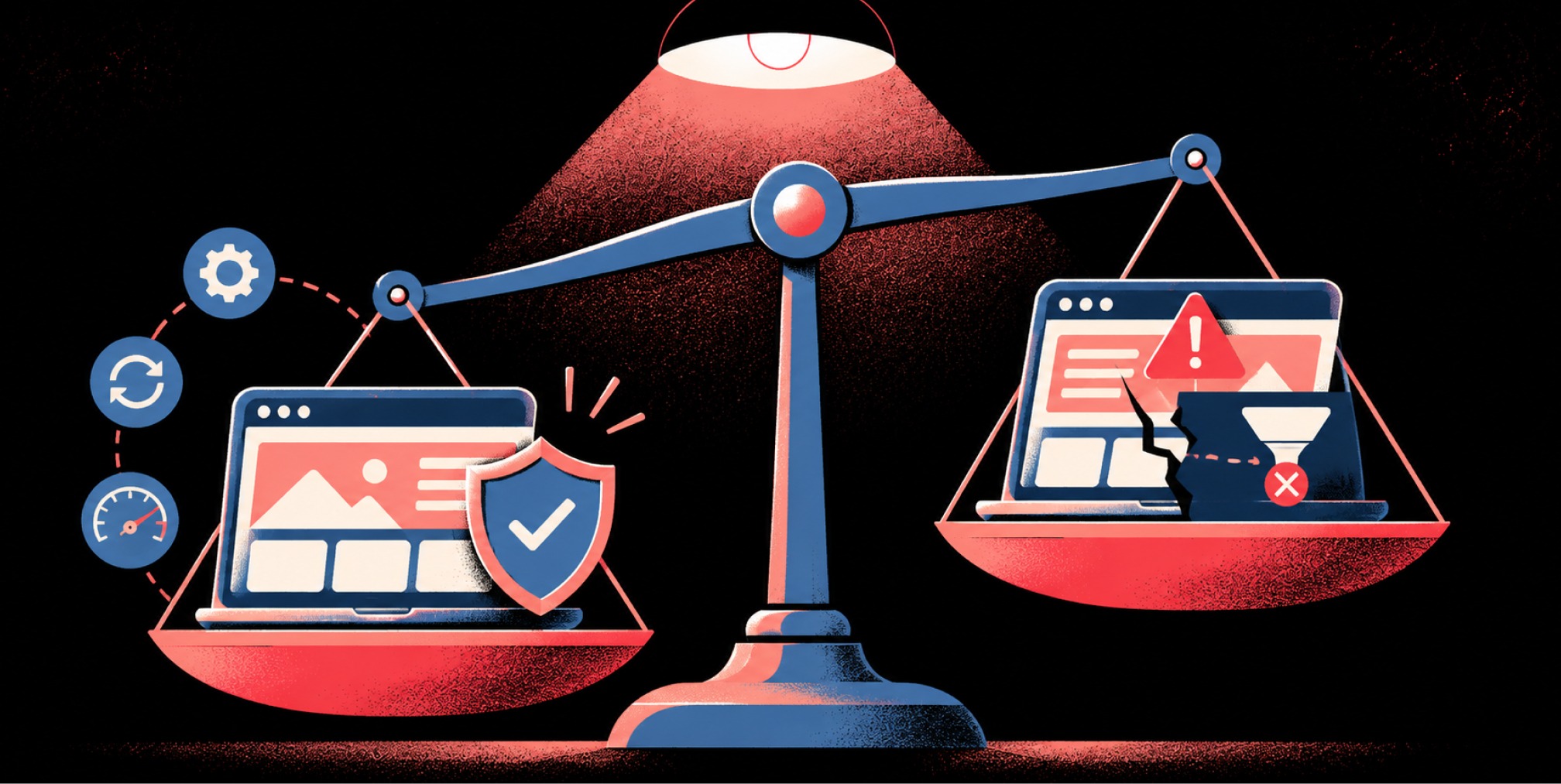
We see maintenance as the third phase of a website’s life, after strategy and build. A site that launches well and then drifts is the most common way brand investment leaks away: the design stays, but speed, forms and search visibility erode.
Our approach is brand-backed performance: brand, creative, web and marketing working as one system with measurable results. That is why we treat a maintenance plan as more than patching. A plan should tell you whether the site still converts, whether campaigns land on pages that load fast and whether the pages that carry your positioning still say what you mean.
Our advice to founders and marketing leaders is to write the plan before you need it, assign every task an owner and review the report monthly with the same attention you give campaign dashboards. Transparency and collaboration are how we work with clients, and a clear monthly report is where that shows up for a website.
- Quincy Samycia
Frequently Asked Questions

Do websites need monthly maintenance?
Yes, in practice. Security patches, backups and uptime checks run weekly or continuously, and monthly work covers staging-first updates, restore tests, speed reviews and form checks. Skipping a month leaves known vulnerabilities and silent conversion problems unaddressed.
What should a website maintenance plan include?
At minimum: hosting and domain management, updates, security monitoring, backups with tested restores, performance checks, broken-link and form testing, and content and SEO review. Add support terms with response times and a written list of exclusions.
How often should a website be backed up?
At least weekly for a standard marketing site, and daily or in real time for ecommerce and membership sites. Keep copies in more than one location, including off-site, and restore one to a staging site regularly to confirm it works.
Who should own website maintenance at a growth-stage company?
One accountable person or team, usually under the CMO or marketing director, with developer support for updates and security. Splitting it among a host, a freelancer and an internal marketer tends to leave gaps nobody owns.
Sources
Canadian Centre for Cyber Security — Security considerations for your website
Australian Cyber Security Centre — Secure your website
Google Search Central — Get started with Search Console

Quincy Samycia
As entrepreneurs, they’ve built and scaled their own ventures from zero to millions. They’ve been in the trenches, navigating the chaos of high-growth phases, making the hard calls, and learning firsthand what actually moves the needle. That’s what makes us different—we don’t just “consult,” we know what it takes because we’ve done it ourselves.
Want to learn more about brand platform?
If you need help with your companies brand strategy and identity, contact us for a free custom quote.
We do great work. And get great results.
+2.3xIncrease in revenue YoY
+126%Increase in repurchase rate YoY




+93%Revenue growth in first 90 days
+144% Increase in attributed revenue




+91%Increase in conversion rate
+46%Increase in AOV




+200%Increase in conversion rate
+688%Increase in attributed revenue