Section 508 Compliance: What It Requires and How to Meet It
11/09/2026
Web Development
Find out what Section 508 requires and how to audit, fix, and maintain accessible digital content before procurement or launch.
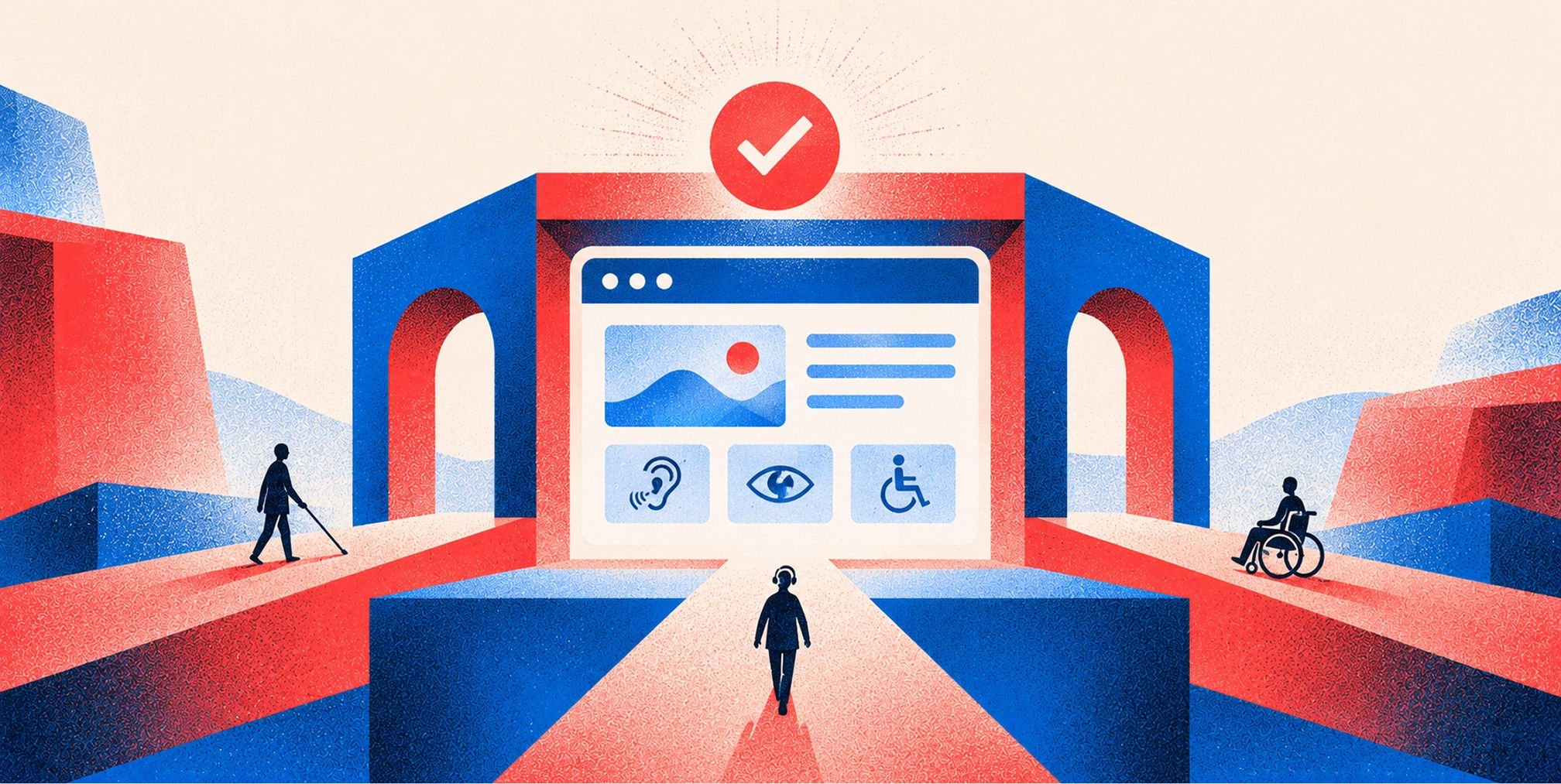
Section 508 compliance means your digital content meets the accessibility standards set under Section 508 of the Rehabilitation Act, so people with disabilities can use it. The law binds federal agencies directly. For a private company, it matters when you sell technology to the government, and it works as a practical benchmark for the accessibility laws that do reach you. The technical bar is WCAG 2.0 Level AA, and every page has to meet it.


What Section 508 actually requires


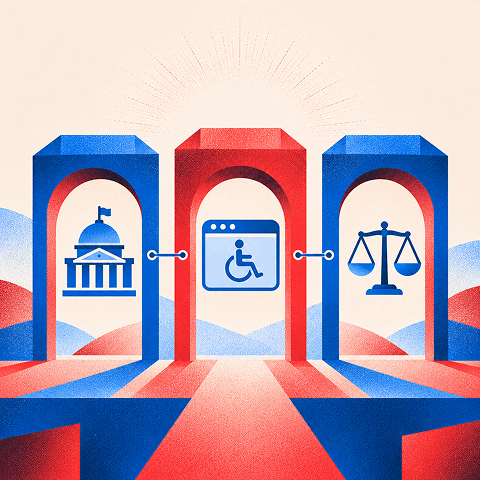
Section 508 requires access to ICT that federal agencies develop, procure, maintain or use, for people with disabilities. The Revised 508 Standards from the U.S. Access Board cover websites and electronic documents, and they reach beyond public pages too. Non-public electronic content has to conform when it constitutes official agency business, such as emergency notifications and notices of personnel action.
Two practical points follow from that:
- Federal agencies must address accessible ICT procurement and internal use, not only public-facing website pages.
- Conformance is assessed against applicable standards and exceptions, with documentation needed for procurement and remediation decisions.
The law is about outcomes for users: someone who is blind, has low vision, has a motor impairment, or is deaf must be able to get the same information and complete the same tasks as everyone else.
Who has to comply, and where private businesses come in
The direct answer: Section 508 does not apply directly to private businesses. The federal government’s own guidance explains that Section 504 requires accessibility for organizations that receive federal funding or assistance, and businesses covered by the ADA must communicate effectively about their programs, services and activities, including through their websites.
In practice, you should treat Section 508 as relevant if any of these describe your company:
- Federal agency: Section 508 requirements apply directly to covered ICT it develops, procures, maintains, or uses.
- Federal ICT vendor: Agency contracts and evaluations may require accessibility evidence, often through an Accessibility Conformance Report (ACR).
- Recipient of federal financial assistance: Section 504 may impose separate nondiscrimination and accessibility obligations.
- Private business covered by the ADA: Accessibility and effective-communication duties arise under applicable ADA provisions, not because Section 508 directly governs the business.
- Regulated or federally connected company: Review the actual contract, funding conditions, and applicable rules with counsel.
For the ADA side, our guide to ADA website compliance for covered entities walks through what that law expects. For the wider picture of how accessibility, privacy and UX rules overlap, see our overview of website design laws.
Selling to the government: the ACR
If you want to sell to a federal buyer, expect to be asked for documentation. Vendors are expected to test products against applicable Section 508 Technical Standards and report which ones they support, partially support or do not support in an Accessibility Conformance Report. The same guidance says an ACR should be created when procuring or releasing ICT, to document how the product or service conforms.
This is where weak accessibility work gets expensive. A procurement team reading an ACR full of “does not support” entries has an easy reason to pick another vendor.
Section 508 vs. WCAG vs. ADA
These three get blurred together constantly. They do different jobs.
The link between the first two is direct. The Revised 508 Standards incorporate WCAG 2.0 Level AA Success Criteria and apply them to web and non-web electronic content. The bar is strict: a page that fails even one of the 38 applicable success criteria does not conform. There is no partial credit per page.
The ADA link is looser but real. The government’s own guidance notes that courts and settlement agreements frequently reference WCAG as the accepted technical benchmark. So a site built to the Section 508 and WCAG bar is well positioned on every front, even where Section 508 itself is not your legal obligation.
One caution on versions: Section 508 names WCAG 2.0 AA. If a contract or legal agreement names a newer WCAG version, follow the document in front of you. Building to a newer version generally covers the older criteria, but confirm with your counsel and the contract language.
Free Brand Health Audit
Make sure your brand is built to sell
Search has changed. Your customers aren't just Googling anymore. They're asking ChatGPT, Perplexity, Gemini and other AI platforms what to buy, who to trust and which brands they should consider.
If your brand isn't showing up clearly in those answers, you're already losing opportunities. Our free Brand Health Audit shows you where your brand stands across traditional search, AI search and brand positioning.

Sample brand audit
Live preview
Traditional search
72
AI search (GEO)
34
Brand positioning
58
A Section 508 website checklist
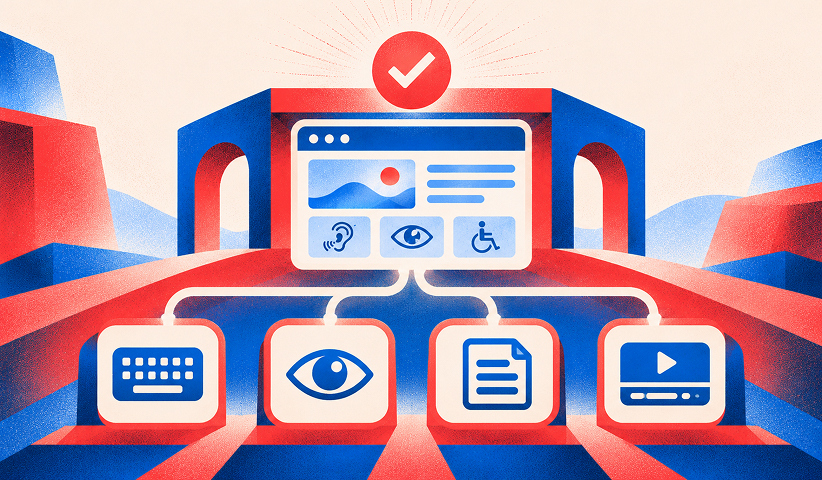
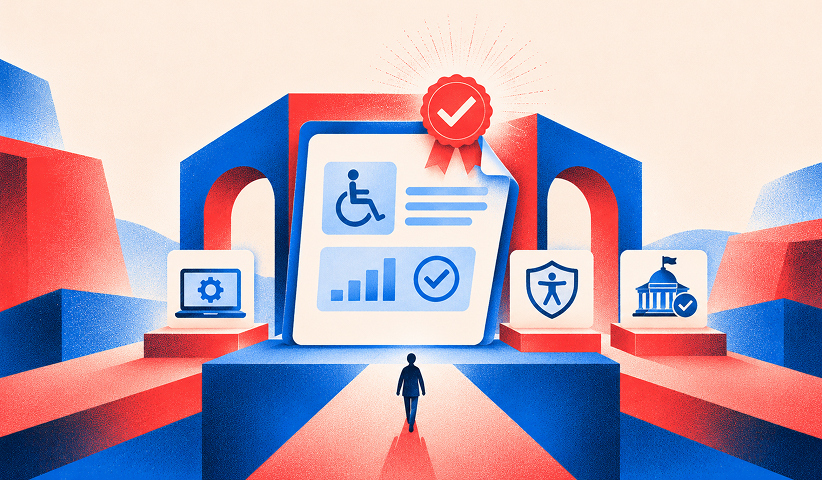
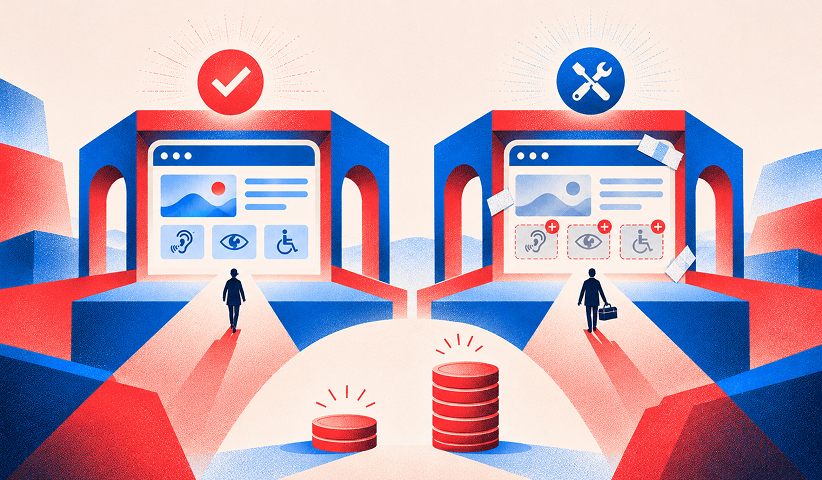
No single list replaces the full standard, but these are the areas where sites most often fail. Use them as a working checklist and map each to the WCAG success criteria in the Section508.gov guide to accessible web design and development.
Keyboard and navigation
- Ensure every interactive control is reachable and usable with a keyboard alone.
- Provide visible focus indicators, a logical focus order, and skip navigation where appropriate.
- Avoid keyboard traps; ensure dialogs, menus, and overlays can be dismissed or navigated.
Content and structure
- Use semantic headings, landmarks, descriptive link text, and logical reading order.
- Write meaningful alt text for informative imagery and mark decorative imagery appropriately.
- Make information understandable without relying solely on color or position.
Forms and interaction
- Associate labels and instructions with each form field.
- Identify errors in text and explain how to correct them.
- Ensure controls communicate names, roles, values, and status to assistive technology.
Media and documents
- Provide captions for prerecorded video and text alternatives where required.
- Make PDFs, spreadsheets, slides, and downloadable documents navigable and appropriately tagged.
- Check reading order, tables, and links with assistive technology.
Visual design
- Check contrast against relevant WCAG criteria and test at zoomed or reflowed layouts.
- Use legible sizing, responsive layouts, and visible interaction states.
- Avoid flashing content that may trigger seizures and give users appropriate motion controls.
A few of these overlap with technical hygiene. Clean semantic markup, fast pages and logical structure help accessibility and search at once, which is why we fold accessibility into our technical SEO checklist and treat website speed as part of the same build quality.
How to test whether your site is compliant
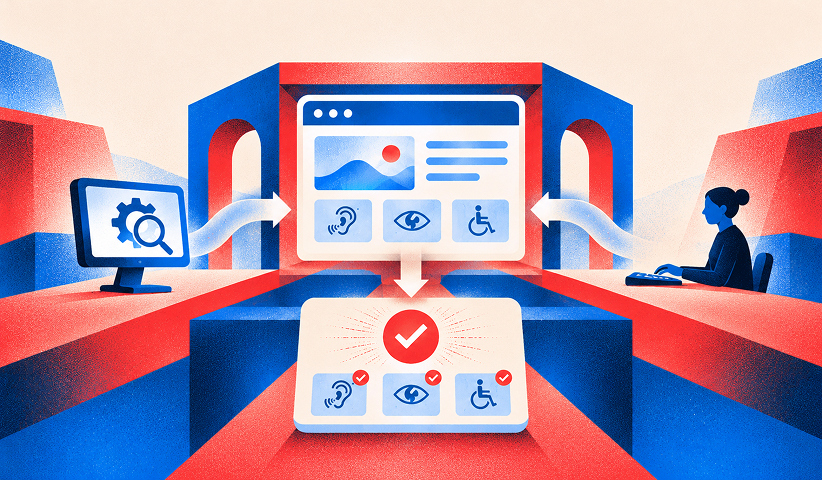
An automated scan is a start, not a verdict. Automated tools catch only a portion of the issues, so a credible test combines tools with manual checks.
The federal approach is documented. Teams can test web content using methodologies such as Trusted Tester or tools such as ANDI, and can use the ICT Testing Baseline for Web to assess Section 508 conformance. The ICT Testing Baseline for Web sets out minimum tests and evaluation guidance to determine whether web content meets Section 508 requirements, and test processes aligned with it produce consistent baseline results across government.
A practical testing sequence:
- Inventory page templates, reusable components, essential tasks, and downloadable documents.
- Run automated checks to flag detectable issues and document the tool version.
- Test keyboard-only workflows and screen-reader operation for representative user journeys.
- Evaluate against the applicable Section 508 criteria using a documented manual methodology.
- Log each issue with page/template, criterion, severity, owner, and evidence.
- Remediate shared components first, retest, and publish an accurate ACR when required.
Because a single failed criterion means a page does not conform, track failures by criterion and by template. Fixing one template often clears the issue across hundreds of pages.
Keeping the site compliant after launch
Compliance is a process, not a launch milestone. New pages, new plugins and new campaign landing pages all introduce fresh failures. The federal guidance for web content managers is a good operating model: set accessibility policies and standard procedures, test draft pages with tools such as Trusted Tester or ANDI, regularly check published pages for issues, and remediate or return nonconforming content for remediation.
Translated for a company site:
- Assign an accessibility owner and define acceptance checks in design, development, and content publishing.
- Include keyboard and assistive-technology testing in QA for new components and campaign pages.
- Audit a sample of pages and documents on a schedule; prioritize critical customer tasks.
- Track issues to remediation, retest fixes, and maintain an accessible feedback or support channel.
Want to learn more about Website Design, Development and E-commerce? Keep reading!
If you need help with your company’s website and development, contact us for a free custom quote.
What does Section 508 compliance cost?
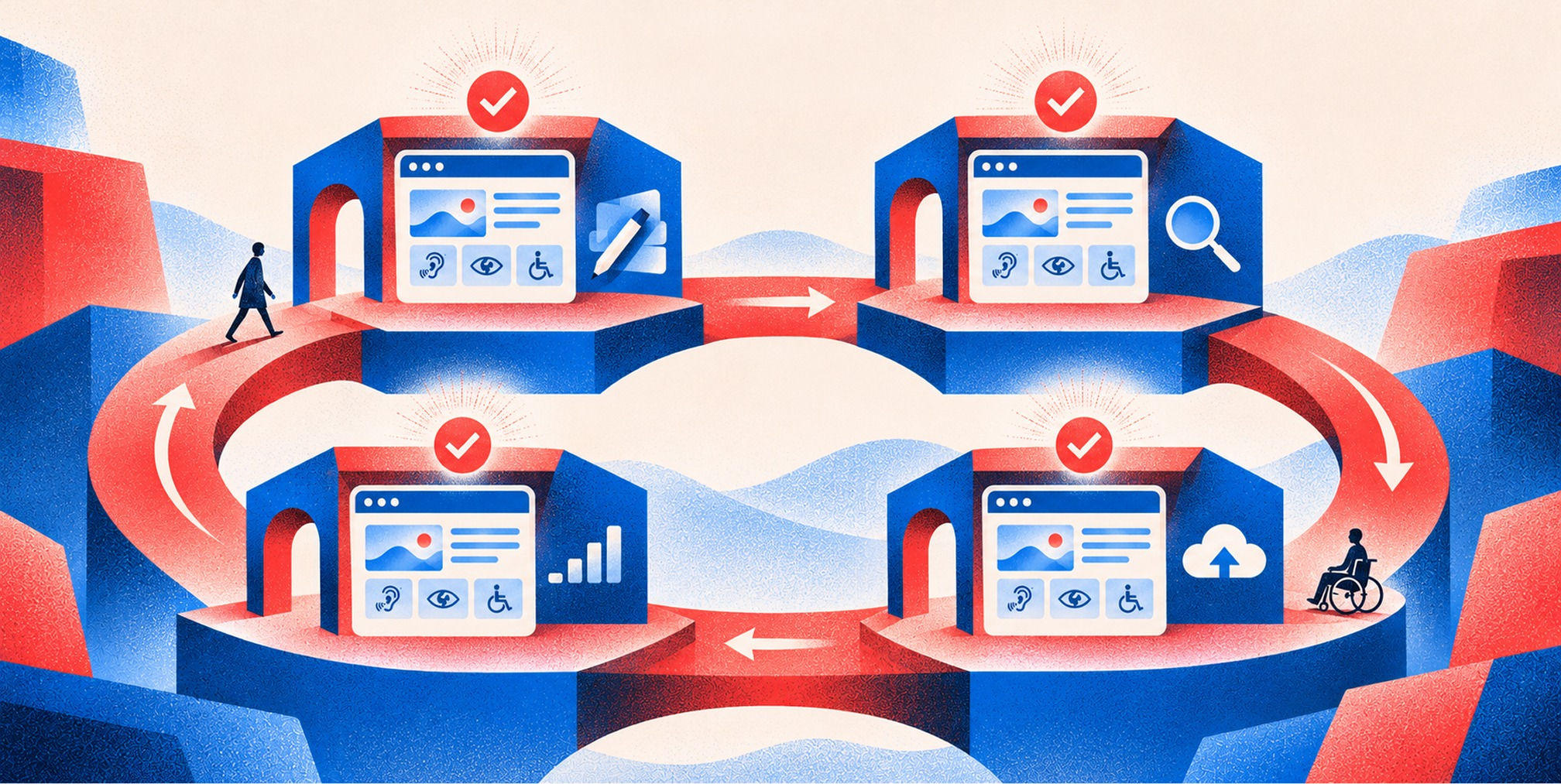
No credible flat price exists, because cost follows scope: the number of templates, how much custom interaction the site has, how many documents need remediation, and how clean the starting point is. Building accessibility into a new design is far cheaper than retrofitting a finished site.
The cost of ignoring it is also real. Federal guidance warns that non-compliance can result in time-consuming and costly lawsuits, delayed implementation of key IT investment priorities, and damage to public mission or image. The same government source frames the upside plainly: designing for all users is a best practice that can help an organization more effectively meet the needs of its customers.
If you are planning a redesign, the cheapest moment to fix accessibility is before design is signed off, when color palettes, type scales, component behavior and content structure are still flexible.
Our perspective
Most companies meet accessibility as a late-stage audit: a PDF of failures arrives after launch, and everyone scrambles. We think that is backwards.
Accessibility is a brand decision as much as a technical one. Contrast ratios shape the color system. Type scale shapes readability. Component behavior shapes whether your checkout works for a keyboard user. When branding, creative and development are done as one system, accessible choices cost almost nothing, because they are made at the start.
That is the idea behind brand-backed performance™. A site that more people can actually use reaches more buyers, converts more of them and holds up when a procurement team or a legal team looks closely. For VC-backed and growth-stage companies selling into regulated or government-adjacent markets, that is not a nice extra. It is part of being ready to scale.
Our advice: set the standard before design begins, test every template, and make accessibility part of how you publish, not a project you finish.
- Quincy Samycia
How we can help
If your site has to meet Section 508, WCAG or ADA expectations, the strongest path is a build that treats accessibility as a design requirement from day one. Our website design, development and optimization work aligns brand, creative and code so accessible patterns are part of the system, whether the site runs on Webflow, Shopify or a custom stack.
If your brand also needs repositioning before a rebuild, our executive-level branding work comes first, so the new identity is accessible by design. See what we offer on our pricing page, or talk to our team about scoping an accessible redesign. For reference, Webflow development is one of the platforms we build on, and the accessibility glossary entry is a quick primer for your wider team.
Frequently Asked Questions
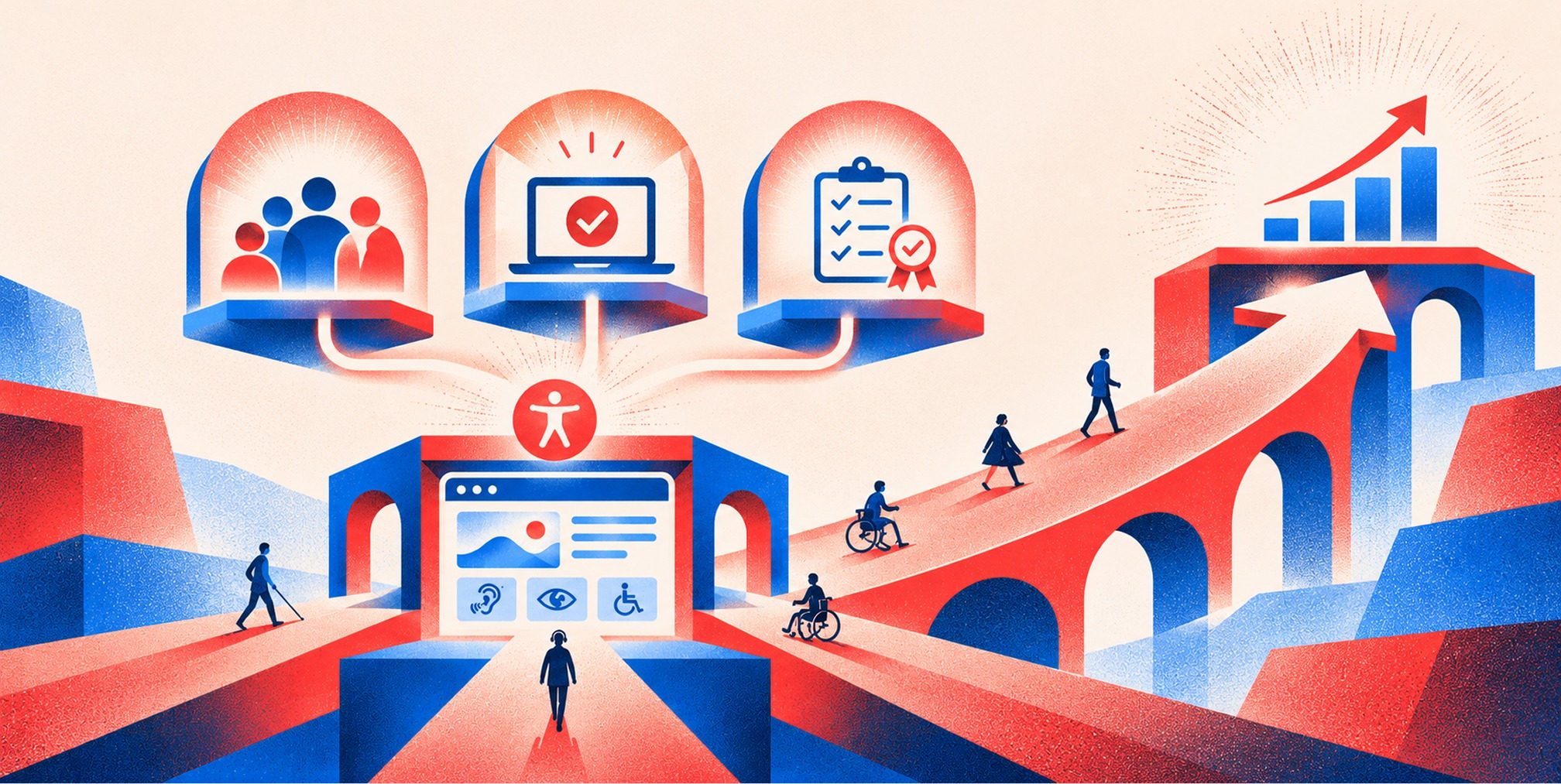
Is Section 508 compliance mandatory?
It is mandatory for federal agencies and, through procurement, for vendors selling ICT to them. It does not apply directly to private businesses. However, Section 504 covers recipients of federal funding, and the ADA expects covered businesses to communicate effectively, including on their websites.
How do I know if my website is 508 compliant?
Test it against the Revised 508 Standards, which incorporate WCAG 2.0 Level AA. Use a documented method such as Trusted Tester or ANDI, combine automated scans with manual keyboard and screen reader checks, and record results per criterion. One failed criterion on a page means that page does not conform.
How do I get 508 compliance?
Start with an audit of your templates and documents, fix failures by priority, and add an accessibility step to your publishing process. If you sell to the government, document your results in an Accessibility Conformance Report. Building accessibility into a redesign is usually more efficient than retrofitting.
What is the difference between Section 508 and WCAG?
Section 508 is the law and the standards for federal ICT. WCAG is the technical guideline set it relies on. The Revised 508 Standards incorporate WCAG 2.0 Level AA, so meeting WCAG 2.0 AA is the technical route to meeting the web requirements of Section 508.
Sources
- U.S. Access Board: Revised Section 508 Standards - https://www.access-board.gov/ict/
- Section508.gov: Accessibility Conformance Reports - https://www.section508.gov/sell/acr/
- Section508.gov: ICT Testing Baseline - https://www.section508.gov/test/ict-testing-baseline/
- W3C: WCAG 2.0 - https://www.w3.org/TR/WCAG20/
- W3C: WCAG 2.2 (additional current best practices) - https://www.w3.org/TR/WCAG22/

Quincy Samycia
As entrepreneurs, they’ve built and scaled their own ventures from zero to millions. They’ve been in the trenches, navigating the chaos of high-growth phases, making the hard calls, and learning firsthand what actually moves the needle. That’s what makes us different—we don’t just “consult,” we know what it takes because we’ve done it ourselves.
Want to learn more about brand platform?
If you need help with your companies brand strategy and identity, contact us for a free custom quote.
We do great work. And get great results.
+2.3xIncrease in revenue YoY
+126%Increase in repurchase rate YoY



+93%Revenue growth in first 90 days
+144% Increase in attributed revenue




+91%Increase in conversion rate
+46%Increase in AOV



+200%Increase in conversion rate
+688%Increase in attributed revenue