Typeform vs Jotform: Which Form Builder Fits Your Business?
10/30/2026
Technology
Compare Typeform vs Jotform to find the best form builder for your business, streamline workflows, and improve lead generation.

Typeform is the better choice when the form is part of your brand experience: lead capture, quizzes, onboarding, anything a prospect sees before they talk to you. Jotform is the better choice when the form is part of your operations: payments, approvals, documents, compliance and a long list of integrations. Most teams can decide in five minutes once they know which of those two jobs the form has to do.


The real difference: the shape of the form

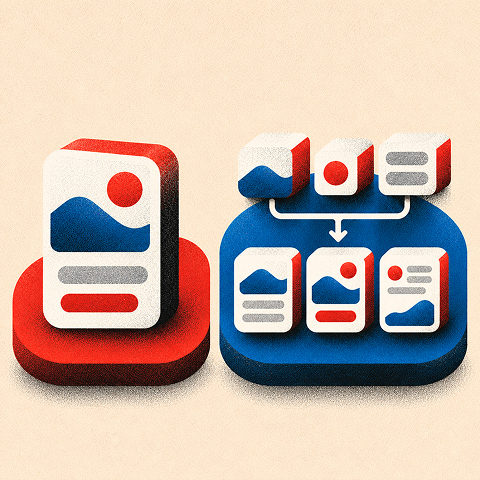
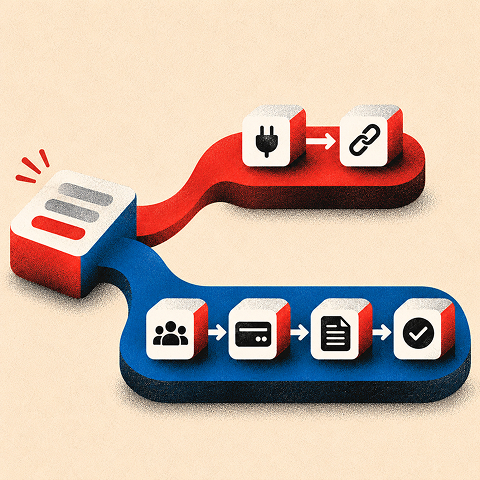
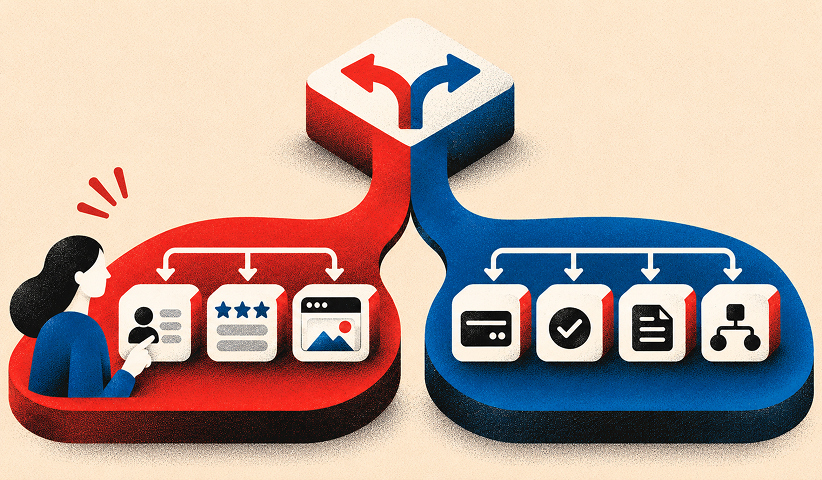
The two tools start from different ideas of what a form is.
Typeform built its reputation on a conversational, one-question-at-a-time format that focuses on engagement and aesthetics, which is why it is so often used for lead generation and surveys, according to Jotform’s own comparison page. Typeform describes itself as a no-code builder of beautiful, interactive forms, and says more than 150,000 businesses use it.
Jotform describes itself as an online form builder whose forms can use conditional logic, accept payments, generate reports and automate workflows. It positions the product as a full-scale workflow solution that includes apps, tables and internal approvals, not just data collection.
That gives you a simple frame:
• Typeform: a focused, one-question-at-a-time experience for audience-facing interactions where presentation and engagement matter.
• Jotform: a flexible data-collection and workflow platform for teams that need multiple layouts, payments, documents, and approvals.
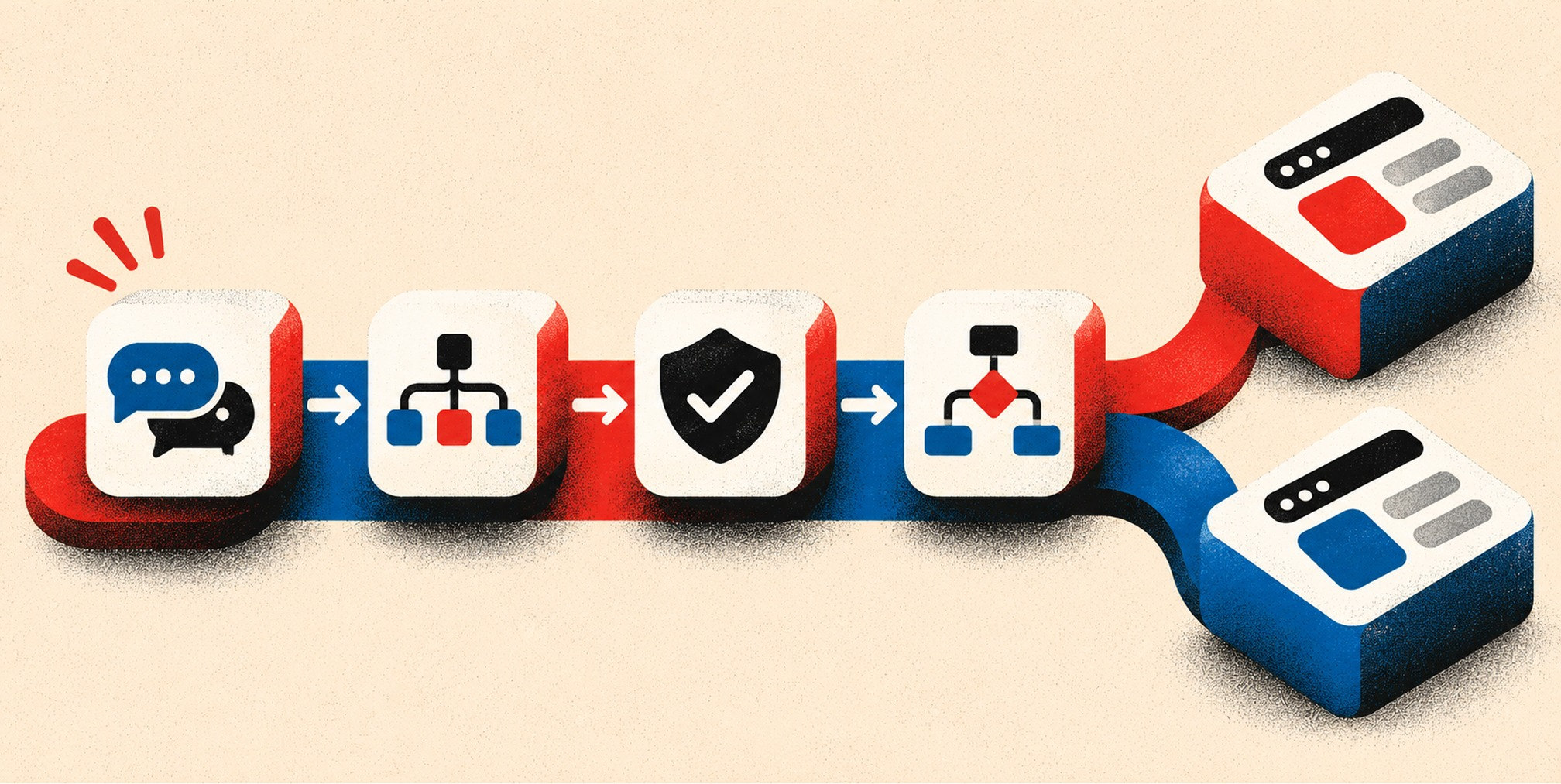
• Decision rule: start with what happens after submission, then evaluate the respondent experience and the operational requirements.
Both can do a bit of the other’s job. Jotform offers conversational card-style forms, and Typeform has conditional logic, webhooks and integrations. But each tool is strongest where it started.
Design, customization and ease of use
Typeform: polished by default
Typeform’s interface is generally considered more polished and design-forward, which helps beginners who care about branding and don’t want to fight a layout editor. One question at a time keeps the respondent focused and works well on mobile.
The tradeoff is flexibility. If you need a long, dense intake form with many fields visible at once, the one-question format can feel slow for the respondent.
Jotform: more layouts, more control
Jotform offers more layouts and deeper customization, including custom CSS, and a large template library, per the same professional review. If your web team wants to match a form precisely to a design system, that matters. The cost is a busier editor and more decisions to make.
Which is easier?
For a first form in an afternoon with a brand-conscious result, Typeform wins. For a team that will build dozens of different forms for different departments, Jotform’s template library and layout options save time after the first week.
Integrations and workflow features
This is where the gap is widest.
• Integrations: the article cites approximately 120+ connections for Typeform and 150+ for Jotform. Integration counts and availability can change, so verify the exact applications and plan requirements.
• CRM access: Typeform may restrict certain direct CRM integrations by tier. Jotform supports major CRM workflows, but confirm the connection and required plan before purchasing.
• Payments: Typeform supports payment collection through integrations such as Stripe and PayPal. Jotform offers a wider payment-processor selection.
• Documents: Typeform focuses primarily on collecting and routing responses. Jotform includes document generation, PDF tools, and e-signatures.
• Approvals and automation: Typeform supports conditional logic, webhooks, and automated flows. Jotform is particularly suited to approvals, routing, and multi-step administrative processes.
If your form feeds a sales pipeline, check the plan gate before you fall in love with a template. A CRM integration that only unlocks at a higher tier changes the real cost of the tool. If you are still choosing the CRM itself, our HubSpot vs Salesforce comparison walks through that decision.
On Typeform’s pricing page, Basic includes AI-powered form creation, conditional logic, webhooks and integrations. Plus adds removal of Typeform branding and a custom subdomain. Business adds drop-off rates, conversion tracking, priority support and live chat. Those Business features are the ones a growth team usually wants, so budget for that tier if conversion analysis is the point.
U.S. pricing compared
Both vendors publish prices, and both change them. The figures below come from each company’s U.S. pricing page as we read them; confirm on the live page before you buy.
Typeform
Typeform’s U.S. pricing page lists a free plan, then:
• Basic: the source comparison lists $25 per month when billed annually, approximately 100 monthly responses, and one user.
• Plus: the source comparison lists $50 per month when billed annually, approximately 1,000 monthly responses, and three users.
• Business: the source comparison lists $83 per month when billed annually, approximately 10,000 monthly responses, and five users.
• Growth and other specialized plans: available limits and pricing should be checked directly with Typeform. The original table did not preserve complete, reliable details.
Prices above are figures transcribed from the original article, not independently confirmed current offers. Check Typeform pricing for exact billing terms, features, and response caps.
Talent starts at $119 per month billed yearly with 3,000 responses per month, and Enterprise is custom. The page says yearly billing saves 30% on the comparison it displays. Typeform’s free plan includes only a limited number of responses per month.
Jotform
Jotform’s U.S. pricing page lists a free Starter plan, then:
• Starter: free tier. The source article lists five active forms and 100 monthly submissions, alongside view, storage, and upload limits.
• Bronze: the source comparison lists $408 per year, 25 forms, and 1,000 monthly submissions.
• Silver: the source comparison lists $468 per year, 50 forms, and 2,500 monthly submissions.
• Gold: the source comparison lists $1,188 per year, 100 forms, and 10,000 monthly submissions.
• Enterprise: custom pricing and administrative capabilities. Confirm seats, data residency, and security requirements with the vendor.
Prices above are historical figures in the supplied article. Verify live plan inclusions and taxes before publication.
Enterprise is custom. Starter includes 5 active forms, 100 monthly submissions, 10,000 monthly form views, 100 MB of upload space and 500 stored submissions.
Free Brand Health Audit
Make sure your brand is built to sell
Search has changed. Your customers aren't just Googling anymore. They're asking ChatGPT, Perplexity, Gemini and other AI platforms what to buy, who to trust and which brands they should consider.
If your brand isn't showing up clearly in those answers, you're already losing opportunities. Our free Brand Health Audit shows you where your brand stands across traditional search, AI search and brand positioning.

Sample brand audit
Live preview
Traditional search
72
AI search (GEO)
34
Brand positioning
58
What the numbers say

At the prices quoted in the original article, Jotform Bronze costs $408 per year for 1,000 monthly submissions, while Typeform Plus costs $50 per month billed annually, or $600 per year, for 1,000 responses. At 10,000 monthly responses or submissions, the cited Jotform Gold price is $1,188 annually and the cited Typeform Business price is $83 per month billed annually, or $996 annually. These are not like-for-like packages: compare seats, forms, storage, integrations, and workflow requirements as well as volume. Reconfirm all figures on the vendors’ live pricing pages.
Multi-user teams should note one more difference. Typeform includes three users on Plus and five on Business. Jotform’s Bronze, Silver and Gold are single-user, with multi-user administration reserved for Enterprise.
Response limits and usage caps
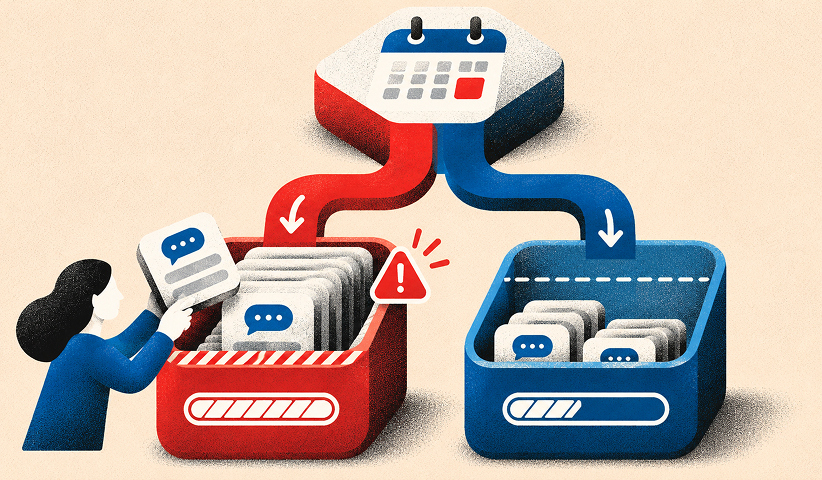
Caps are where teams get surprised. Typeform counts responses across your account. Jotform counts submissions, and also limits active forms, stored submissions and upload space on lower plans.
Before you choose, estimate three numbers:
• Typical monthly volume: estimate how many total responses or submissions all forms produce during a normal month.
• Peak monthly volume: forecast the busiest promotion, event, or seasonal period and choose a tier that can accommodate it.
• Operational usage: count active forms, required collaborators, file uploads, stored responses, and any workflows or integrations with their own limits.
Then price the plan that covers your peak month, not your average one. A plan that is cheap for eleven months and blocks collection in the twelfth costs you leads exactly when you want them.
Compliance and security
If you handle protected health information, this section decides the tool for you.
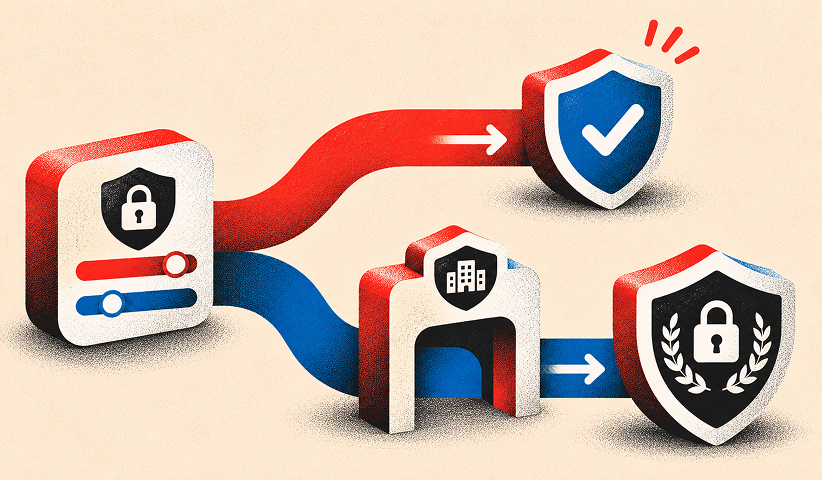
Jotform offers native HIPAA compliance starting at the Gold plan, while Typeform restricts HIPAA and advanced security features to its custom Enterprise plans. Typeform’s Enterprise tier offers custom limits, SSO, HIPAA and GDPR compliance and a choice of U.S. or EU data center. Jotform’s Gold plan also adds custom domains and enterprise support, and its Enterprise plan adds SSO, advanced controls and data-residency options.
A form tool is one piece of a compliant setup. The rest, from ad tracking to email, needs the same care. Our guide to HIPAA-compliant marketing covers the rules marketers most often break. Ask your counsel to confirm the vendor agreement before any patient data touches a form.
When Typeform is the better fit
Choose Typeform when:
• The primary objective is lead capture, a quiz, or a customer survey that should look and feel like the brand.
• A conversational, one-question-at-a-time experience is appropriate for the audience and number of questions.
• Marketers want to launch polished forms without significant design or engineering effort.
• Your required CRM integrations, team seats, response volume, and analytics are supported by the chosen tier.
It is a fit for marketers and brands, as Toolradar’s comparison puts it, and Zapier’s review calls it a premium, design-first standard for conversational forms.
When Jotform is the better fit
Choose Jotform when:
• Forms need payment processing, approvals, e-signatures, PDFs, or document workflows.
• Multiple departments need varied layouts and templates rather than a single conversational format.
• You need detailed control over field behavior, submission routing, or administrative processes.
• The relevant paid tier supports the required users, forms, storage, submission volume, and compliance obligations.
Zapier describes it as an affordable, feature-dense all-in-one tool for complex workflows. The one caveat is that Jotform’s lower plans are single-user, so teams that share one account need to plan for that.
Where neither is ideal
If you need calculation engines for dynamic pricing or complex scoring, such as a configurator that returns a custom quote, one comparison notes that neither tool may be a good match. In that case a purpose-built quoting tool, or a custom form on your own website, is the better route. Forms that sit at the center of your revenue are often worth building into your site properly.
Want to learn more about brand platforms, Brand Strategy and Brand Identity? Keep reading!
If you need help with your companies brand strategy and identity, contact us for a free custom quote.
Our perspective

At The Branded Agency, we look at forms the way we look at every conversion point: as the moment a brand promise either holds or breaks. A visitor who clicks an ad, lands on a page and meets an off-brand, clumsy form has just seen a gap between what you said and what you deliver.
So our advice is to pick the tool last. First decide what the form has to achieve, who sees it and what happens in the first hour after someone submits it. If the answer is “capture a qualified lead and make the brand feel premium,” Typeform is usually the faster path. If the answer is “collect a payment, route an approval and file a document,” Jotform earns its place.
Then measure. A form that looks beautiful but lowers qualified pipeline is a bad form. We tie form performance to the rest of the funnel, from landing page to CRM to retention, because that is what brand-backed performance means in practice: every touchpoint carries the brand and every touchpoint is traceable. Our guide to high-converting landing pages shows where the form belongs on the page, and why marketing isn’t converting covers the diagnosis when it doesn’t.
How to choose in five steps
• Step 1: Define the form’s job. Is success a qualified lead, a completed transaction, an approved request, or something else?
• Step 2: Map the workflow. Document what must happen after submission, including CRM updates, payments, approvals, and follow-up.
• Step 3: Identify non-negotiables. List security, consent, HIPAA if applicable, integrations, accessibility, and brand controls.
• Step 4: Compare the full plan cost. Price peak volume, seats, storage, forms, and gated features rather than using the starter tier alone.
• Step 5: Pilot both experiences. Test completion rate, usable submissions, lead quality, and staff time before standardizing on a platform.
Before you switch from one to the other
Switching is mostly a checklist exercise. Compare your expected monthly response volume, CRM requirements, compliance needs and workflow requirements, and check which integrations are gated by plan. Then:
• Inventory every form, URL, embed, redirect, integration, notification, payment flow, and conditional-logic rule.
• Export existing submissions and securely retain the records you are required to keep; verify what cannot be transferred.
• Rebuild one representative form first, preserving field labels, validation, logic, consent language, and confirmation messaging.
• Reconnect CRM properties, automations, analytics events, and attribution parameters. Submit test records and verify each downstream result.
• Check mobile presentation, accessibility, spam protection, security settings, and the full form-to-confirmation experience.
• Publish the new form, monitor failures and response quality, and keep a rollback path until the migration is stable.
Turn the form into a growth asset
A form builder collects responses. It does not decide whether those responses become revenue. That depends on the offer, the page, the follow-up sequence and the data you feed back into your campaigns.
We build that full system for growth-stage companies. Our retention marketing starts from $6,500 per month, and our paid media management starts from $5,500 per month, so the leads your forms capture are nurtured and measured rather than left in an inbox.
If you want a partner to connect the form, the landing page and the CRM into one traceable funnel, see our growth strategy service or start at our homepage.
Frequently Asked Question
Is Jotform cheaper than Typeform?
Often, at comparable volume. On the U.S. pricing pages, Jotform Bronze is $408 a year with 1,000 submissions a month, while Typeform Plus is $50 a month billed yearly for 1,000 responses. Jotform’s lower plans are single-user, though, so a team needing several seats may close the gap.
Is Jotform really free?
Yes, up to a limit. The free Starter plan includes 5 active forms, 100 monthly submissions and 10,000 monthly form views. Once you pass those limits or need to remove branding, you move to a paid plan.
Which is better for HIPAA?
Jotform lists HIPAA features on its Gold plan, at $1,188 a year on the U.S. page. Typeform offers HIPAA compliance on its custom Enterprise plan. Confirm the business associate agreement terms with the vendor and your counsel before collecting patient data.
Which gets better response rates?
Typeform’s one-question-at-a-time design is built for engagement, which is why marketers favor it for lead capture and surveys. We would not promise a specific lift, because results depend on your audience, offer and form length. Test both with a small pilot

Quincy Samycia
As entrepreneurs, they’ve built and scaled their own ventures from zero to millions. They’ve been in the trenches, navigating the chaos of high-growth phases, making the hard calls, and learning firsthand what actually moves the needle. That’s what makes us different—we don’t just “consult,” we know what it takes because we’ve done it ourselves.
Want to learn more about brand platform?
If you need help with your companies brand strategy and identity, contact us for a free custom quote.
We do great work. And get great results.
+2.3xIncrease in revenue YoY
+126%Increase in repurchase rate YoY




+93%Revenue growth in first 90 days
+144% Increase in attributed revenue




+91%Increase in conversion rate
+46%Increase in AOV




+200%Increase in conversion rate
+688%Increase in attributed revenue