

WordPress Maintenance Costs: What Your Website Really Costs to Run
10/22/2026
Web Development
WordPress maintenance costs extend beyond hosting and plugin renewals. Learn how to account for technical support, testing, internal staff time and recovery, then use that evidence to decide whether to improve your current setup or consider a move to Webflow.
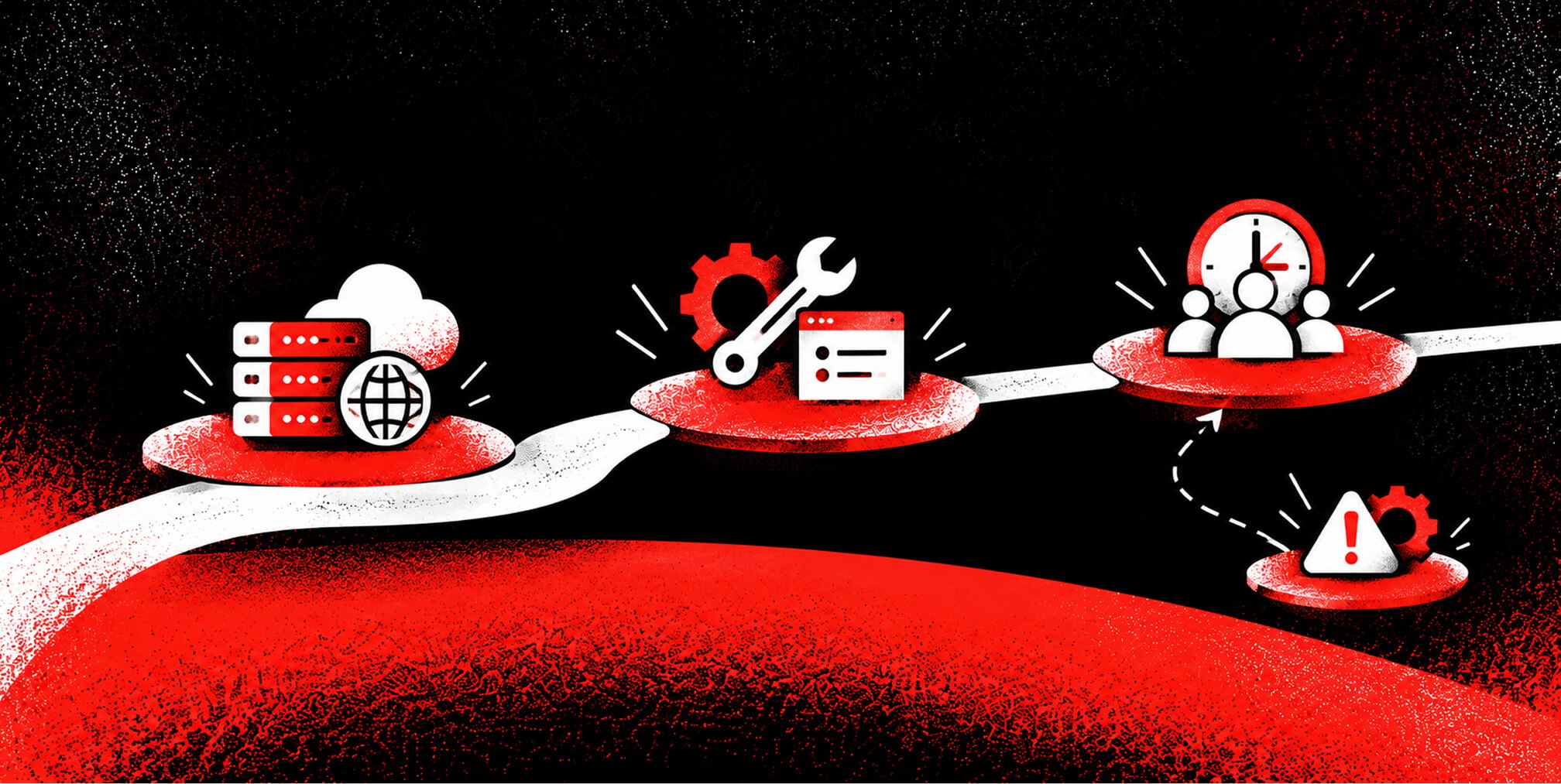
A website maintenance budget should explain what it costs to keep your website supported, recoverable and useful to the business. For a WordPress site, that means looking at hosting, software renewals, technical care and the time your own team spends coordinating the work. It also means knowing which services your existing agreements already include. My starting point is the work behind the invoices: what keeps the website functioning, who owns it, and what happens when something breaks? This guide provides a practical way to calculate that cost, assess a maintenance proposal and decide whether your current setup still serves the business. It also explains where Webflow can simplify operations and where ongoing responsibilities remain.
.png)


What do WordPress maintenance costs include?


Start with the activities required to maintain the website you already have. New campaigns, a redesign and additional functionality belong in a separate improvement budget. That distinction makes it easier to understand whether spending is sustaining operations or creating something new.
The six categories to include
- Hosting and infrastructure: hosting, domain renewals and any separately billed delivery, monitoring or backup services.
- Software renewals: paid plugins, themes and connected services needed for existing functionality.
- Technical care: WordPress, plugin, theme and runtime updates, compatibility checks, deployment and verification.
- Recovery and security operations: access reviews, backup checks, restore testing, monitoring and response arrangements.
- Existing integrations: keeping forms, CRM connections, search and other required functions working.
- Internal coordination: time spent reviewing tickets, arranging access, approving changes and checking results.
Some of these tasks may already sit inside a hosting plan or support retainer. The WordPress security handbook distinguishes the host’s responsibilities from the website owner’s. Put each task against a named owner and a contract line before adding another service.
Why maintenance quotes vary
A small brochure site and a multilingual website with custom integrations require different support. Ask what the quote assumes about site complexity, testing, response hours and the amount of repair work included. A monthly fee is only useful when its scope is clear.
Plugin count alone is a weak budgeting rule. Review what each dependency does, how it is supported and what would happen if it failed. An integration handling every sales inquiry deserves attention even if the rest of the site is simple.
Why does maintenance involve more than installing updates?
The US National Institute of Standards and Technology frames patch management as preventive maintenance. Its guidance includes finding and prioritizing updates, deploying them and verifying installation. Applied to website budgeting, this means paying for a complete process with an accountable owner.
WordPress supports automatic background updates, and its official update guidance recommends making a backup before updating. Automation can reduce repetitive work. Your maintenance arrangement should still explain what gets tested, how failures are detected and who restores service if needed.
There is research behind the coordination problem. In a 2021 University of Adelaide study of security patch management, researchers observed coordination between a healthcare organization and its external patch-management provider and examined how technical dependencies and coordination between stakeholders could delay patching. Its qualitative findings provide context for coordination work; they do not establish WordPress prices. For a business website, the practical question is who can approve, implement and verify a change.
PHP’s October 21, 2026 emergency security releases provide a current example of maintenance extending below the CMS. Our explanation of what PHP2Shell means for WordPress websites covers the incident and immediate response. A future rebuild still leaves the current site needing support until it is retired.
How to calculate your annual WordPress maintenance budget
Use the last 12 months of invoices, renewal notices, support tickets and time records. Normalize recurring charges to an annual amount, then identify costs that appear in more than one agreement.
A practical annual cost formula
Annual recurring maintenance cost = annual supplier and software spending + annual internal maintenance hours × the relevant loaded hourly cost.
A loaded hourly cost is the cost of an employee’s time, including the employment overheads your finance team normally uses. Count only time attributable to maintaining this website. Keep one-time repairs, redesigns and migration projects visible as separate items.
An illustrative WordPress maintenance budget
The following example shows the calculation. All amounts are assumed, in USD before tax; they do not represent market averages or a Branded Agency quote. Replace them with your own contracts and time records.
Here, the business pays suppliers $10,260 a year and allocates $2,700 of staff time to maintenance. The combined resource cost is $12,960, equivalent to $1,080 a month. The staffing allocation is not an additional supplier bill.
The retainer’s scope needs its own detail. If it includes monitoring, backups or restore tests, those services should not appear again as separately billed items. Likewise, exclude content production from the maintenance total unless you deliberately want a broader website operating budget.
Add unplanned repair costs when reviewing actual annual spending. For next year’s budget, show a contingency reserve separately, based on your support agreement and incident history. A reserve is an amount set aside, not proof that the expense will occur.
Free Brand Health Audit
Make sure your brand is built to sell
Search has changed. Your customers aren't just Googling anymore. They're asking ChatGPT, Perplexity, Gemini and other AI platforms what to buy, who to trust and which brands they should consider.
If your brand isn't showing up clearly in those answers, you're already losing opportunities. Our free Brand Health Audit shows you where your brand stands across traditional search, AI search and brand positioning.

Sample brand audit
Live preview
Traditional search
72
AI search (GEO)
34
Brand positioning
58
What should a WordPress maintenance plan cover?

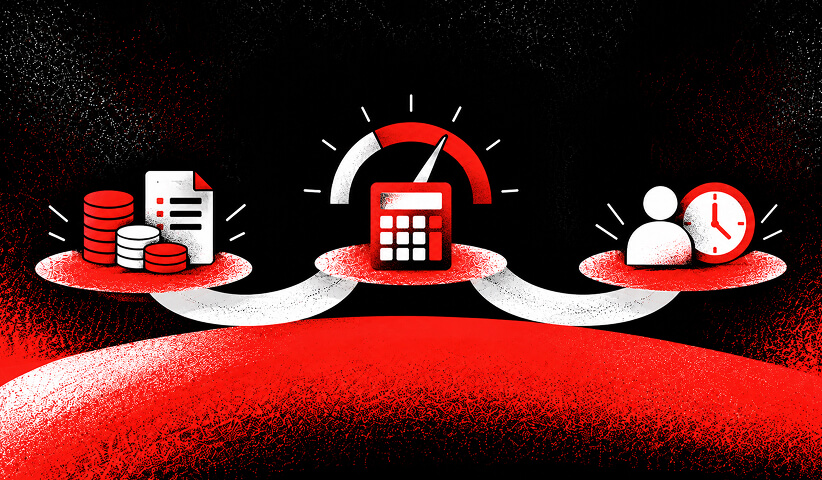


A useful maintenance agreement makes responsibilities and evidence explicit. Before comparing prices, ask the provider to document:
- Scope and ownership: which party manages hosting, PHP, WordPress, themes, plugins and custom code, including staging environments.
- Update and testing process: routine cadence, treatment of urgent vulnerabilities, staging checks and verification of important user journeys.
- Backups and recovery: what is included, retention, restore testing, acceptable data loss and the target time to restore service.
- Monitoring and response: which failures trigger alerts, who receives them, support hours, acknowledgement targets and escalation.
- Commercial terms: included hours or tasks, exclusions, overage rates, approval requirements and whether unused time carries forward.
- Reporting and access: completed work, outstanding issues, test results and client access to accounts, documentation and recovery instructions.
Managed hosting can reduce part of this workload. WordPress VIP handles platform-level security patches, including PHP and WordPress. Its third-party plugin guidance still assigns plugin maintenance, testing and updates to customers and their developers. Check the actual division of work in any managed service you buy.
A routine monthly schedule also needs an exception process for urgent vulnerabilities. An acknowledgement target tells you when someone will respond; it should not be confused with a commitment to resolve every issue within that period.
How do you measure the business impact of maintenance?
Maintenance has consequences beyond invoices, but those consequences need evidence. A delayed campaign, a failed form and a slow approval process are different problems, with different remedies.
Track a small set of measures that your team can consistently explain:
- Hours spent on routine maintenance and unplanned repairs, recorded separately.
- Time required to restore a critical function after a failure.
- Results from checks of forms, lead routing and other essential journeys.
- Campaign or publishing delays attributable to a documented technical issue.
Use actual logs and business records when estimating impact. A failed form may affect lead generation, but every page view during that period is not a lost sale. Show assumptions and uncertainty alongside any estimate.
Freed staff time also needs careful treatment. It can create capacity for better work while payroll remains the same. Cash savings require spending that actually stops. Our guide to measuring website redesign ROI explains how to distinguish operating savings, additional capacity and potential growth benefits.
Want to learn more about Website Design, Development and E-commerce? Keep reading!
If you need help with your company’s website and development, contact us for a free custom quote.
How does Webflow change maintenance responsibilities?

For sites hosted on Webflow, its managed hosting service covers platform infrastructure maintenance and SSL provisioning. Moving a suitable WordPress site to that model can remove the need for your team to coordinate the old site’s PHP runtime, WordPress core and plugin updates once that installation is retired.
The remaining work depends on what you build and connect. Account access, forms, CRM integrations, custom scripts and important user journeys still need an owner. Separate applications or services retained after a migration keep their own maintenance requirements.
Webflow’s custom-code documentation is clear that custom code can conflict with platform functionality and falls outside standard support troubleshooting. If your website relies on custom scripts, include appropriate development support in the operating budget.
For a marketing website, the benefit may be fewer separate technical components to coordinate and a simpler publishing workflow. That value depends on implementation and team needs. Review what Webflow maintenance still includes and Webflow website costs beyond the subscription before estimating savings.
A fair comparison also gives managed WordPress credit for the work its provider handles. Compare two complete service arrangements that meet the same requirements.
Should you maintain WordPress, simplify it, or migrate?
Use the cost review to identify the source of the work. I would consider three routes:
Maintain the current platform
Keep WordPress when it meets your functional requirements, the software is supported, ownership is clear and the workload is proportionate to the website’s value. A dependable existing setup can be a sound business choice.
Simplify the implementation
Review unused dependencies, undocumented customizations, duplicate services and recurring failures. A smaller supported plugin set, better documentation or a stronger hosting agreement may solve the problem. Technical debt describes maintenance burdens created by earlier choices; it is not a synonym for WordPress.
Evaluate a migration
Consider Webflow when ongoing technical coordination is disproportionate to the needs of a primarily marketing and content website. Confirm that the proposed implementation supports your content model, integrations, accessibility requirements and publishing workflow.
Compare both options over the same period, such as three years. Include migration and remediation costs, ongoing subscriptions and support, internal transition time, training and any temporary overlap between platforms. Keep the supplier-spending comparison distinct from the allocation of internal time.
The next step is to compare Webflow Enterprise, WordPress VIP and self-hosted WordPress against your requirements. If the case for moving is strong, plan a WordPress-to-Webflow migration that accounts for content, functionality, URLs and search visibility.
The Branded Agency provides Webflow development services, which informs our perspective. Our Webflow development and migration team can assess the existing implementation and scope a suitable move. The proposal should identify which responsibilities change, which remain and what business outcome justifies the investment.
Frequently asked questions
How much should I budget for WordPress maintenance each month?
Base the budget on your website’s required tasks, supplier agreements and internal time. There is no single price that covers every site. The illustrative model above totals $1,080 per month including staff time, with $855 per month in supplier spending; your actual requirements may differ substantially.
Is WordPress maintenance included in hosting?
Some tasks may be included. Check the contract for PHP and WordPress updates, plugin testing, backups, recovery and custom-code support. A managed hosting label does not establish that every application-level task is covered.
Can I maintain a WordPress website myself?
You can take responsibility for tasks you are equipped to perform, and automation can help. Budget your time, retain a workable recovery plan and decide when specialist help is required. The work still has a cost when it is done internally.
Is Webflow cheaper to maintain than WordPress?
It can reduce some technical coordination for a suitable website, but the outcome depends on subscriptions, retained integrations, support needs and migration costs. Compare equivalent requirements and count savings only where existing work or spending will actually disappear.
Should SEO and new content be included in a maintenance budget?
Track new content, SEO strategy and growth initiatives separately. Technical fixes that preserve existing functionality and search visibility, such as repairing broken redirects, can belong in maintenance when included in the agreement. New campaigns and conversion improvements are planned growth work.
Next in the series: Article 3 — Webflow vs WordPress for enterprise.
Sources and further reading
The sources below support the maintenance responsibilities and research context. The budget example is an original illustration using stated assumptions.
- Government guidance: NIST SP 800-40 Revision 4, Guide to Enterprise Patch Management Planning, April 2022.
- Academic research: A Grounded Theory of the Role of Coordination in Software Security Patch Management, Dissanayake and colleagues, ESEC/FSE 2021.
- WordPress guidance: Updating WordPress and Hardening WordPress.
- Managed WordPress: VIP’s infrastructure responsibilities and third-party plugin maintenance.
- Webflow guidance: managed hosting and custom-code responsibilities.
- Incident context: PHP’s October 2026 security releases.

Quincy Samycia
As entrepreneurs, they’ve built and scaled their own ventures from zero to millions. They’ve been in the trenches, navigating the chaos of high-growth phases, making the hard calls, and learning firsthand what actually moves the needle. That’s what makes us different—we don’t just “consult,” we know what it takes because we’ve done it ourselves.
Want to learn more about brand platform?
If you need help with your companies brand strategy and identity, contact us for a free custom quote.
We do great work. And get great results.
+2.3xIncrease in revenue YoY
+126%Increase in repurchase rate YoY




+93%Revenue growth in first 90 days
+144% Increase in attributed revenue




+91%Increase in conversion rate
+46%Increase in AOV




+200%Increase in conversion rate
+688%Increase in attributed revenue







