

WordPress to Webflow Migration: A Practical Guide to SEO and Launch
10/22/2026
Web Development
A WordPress to Webflow migration needs a plan for content, functionality, search visibility and ownership. This guide explains what to audit, rebuild, import and test, with practical launch checks and a clear process for monitoring the website after it goes live.
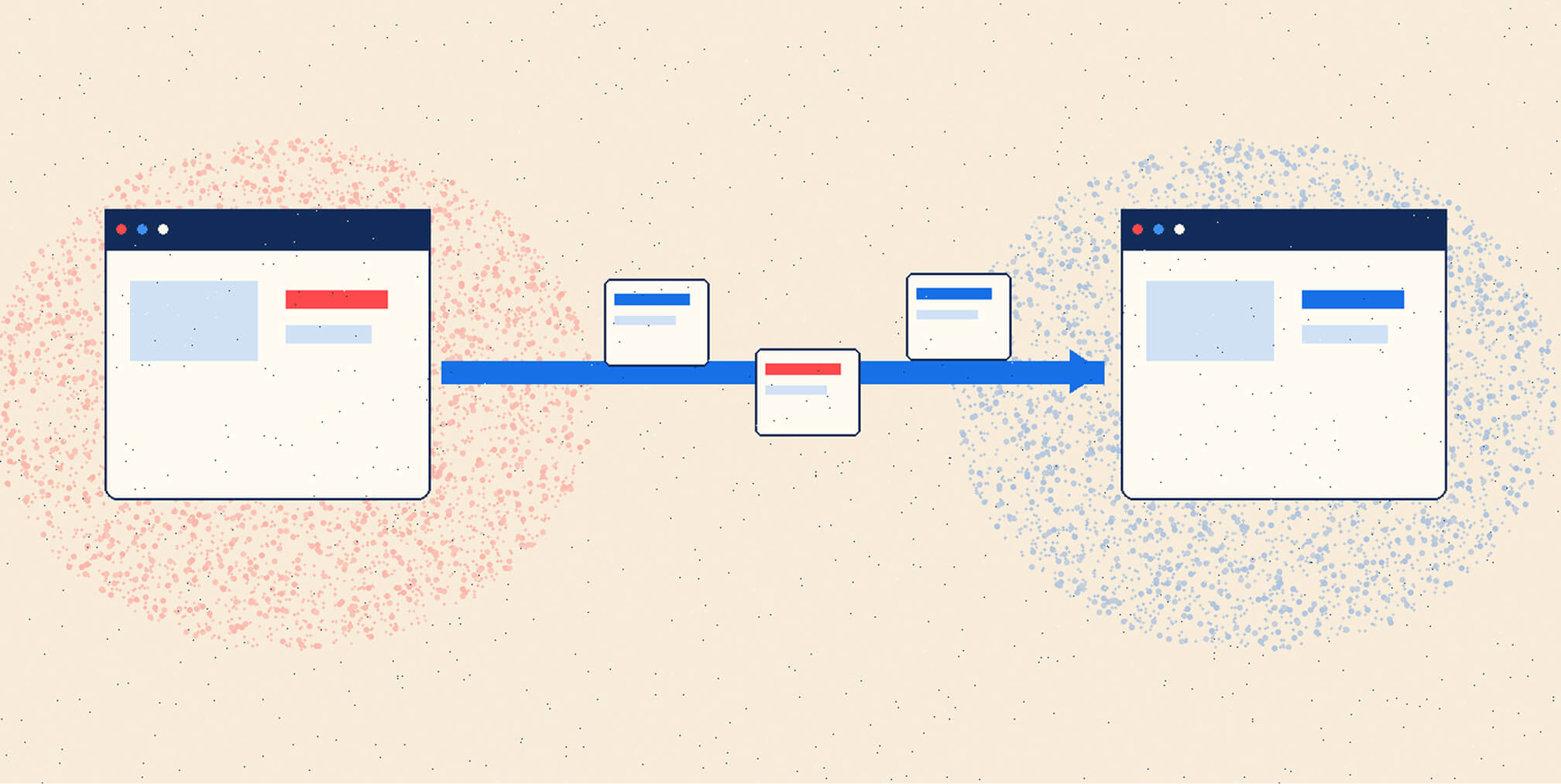
Moving a website creates an opportunity to improve how it works for visitors and the people managing it. It also brings existing decisions into view: years of content, plugin features, campaign URLs, form integrations and small exceptions that may never have been documented. Our approach is to make those dependencies visible before the rebuild begins. A well-planned migration gives every important page, feature and responsibility a clear destination. This guide covers the practical sequence for moving a WordPress marketing website to Webflow, from discovery and content mapping through launch and handover. It assumes you have assessed platform fit and are ready to plan the implementation.
.png)


What does a WordPress to Webflow migration involve?
Webflow describes migration from another platform as a rebuild. Import tools can accelerate content movement, while page layouts, styles, CMS structure and interactions need to be recreated. WordPress themes and plugins should be reviewed as requirements to replace or retire.
For a marketing website, that usually means rebuilding templates and components, transferring approved content, reconnecting business systems and preserving useful search entry points. A store, membership site or custom PHP application requires additional architecture and data planning; a blog-content import will not migrate those systems.
If the destination is still undecided, start with our Webflow, WordPress VIP and self-hosted WordPress comparison. This guide addresses the implementation after that decision.
Step 1: Audit the website and define the scope
Begin with an inventory that brings the website and its operating dependencies together. Give each item an owner and an agreed decision about what happens to it.
- Content and assets: pages, posts, custom content types, authors, categories, translations, images, PDFs and other downloads.
- Functionality: forms, site search, filters, calculators, bookings, gated resources and features currently supplied by plugins.
- Connections and access: CRM, analytics, consent tools, email notifications, domain records, accounts and publishing permissions.
Capture a baseline of important landing pages, inquiries and campaign journeys. Search Console’s Performance report provides clicks, impressions and comparisons by page and query. Keep those search measures alongside business outcomes so a tracking error is not mistaken for a sudden change in demand.
Create a restorable backup before changing the source site. WordPress’s backup guidance covers both the database and files. If a security incident prompted the project, coordinate immediate remediation separately; our PHP2Shell and WordPress security explainer covers that context.
Define the migration budget around templates, content condition, integrations, testing and handover. Use our WordPress maintenance cost guide for the ongoing operating comparison. For supplier selection, our guide to evaluating a Webflow agency explains the deliverables and responsibilities to clarify.
Step 2: Map content, URLs and search requirements
Give every important URL a destination
Build an inventory from a site crawl, CMS records, sitemaps, available traffic data and backlink data. Include downloads, legacy landing pages and URLs with valuable external links, even when recent traffic is low. Record the existing URL, content owner, proposed destination and reason for any change.
Our recommendation is to retain useful URLs when the new architecture supports them. If a path must change, make the decision explicit before development so the content model and redirect plan agree.
For a permanent address change, Google recommends a permanent server-side redirect. Webflow supports individual and imported 301 redirect rules; rules require publishing, and localized paths need their own mappings.
Google’s site-move guidance advises keeping redirects as long as possible, generally at least one year. Avoid sending unrelated retired pages to the homepage. Test each redirect to confirm that it reaches the final relevant destination without loops or avoidable chains, including any pattern-based rules.
Carry search information into the new templates
Record page titles, meta descriptions, headings, canonical URLs, important internal links, image descriptions and relevant structured data. For multilingual sites, include language relationships and regional paths. Decide which values stay, which need improvement and who approves changes.
Keep canonical tags, internal links and sitemap destinations consistent. Google’s canonical guidance explains how conflicting signals can undermine the preferred URL. Check that the new templates reference the production domain.
Preserve useful answers, authorship and supporting evidence as content moves. Google’s guidance for its AI search features says established SEO practices remain relevant, with no additional technical requirements for eligibility. A CMS change does not itself establish stronger visibility in AI answers.
Free Brand Health Audit
Make sure your brand is built to sell
Search has changed. Your customers aren't just Googling anymore. They're asking ChatGPT, Perplexity, Gemini and other AI platforms what to buy, who to trust and which brands they should consider.
If your brand isn't showing up clearly in those answers, you're already losing opportunities. Our free Brand Health Audit shows you where your brand stands across traditional search, AI search and brand positioning.

Sample brand audit
Live preview
Traditional search
72
AI search (GEO)
34
Brand positioning
58
Step 3: Build the design system and CMS
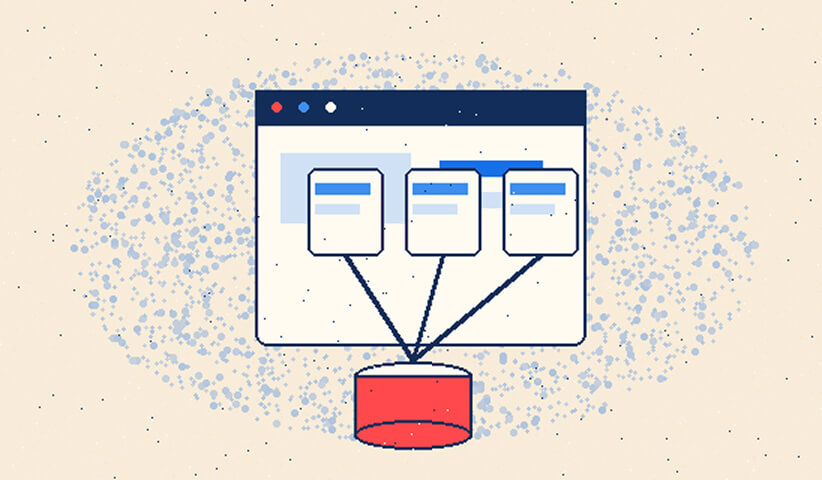


Agree on the target content model before importing the full library. Define Collections, fields, relationships, templates and permissions around how the team will maintain the website.
For example, a resource library might need separate structures for articles, authors and topics. A business with regional teams may also need local variations and review responsibilities. Test a representative item with several relationships before approving the model.
Build reusable page sections with realistic content. Long titles, missing images, tables, embedded media and unusual calls to action expose problems that polished sample copy can hide. Check that an editor can create the next page without redesigning the system.
Our Glass Lewis migration case study describes content restructuring, navigation work and stakeholder alignment alongside the move to Webflow. Those are useful reminders to plan the content structure and decision-making process before page production accelerates.
Use Webflow’s staging environment to review the build without publishing to the production domain. Configure its indexing controls deliberately. For confidential material, use appropriate access protection: Google distinguishes password protection from search exclusion, and a noindex instruction does not make a page private.
Step 4: Import content and reconcile the results
Transform the export and run a pilot import
WordPress’s built-in content export uses WXR/XML. Webflow’s CMS importer uses CSV, with columns mapped to Collection fields and rows to items. Transform the export or use a suitable export process; uploading WordPress XML directly into the CSV importer is not the migration method.
Start with a representative sample. Explicitly map names and slugs, import referenced Collections in the correct order, and check reference values against the destination slugs. Review authors, dates, categories, rich-text formatting and publication status. Check WordPress shortcodes, page-builder markup and plugin-generated embeds, replacing them with working equivalents before processing the full dataset.
Webflow’s import documentation identifies practical limits: unsupported rich-text markup may be removed, file fields need separate uploads, and images imported by URL do not receive responsive-image variants. Review media handling and rendered pages as part of acceptance.
Reconcile content instead of relying on a successful import message
Compare approved source records with destination records. A matching total can still hide duplicates, missing fields or incorrect relationships. Use stable source identifiers in the migration working file and investigate every exception.
Open downloads and inspect image and embedded-media URLs. Confirm that important assets will remain available after the WordPress host is retired. Preview long articles, older posts, unusual layouts and each template.
Set a content freeze or a controlled change log for the final transfer. Agree how edits made after the first export will reach Webflow, who checks the final differences and when editors can resume normal publishing.
Want to learn more about Website Design, Development and E-commerce? Keep reading!
If you need help with your company’s website and development, contact us for a free custom quote.
Step 5: Test the website and agree on launch criteria
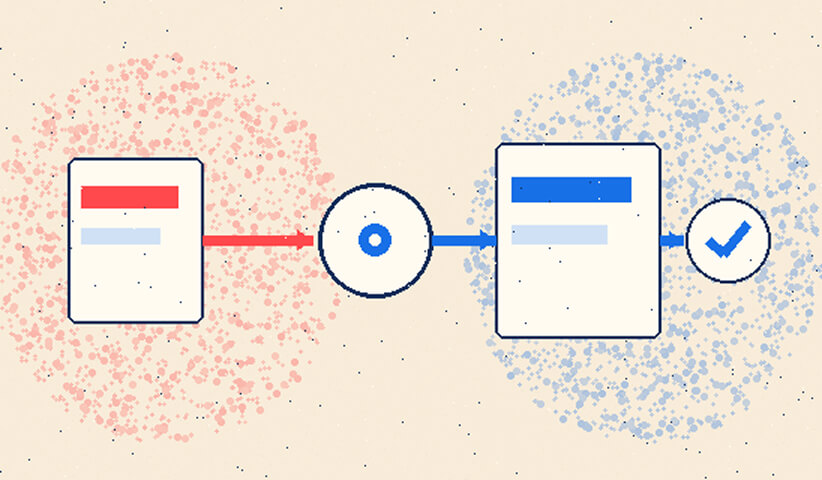
Assign a launch owner and separate acceptance checks for content, search, design and integrations. Record unresolved issues with a decision to fix, defer or block launch.
Test complete visitor journeys
Rebuild form routing explicitly. Webflow forms can send submissions to different destinations; its Custom action option cannot be combined with Webflow storage or email notifications. Choose the intended delivery architecture and test it.
Submit a real test inquiry and verify the CRM record, consent fields, routing and notifications. Test invalid input, an integration failure and the person responsible for responding. Also check search, filters, downloads, bookings and any gated-resource experience.
Validate analytics and conversion events on the replacement site, including consent behaviour. Record test transactions clearly so they can be excluded from business reporting.
Review search settings, accessibility and performance
For any public test pages using noindex, follow Google’s indexing guidance: the crawler must be able to access the page to see that instruction. Blocking crawling with robots.txt does not reliably keep a URL out of search results. Document the intended production settings and keep separate staging restrictions in place.
Review navigation, heading structure, keyboard access, focus behaviour and form errors. W3C’s evaluation guidance explains why automated accessibility checks need human review. Test representative pages with realistic media and scripts against agreed performance targets, using Core Web Vitals as part of the assessment.
Crawl the replacement site and compare it with the approved inventory. Check redirects, broken links, metadata, canonicals and structured data. Our Webflow SEO guide provides supporting implementation guidance.
Step 6: Launch with a controlled cutover
Use a written launch sequence
Choose a launch window when the relevant people are available. Confirm final approval, access to the domain’s DNS settings, the latest content changes, a named decision-maker and the conditions for pausing or reversing the cutover.
- Save the final source backup, content exports and current DNS records. Create a Webflow restore point and record the approved launch version.
- Complete the final content transfer. Check production indexing settings, the chosen domain, redirect rules, analytics and Search Console verification.
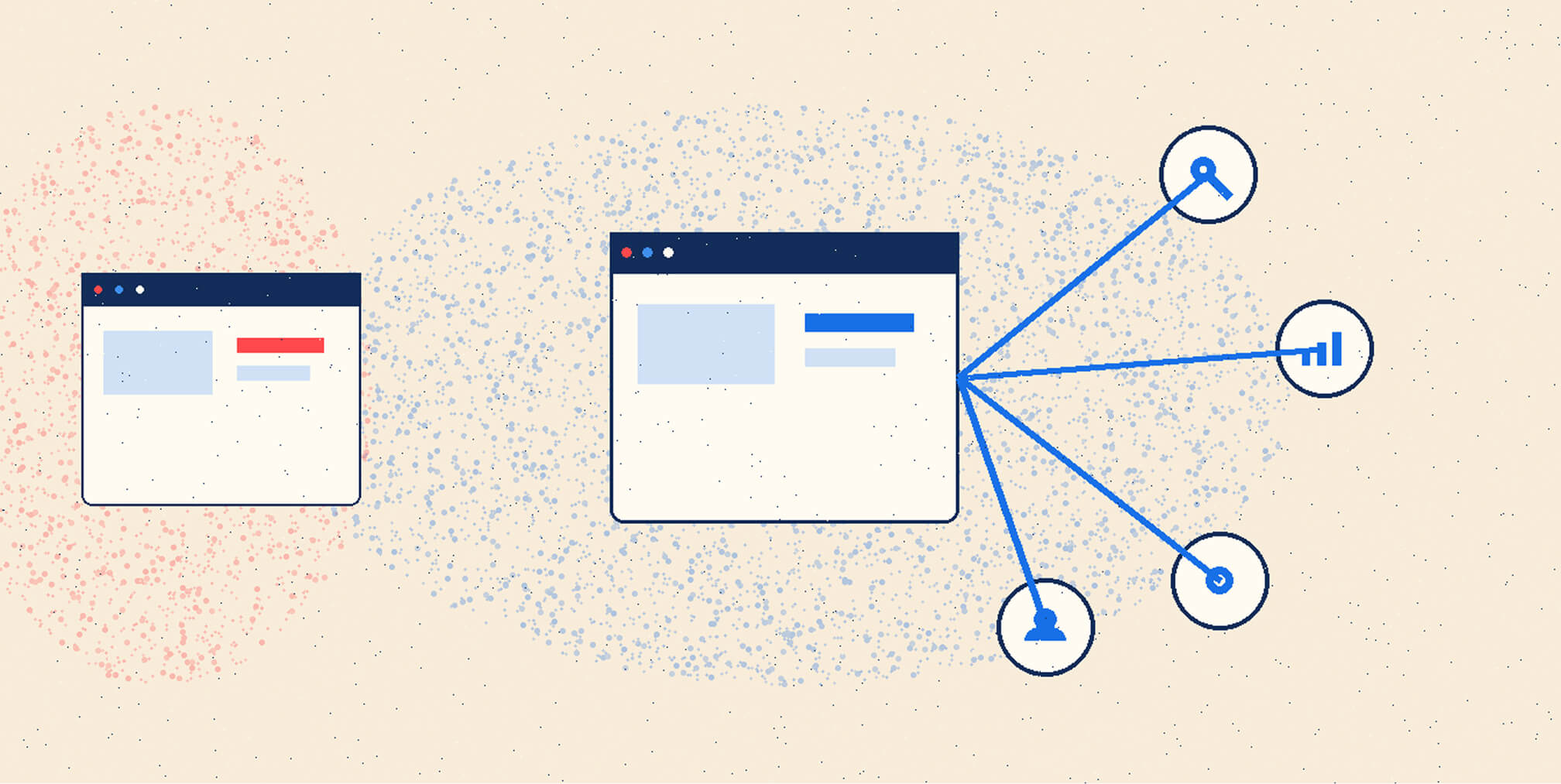
- Connect the domain using the values shown for the actual site in Webflow’s production settings. Webflow states that DNS values can differ between sites. Preserve unrelated email and service records when updating the website records.
- Publish to the intended production domain and verify HTTPS, the preferred domain version and key page responses. Test priority redirects and visitor journeys on the live domain.
- Review the production sitemap and submit it in Search Console. Google’s sitemap guidance recommends canonical URLs; submission helps discovery but does not guarantee indexing.
Follow Google’s hosting-migration guidance for the infrastructure change, including removing temporary production blocks and maintaining verification. Allow for DNS propagation and continue monitoring the old and new environments during the transition.
Plan recovery beyond restoring a page
Review the documented effects of Webflow backup restoration before relying on it. Previously scheduled Collection items become queued for the next full publish, so check the queue before republishing. If the site uses reCAPTCHA, re-add its keys after restoring. A restore also turns off bot protection; re-enable it where required and retest the forms.
The recovery plan should also cover domain routing, content changes since launch and records already sent to external systems. Restoring the website does not undo a CRM submission or reverse a DNS change. Keep a recoverable, appropriately secured legacy environment until the agreed retirement checks pass.
A same-domain CMS move does not automatically require Google’s Change of Address tool. That tool applies to qualifying domain or subdomain changes, rather than ordinary within-site path changes or hosting changes with the same public URLs.
Step 7: Monitor, hand over and retire the old site
Treat the monitoring period as part of delivery. Assign owners for technical issues, content corrections, lead delivery and search reporting, with a clear route for escalation.
Use the Page indexing report to investigate unexpected exclusions, and URL Inspection for important pages. Distinguish Google’s indexed version from the live test; a passing live test does not guarantee indexing. Validate redirect status and destinations separately.
Compare important landing pages and queries with the pre-launch baseline, allowing for normal seasonality and campaign changes. Check whether inquiries are arriving and being processed correctly. If numbers change, investigate tracking, page availability, content differences and visitor behaviour before assuming a single cause.
Retire the old host only after confirming that the production site, assets, integrations and domain routing work as intended. Confirm that users and Googlebot have moved to the new infrastructure and the old host is no longer serving legitimate production traffic. Keep required archives and recovery materials, retain the redirect arrangements, and check whether the old account provides email or another service still in use.
Train editors using their actual tasks: create an article, change a reusable section, review an update and publish it. Our Furiosa case study documents a Craft CMS-to-Webflow migration with structured CMS areas, QA and team training. The same handover discipline belongs in a WordPress migration.
Document access, support contacts, renewal responsibilities and recovery procedures. Our guide to Webflow security and maintenance explains the ongoing work to consider.
For help defining content architecture, integration requirements, launch responsibilities and scope, explore our Webflow development and migration services. The useful starting point is an agreed picture of what the website must do and what the team must be able to manage.
Frequently asked questions
Can I migrate from WordPress to Webflow without losing SEO?
Careful planning can reduce avoidable disruption, but ranking retention cannot be guaranteed. Google notes that significant site changes can cause temporary fluctuations. Preserve useful content and URLs, test changes, and investigate problems against a recorded baseline.
Can I import WordPress directly into Webflow?
Content can be prepared for import into Webflow Collections, but the built-in WordPress XML export is not a complete Webflow website. Templates, interactions, plugin-dependent features and integrations need an implementation plan, followed by content and functional checks.
Can I keep my existing domain and URLs?
You can connect an existing domain to Webflow. Preserve existing paths where the target architecture supports them, and verify each URL. Configure permanent redirects only where addresses change or another deliberate routing decision requires them.
Do I need Google’s Change of Address tool?
Not for a same-domain CMS or hosting change with the same public URLs, or for moving paths within that domain. Use Google’s eligibility guidance if the project also changes the domain or a qualifying subdomain.
How long does a WordPress-to-Webflow migration take?
The schedule depends on template variety, content quality, relationships, languages, integrations and approvals. Ask for milestones tied to those dependencies, with time for a pilot import, testing and final content reconciliation. A universal timeline would conceal the work that determines readiness.
When can I cancel WordPress hosting?
After the replacement site and its dependencies have passed the agreed retirement checks, and the recovery and retention requirements are satisfied. Confirm that images, downloads, email and other services no longer depend on that account. Retiring hosting should be a documented decision.
Start the series: Article 1 — PHP2Shell and WordPress security. Previous article: Article 3 — Webflow vs WordPress for enterprise.
Sources and further reading
Primary documentation was reviewed on October 22, 2026. Confirm current platform settings and plan-dependent capabilities during implementation.
- Google Search Central: site moves with URL changes, hosting changes without URL changes and redirects.
- Google Search Central: indexing controls, canonical URLs and sitemap preparation.
- Google Search Console: Change of Address eligibility, URL Inspection and Performance reporting.
- WordPress: content exports and database and file backups.
- Webflow: migration overview, CMS import and redirect configuration.
- Webflow: domain connection, form routing and backup restoration.
- W3C: Evaluating Web Accessibility.

Quincy Samycia
As entrepreneurs, they’ve built and scaled their own ventures from zero to millions. They’ve been in the trenches, navigating the chaos of high-growth phases, making the hard calls, and learning firsthand what actually moves the needle. That’s what makes us different—we don’t just “consult,” we know what it takes because we’ve done it ourselves.
Want to learn more about brand platform?
If you need help with your companies brand strategy and identity, contact us for a free custom quote.
We do great work. And get great results.
+2.3xIncrease in revenue YoY
+126%Increase in repurchase rate YoY




+93%Revenue growth in first 90 days
+144% Increase in attributed revenue




+91%Increase in conversion rate
+46%Increase in AOV




+200%Increase in conversion rate
+688%Increase in attributed revenue







