

Webflow vs WordPress for Enterprise Websites: How to Choose in 2026
10/22/2026
Web Design
Choosing an enterprise website platform means choosing how your team will publish, maintain and evolve it. Compare Webflow Enterprise, WordPress VIP and self-hosted WordPress across governance, content, integrations and ownership, then test your shortlist against real business requirements.
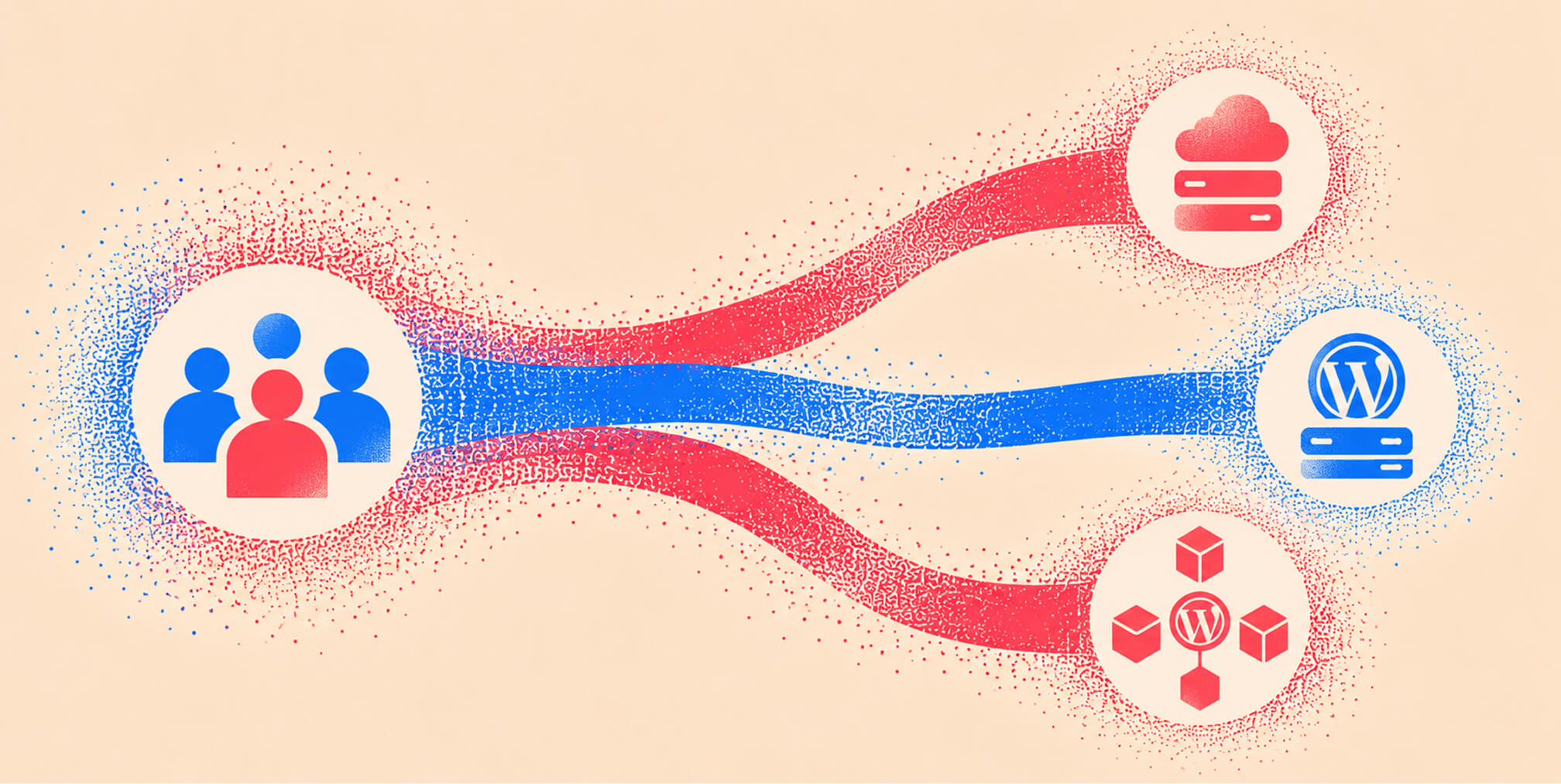
An enterprise website has to serve several teams at once. Marketing needs to publish useful content, designers need to protect the brand, and technology teams need clear ownership of access, integrations and reliability. A platform decision should account for all three perspectives. At The Branded Agency, we approach this as a design and operating decision. Webflow deserves consideration when a business wants a managed platform and a structured way for marketers to create pages. WordPress also deserves a fair assessment, especially where its content architecture or existing development investment remains valuable. This guide explains the differences between three common approaches and provides a practical way to choose.
.png)


Webflow vs WordPress: what are you comparing?



Treat these as three operating models. Here, self-hosted WordPress means WordPress deployed through an organization’s chosen host and implementation partners outside WordPress VIP. That can include a managed hosting provider; it does not necessarily mean running your own servers.
Compare the documented scope of Webflow’s platform controls and WordPress VIP’s infrastructure services with the actual proposal for your current site. A capable managed WordPress arrangement should be evaluated on its own terms.
Our perspective comes from designing and developing Webflow websites. We see its strongest case where its publishing model fits the business. An existing WordPress implementation that already meets requirements may justify improvement instead of replacement.
How do design and publishing workflows differ?
The useful question is how an ordinary content change reaches production. Ask who can create a page, change its design, approve it and publish it. Then repeat the exercise for a reusable component that appears across the website.
Webflow: give marketers room within an approved design system
Webflow’s Enterprise custom roles can separate design, content and publishing permissions. Its Marketer role can build pages with predesigned components. This gives teams a way to define what editors can change while keeping responsibility for the underlying system with the appropriate people.
Be precise about approval coverage. Webflow’s design approvals govern merging page branches; they should not be described as a universal approval gate for every site change. Its publishing workflow also distinguishes staging from production. Demonstrate the exact process for the changes your team makes.
WordPress: evaluate the configured editor
WordPress offers roles and capabilities that separate drafting from publishing: Contributors cannot publish their own posts, while Editors can publish and manage others’ posts. Its block controls and content-only editing can help developers build a more constrained editing experience.
Those capabilities depend on implementation. A theme with well-designed patterns and clear permissions can offer a very different experience from a loosely assembled page builder. Compare the proposed WordPress editor with the proposed Webflow setup using the same task and the people who will perform it.
Our Furiosa case study describes a Craft CMS-to-Webflow project with a reusable design system, structured CMS areas and team training. The lesson for platform selection is to evaluate the components, content structure and handover alongside the software.
How should enterprises compare security and governance?
Start with responsibility: who operates the platform, who changes application code, who approves access and who responds when something fails?
Webflow documents managed platform updates, Enterprise SSO and SCIM, and audit-log capabilities. SSO centralizes staff sign-in; SCIM supports user provisioning. Your team still needs to manage permissions, integrations, custom code and the data collected through the website.
WordPress VIP documents platform security patching for software including WordPress and PHP. Its customer responsibility guidance also assigns customers responsibilities for access, application code, third-party dependencies and testing. Enterprise managed WordPress therefore deserves a different assessment from an unsupported installation.
For every shortlisted option, ask for written answers on identity controls, incident escalation, backups, recovery, availability commitments and the scope of security evidence. Confirm which controls are included in the proposed contract and how they will be configured. A platform certification does not, by itself, establish the compliance of your implementation.
Keep three requirements separate: staff access to the CMS, approval to publish, and visitor access to a private portal. A staff SSO feature does not demonstrate that a customer login or membership experience meets your requirements.
For the incident context, read our PHP2Shell and WordPress security explainer. For ongoing responsibilities after a move, see Webflow security and maintenance. A platform decision should be based on the controls and ownership your organization needs.
Free Brand Health Audit
Make sure your brand is built to sell
Search has changed. Your customers aren't just Googling anymore. They're asking ChatGPT, Perplexity, Gemini and other AI platforms what to buy, who to trust and which brands they should consider.
If your brand isn't showing up clearly in those answers, you're already losing opportunities. Our free Brand Health Audit shows you where your brand stands across traditional search, AI search and brand positioning.

Sample brand audit
Live preview
Traditional search
72
AI search (GEO)
34
Brand positioning
58
Can each platform support your content and integrations?


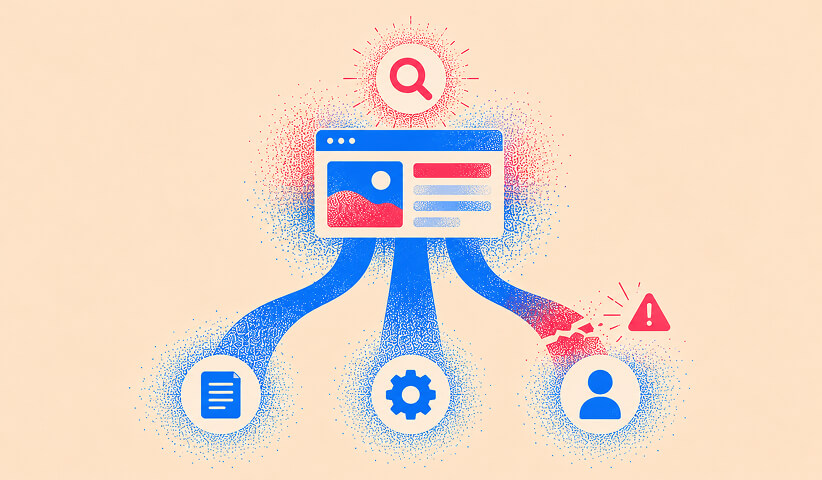

Model real content and regional requirements
Bring representative content to the evaluation: an article with several authors, a product resource related to multiple topics, and a regional page that differs from the global version. Test how editors create those relationships, review changes and find outdated content.
In Webflow Localization, Collection structure is shared across locales, while individual item content and publishing status can vary. That distinction matters if regional teams need fundamentally different fields or workflows.
WordPress VIP’s localization guidance describes approaches using multisite, shared components, roles and translation integrations. Assess the proposed architecture and its support arrangements; multilingual publishing involves more than translating a page.
Validate anticipated content volume, locale count, API usage and permissions against the quoted configuration. Ask the supplier to demonstrate bulk changes, previews and a realistic sample import. Avoid deciding from a generic feature list.
Prove integrations and application boundaries
The WordPress REST API can query, create and modify content and support separate frontends. This makes WordPress an option for custom content architectures, although authentication, field mapping and ongoing support still require design.
Webflow also has a route for custom applications: Webflow Cloud supports compatible applications built with frameworks including Next.js and Astro. Applications must meet its runtime requirements. Treat this as an additional architecture decision, with a defined deployment and maintenance owner.
For either platform, demonstrate the complete journey from a website form to the CRM, including consent fields, duplicate handling and a failed submission. For portals or transactions, document where authentication, business rules and sensitive records live. Ask which parts are native, which require another service, and who supports each connection.
Which is better for SEO, AEO and user experience?
Neither platform provides a shortcut to visibility. Google Search Essentials emphasizes useful content, descriptive titles and headings, and crawlable links. Evaluate whether the implementation helps your team maintain those fundamentals consistently.
SEO and AEO depend on accessible, credible content
For Google’s AI Overviews and AI Mode, Google says established SEO practices remain relevant and there are no additional technical requirements or special markup for eligibility. This guidance concerns Google’s features; it does not guarantee inclusion or describe every AI answer engine.
For answer engine optimization, we recommend clear questions and direct answers, identifiable authors, original examples and links to evidence. Build those practices into the content model and editorial review. Treat them as ways to make expertise easier to understand and verify.
During the pilot, inspect page titles, descriptions, canonical URLs, redirects, sitemaps, internal links and any structured data required by the content. Our Webflow SEO guide provides a more detailed implementation checklist.
Measure the experience you actually deliver
Use representative pages with realistic images, scripts, forms and analytics. Google’s Core Web Vitals assess loading, responsiveness and visual stability. Set performance targets and measure against them; a platform name alone does not establish page quality.
Accessibility also needs implementation and evaluation. W3C’s accessibility guidance recommends evaluation throughout development and explains why automated tools alone cannot determine accessibility. Include keyboard navigation, focus behaviour, form errors and content structure in the review.
Want to learn more about Website Design, Development and E-commerce? Keep reading!
If you need help with your company’s website and development, contact us for a free custom quote.
What should you know about cost, ownership and portability?
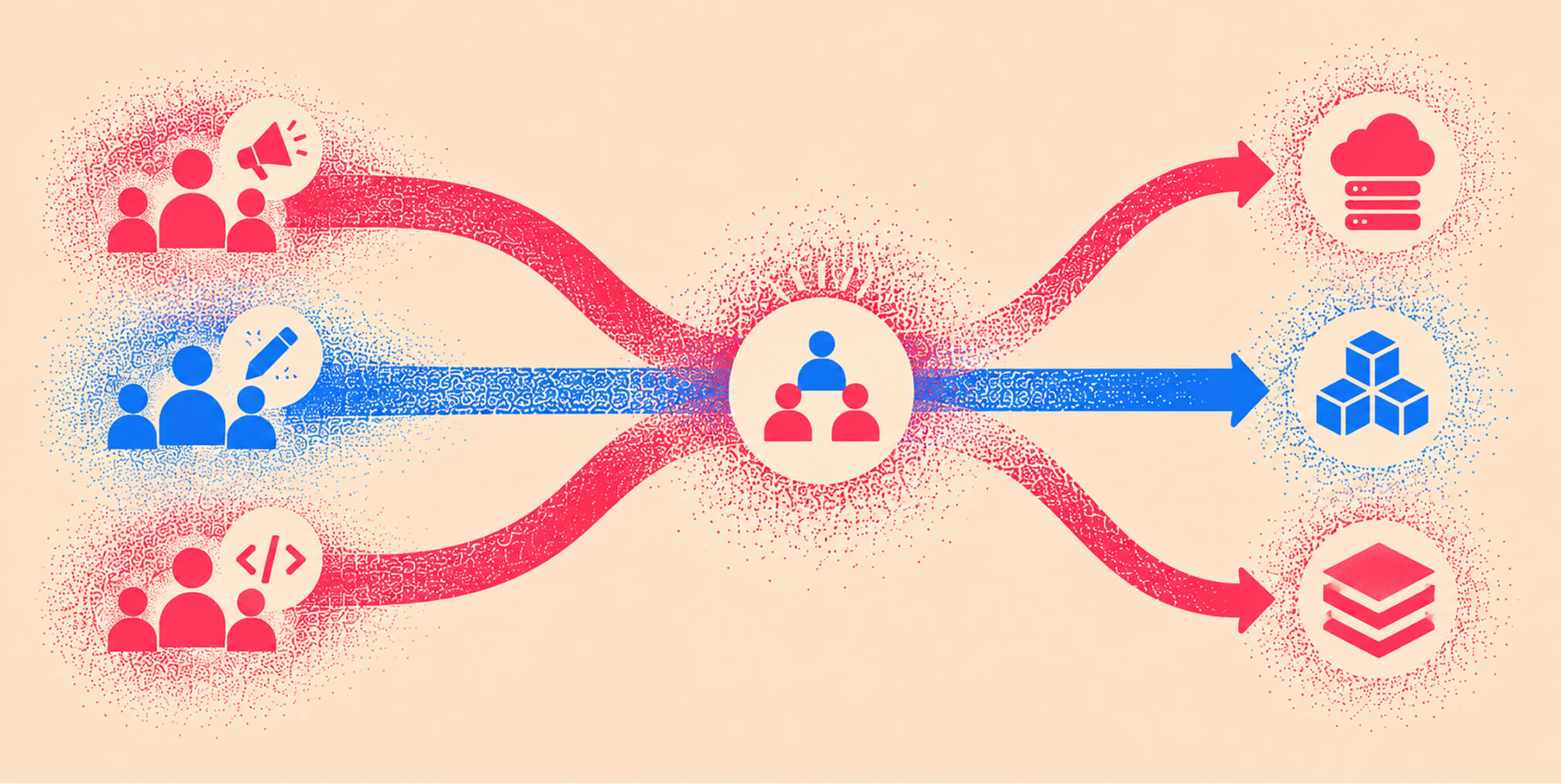
Compare proposals over the same period and scope. Include implementation, subscriptions, hosting, extensions, support, training, internal time and expected change requests. Our WordPress maintenance cost guide explains how to account for the ongoing work without confusing supplier fees with staff time.
Require each proposal to state what the team can publish independently, what needs specialist help and how extra work is priced. A lower subscription can accompany a more demanding operating model; a managed platform can still require substantial design and development work.
Distinguish content export from a functioning website
WordPress is open-source software under GPLv2 or later. Its WXR export transfers content such as posts, pages, taxonomies and custom fields. A full move must also account for media, themes, plugins, application behaviour and integrations.
Webflow’s code export documentation explains that eligible Workspace plans can export HTML, CSS, JavaScript and assets. Export does not recreate the hosted CMS, site search, form processing, ecommerce or localization functionality. A content or code export therefore needs to be assessed alongside the work required to run the destination site.
This is a longstanding procurement consideration. In its 2012 Cloud Computing Synopsis and Recommendations, section 9.1, the US National Institute of Standards and Technology recommends planning for service termination and the return of assets during procurement. The principle is useful here: evaluate the exit path before signing.
Ask each supplier to demonstrate an export and explain what would need rebuilding. Confirm who controls the domain, source repositories, analytics properties and third-party accounts. Record the likely effort of transferring them.
How to choose a platform using a practical pilot
Use a short pilot with explicit acceptance criteria. Begin with mandatory requirements, such as identity integration, a particular content relationship or a required approval process. An option that fails a mandatory requirement needs a credible remedy before it reaches commercial comparison.
Give the shortlisted teams the same content, design components and workflow. Then ask your actual editors to complete these tasks:
- Create and publish a campaign page from approved components. Record the time, training and specialist help needed.
- Make a content change and a design change. Demonstrate the required review, publishing permissions, change history and recovery process for each.
- Create a regional variation and a related content item. Show how editors maintain shared and local information.
- Submit a form to the CRM, simulate a failure and identify who receives the alert and resolves the problem.
- Review search settings, accessibility and performance, then export representative content and identify what a future move would require.
Score the observed results against priorities your team agreed in advance. Include the people responsible for content, design, technology and procurement. Record compromises explicitly so the final decision remains useful after the launch team changes.
Our Glass Lewis case study describes content restructuring and migration into Webflow, navigation work and stakeholder alignment. Those implementation decisions are useful examples of what a pilot should investigate: the structure and working process behind the finished website.
We would favour Webflow when the pilot shows that the team can publish effectively within a coherent design system and the proposed architecture meets its integration and governance needs. We would keep WordPress in contention when existing content architecture, application behaviour or development capability offers a stronger fit.
Once Webflow is the selected destination, use our WordPress-to-Webflow migration guide to plan the move. For help assessing content architecture, integrations and migration scope, explore our Webflow development services.
Frequently asked questions
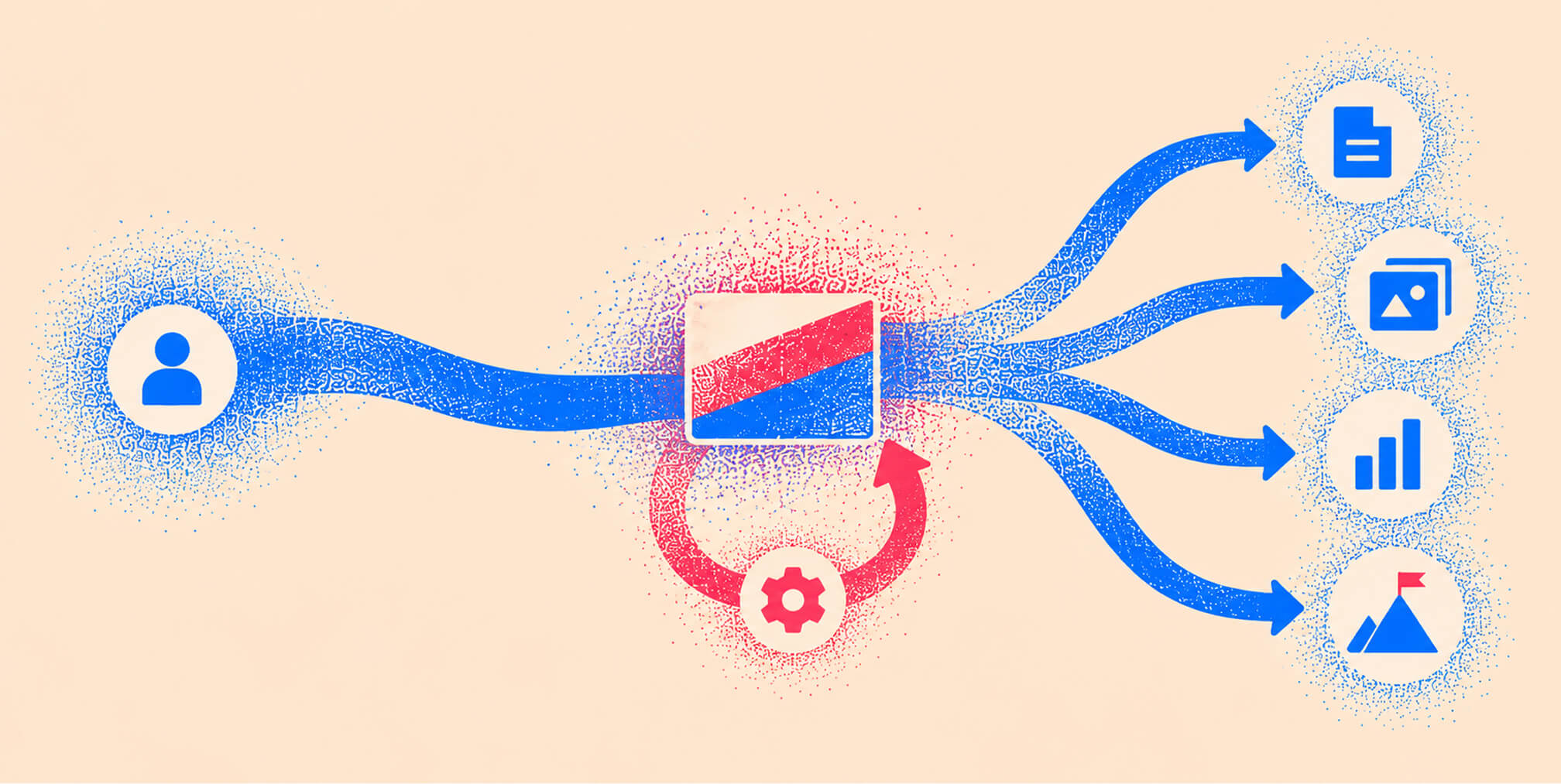
Is Webflow suitable for enterprise websites?
Webflow Enterprise is worth evaluating for corporate and marketing websites that need visual publishing, governed design and a managed platform. Suitability depends on the required content model, integrations, permissions and contract. Prove those requirements with representative workflows.
Is WordPress VIP the same as self-hosted WordPress?
WordPress VIP provides a managed enterprise platform with documented infrastructure responsibilities. Self-hosted WordPress uses your chosen host and implementation partners, whose service scope varies. Both require clarity about application ownership and support.
Is Webflow more secure than WordPress?
A universal ranking would overlook how each site is implemented and operated. Webflow manages its platform; WordPress VIP also manages platform security responsibilities. Compare access controls, dependency ownership, patching, monitoring and recovery for the specific proposals.
Which platform is better for SEO and AI search?
Assess the quality of the content and implementation. Google’s guidance for its AI search features adds no special optimization requirement beyond the relevant SEO fundamentals. Neither platform can guarantee rankings or inclusion in AI answers.
Can we move a website away from Webflow later?
Plan for the capabilities of the available exports and the destination architecture. Exported site code does not recreate Webflow’s hosted CMS and other platform services. Include content, assets, redirects, integrations and any functionality that must be rebuilt in the exit plan.
Should we migrate if our WordPress website already works?
Migrate when the expected business benefits justify the disruption, cost and continuing responsibilities. If the current platform meets your requirements, a focused improvement to hosting, design, workflows or support may be sufficient. Use the pilot to establish a reason for change.
Next in the series: Article 4 — WordPress-to-Webflow migration.
Sources and further reading
Platform statements were checked against the following primary sources on October 22, 2026. Feature availability and service scope should be confirmed against the proposed plan and contract.
- Webflow: custom roles, design approvals and publishing workflow document the scope of editorial controls.
- WordPress: roles and capabilities, block controls and the REST API handbook describe publishing and development capabilities.
- WordPress VIP: platform security and customer responsibilities explain the division of operational work.
- Google: Search Essentials, AI features and your website and Core Web Vitals provide search and experience guidance.
- W3C: Evaluating Web Accessibility explains the role of ongoing evaluation and human review.
- NIST: SP 800-146, section 9.1 provides historical cloud-procurement guidance on responsibilities and exit planning.

Quincy Samycia
As entrepreneurs, they’ve built and scaled their own ventures from zero to millions. They’ve been in the trenches, navigating the chaos of high-growth phases, making the hard calls, and learning firsthand what actually moves the needle. That’s what makes us different—we don’t just “consult,” we know what it takes because we’ve done it ourselves.
Want to learn more about brand platform?
If you need help with your companies brand strategy and identity, contact us for a free custom quote.
We do great work. And get great results.
+2.3xIncrease in revenue YoY
+126%Increase in repurchase rate YoY




+93%Revenue growth in first 90 days
+144% Increase in attributed revenue




+91%Increase in conversion rate
+46%Increase in AOV




+200%Increase in conversion rate
+688%Increase in attributed revenue







